Introduce the trio in the corridor
A gentle camera move approaches three friends on a stable white platform under cool teal lights.
Make a No Scrubs AI trio video from one group photo of three consenting adults. Explore the silver-corridor example, choose settings and review credits before generating.
This trio version is designed for three recognizable adults together in one group photo. It gives each person a part in a silver-and-teal dance scene through a newly written image-to-video preset. The reference page identifies its three women as AI-generated example characters, not customers. Your output uses your authorized photo rather than copying those characters or replacing frames of their video. Unlike the existing solo No Scrubs template, this version uses all three people in your photo instead of adding fictional backup dancers. The example measures 10.1 seconds at 720×1280 and retains its supplied audio.
A gentle camera move approaches three friends on a stable white platform under cool teal lights.
A close view highlights a playful point, an open palm and a small finger wag without forcing hands or facial details.
Coordinated shoulder movements and shallow side steps bring the three friends back together.
Follow the photo tips for this scene. Keep the lead subject visible and use only photos you own or have permission to use.
Use the generator on this page. The scene direction is included. Choose model, resolution and duration, review the credit quote, and confirm permission to use the photo.
Review the lead identity, anatomy and scene continuity in your result here. Completed videos also appear in your private works; download within the retention period.
Add one authorized group photo of three consenting adults in the editor here. Choose supported video settings, review the server credit quote, sign in and explicitly confirm generation. Check the task and private result on this page or in My creations.
The trio preset uses all three people from one group photo, keeping their left, center and right identities distinct. The solo template uses one adult as the lead with two fictional backup dancers. Both remain separate options with their own pages; this preset does not introduce multiple independent photo uploads.
The displayed reference retains its supplied audio. New videos request native model audio with original instrumental ambience; the TLC recording, copied lyrics and artist voices are not attached. Exact movements, face details, lip-sync and a usable audio track are not guaranteed. The editor starts at a 5-second portrait default; the source site’s fixed length, prices, no-signup checkout and soundtrack selector do not apply.
Check the original task here or in My creations instead of resubmitting while submission status is unknown. Generated media is private to the owning account and follows PicTV’s 30-day retention policy. Contact Support with the task ID for assistance.
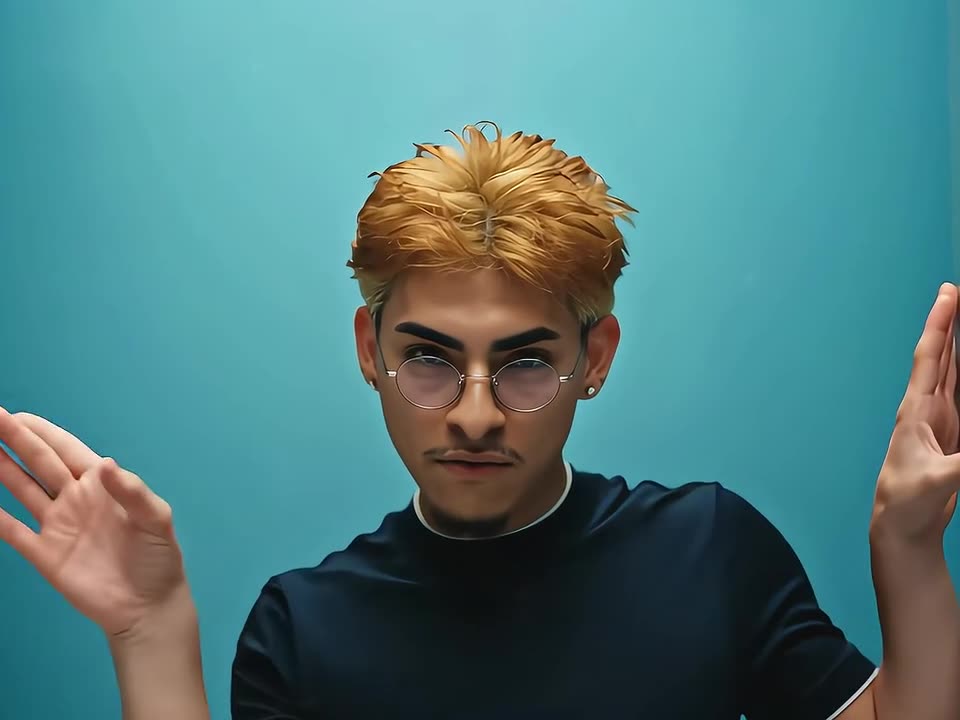
Turn one adult photo into a No Scrubs-inspired AI dance video. Preview the silver-corridor style, lead a fictional dance trio and check your credit quote before generating.
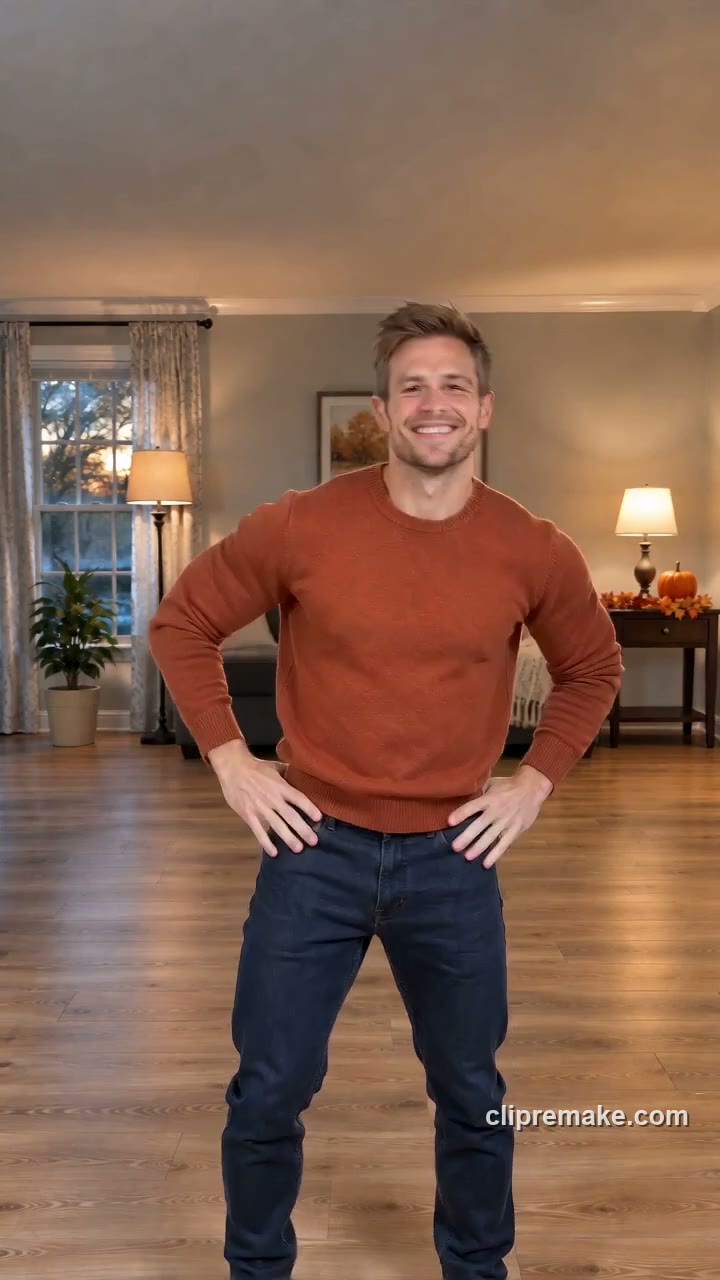
Make a Thanksgiving Dance AI video from one adult photo. Preview the cozy holiday dance, choose supported settings and review the credit quote before generating.
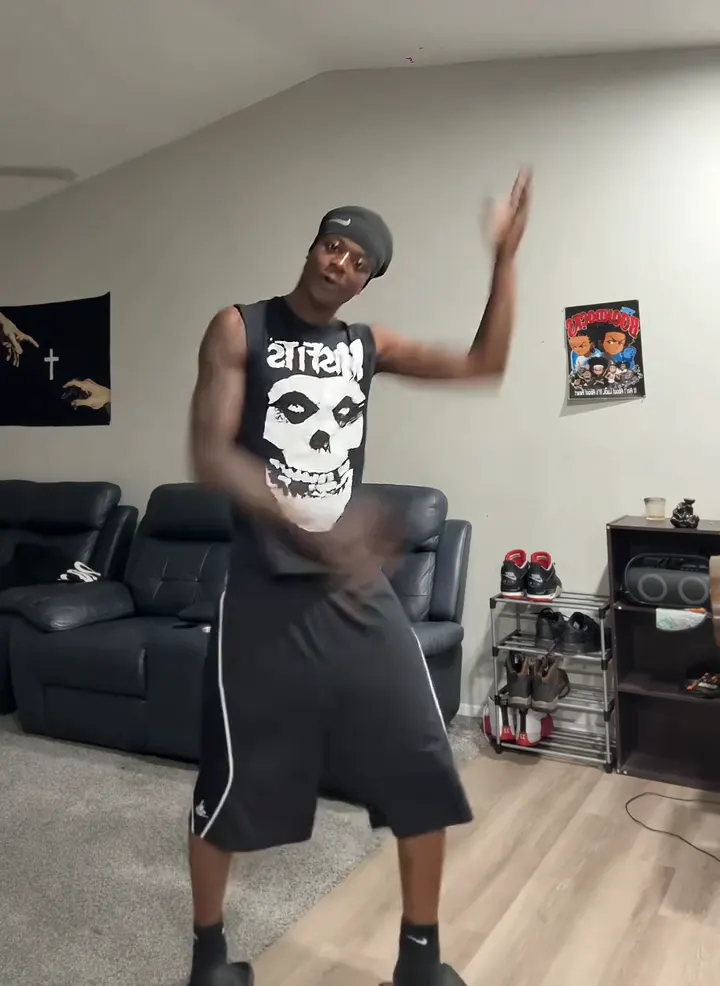
Make a Thanksgiving Bend AI dance video from one adult photo. Preview the shoulder taps, knee lifts and arm swings, then choose settings and review the credit cost.
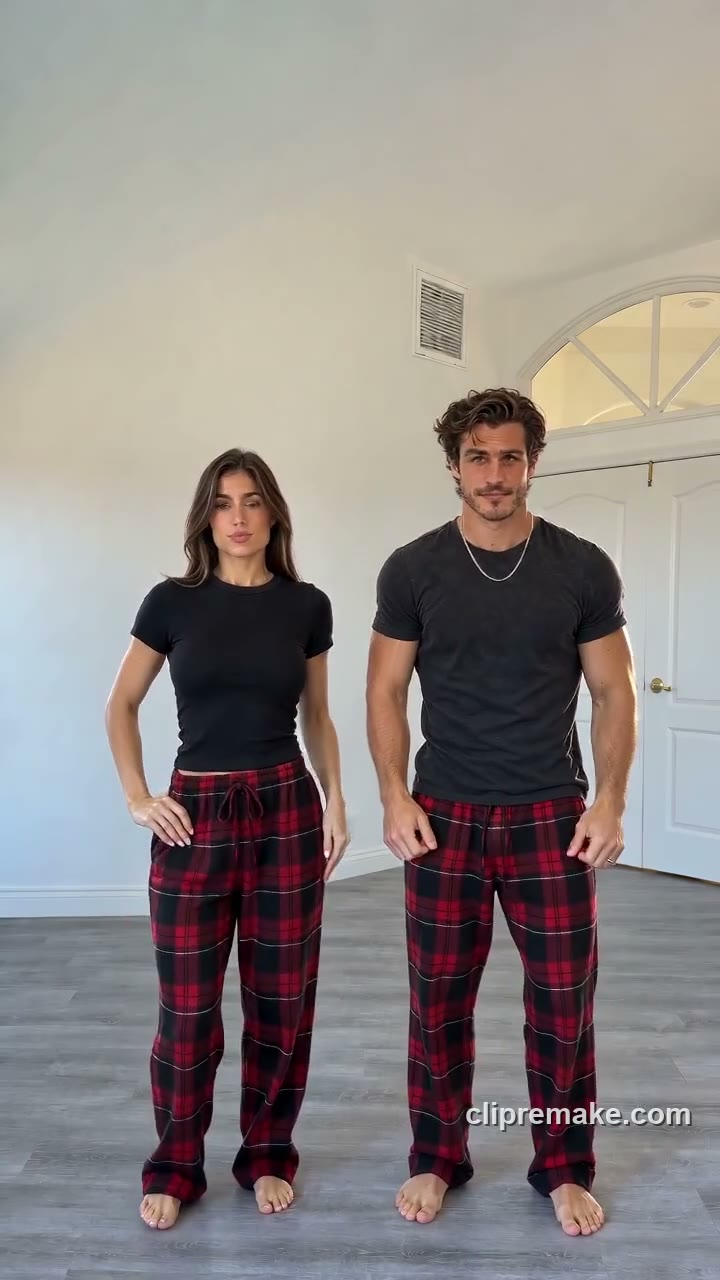
Create a Christmas Dance AI pajama video from one photo of one or two consenting adults. Preview the red-plaid routine and check video settings and credits on this page.