Enter the silver corridor
The lead walks toward the camera in a cool-lit geometric corridor, establishing the outfit and identity from the photo.
Turn one adult photo into a No Scrubs-inspired AI dance video. Preview the silver-corridor style, lead a fictional dance trio and check your credit quote before generating.
This template pairs a cool metallic corridor with relaxed trio choreography and a brief high-angle wide-lens shot. The supplied reference is 9.90 seconds long in its original 4:3 frame with its original audio intact. PicTV generates a new interpretation from your photo and a written motion preset; it does not send the example as a motion-reference video. Choose supported video settings in the editor. The resulting framing, timing, dancers and facial details can differ from the sample.
The lead walks toward the camera in a cool-lit geometric corridor, establishing the outfit and identity from the photo.
Small hand gestures and a finger wag bring the performance closer to the lens. Hands and expression can vary between generations.
Two fictional adult backup dancers join gentle side steps and shoulder bounces, with a short wide-lens view and a shared finish.
Follow the photo tips for this scene. Keep the lead subject visible and use only photos you own or have permission to use.
Use the generator on this page. The scene direction is included. Choose model, resolution and duration, review the credit quote, and confirm permission to use the photo.
Review the lead identity, anatomy and scene continuity in your result here. Completed videos also appear in your private works; download within the retention period.
Open the editor on this page, upload one authorized adult photo, choose supported model, resolution and duration settings, then review the server credit quote. Sign in and explicitly confirm the displayed cost to submit. Your result is shown on this page and in My creations.
No. The name describes the visual trend; this is not an official artist collaboration. The supplied sample retains its original soundtrack for preview. New tasks request native model audio, not a copied song, recording or artist voice, and do not guarantee exact lip-sync, choreography or a usable audio track.
Use the options currently available in the PicTV editor and check the server quote before confirming. Choose a longer supported duration if you want more time for the corridor and trio scenes. The 9.90-second, 4:3 reference does not fix your generated video’s length or crop. The other website’s plans, prices and six-look selector do not apply here.
Your generated media is private to your account and follows PicTV’s 30-day media retention policy. Return to the original task to check progress or recover a delayed response. A task with an unknown submission status should be reviewed rather than blindly submitted again; use Support with the task ID if you need help.
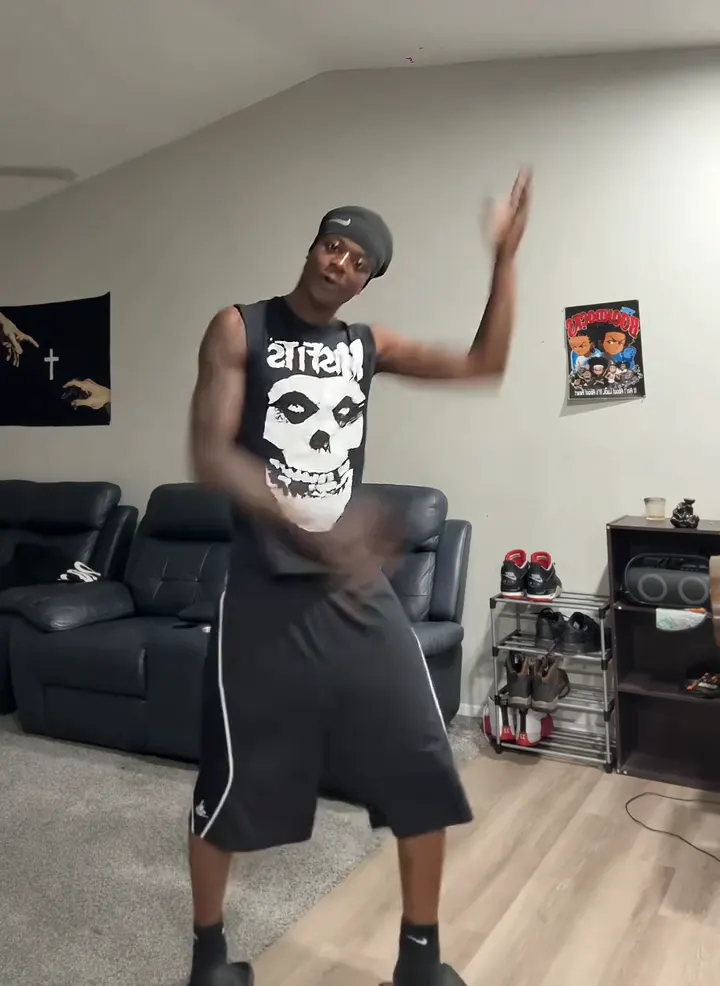
Make a Thanksgiving Bend AI dance video from one adult photo. Preview the shoulder taps, knee lifts and arm swings, then choose settings and review the credit cost.
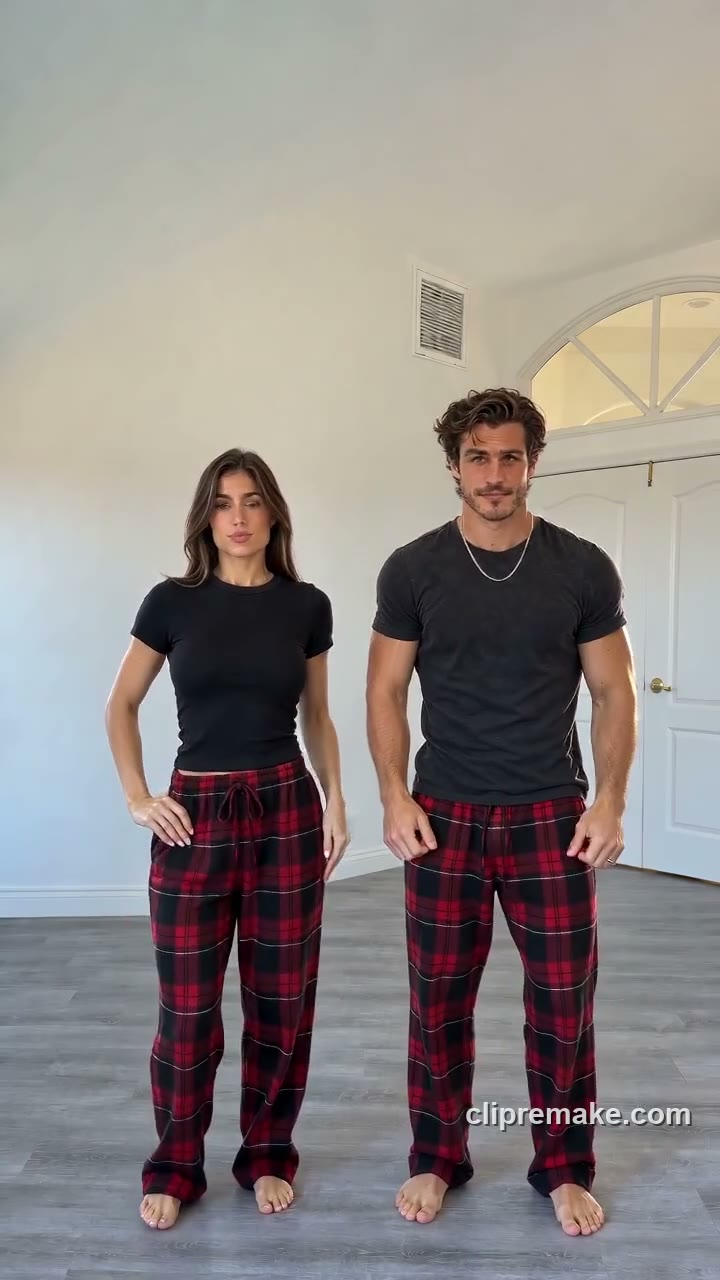
Create a Christmas Dance AI pajama video from one photo of one or two consenting adults. Preview the red-plaid routine and check video settings and credits on this page.
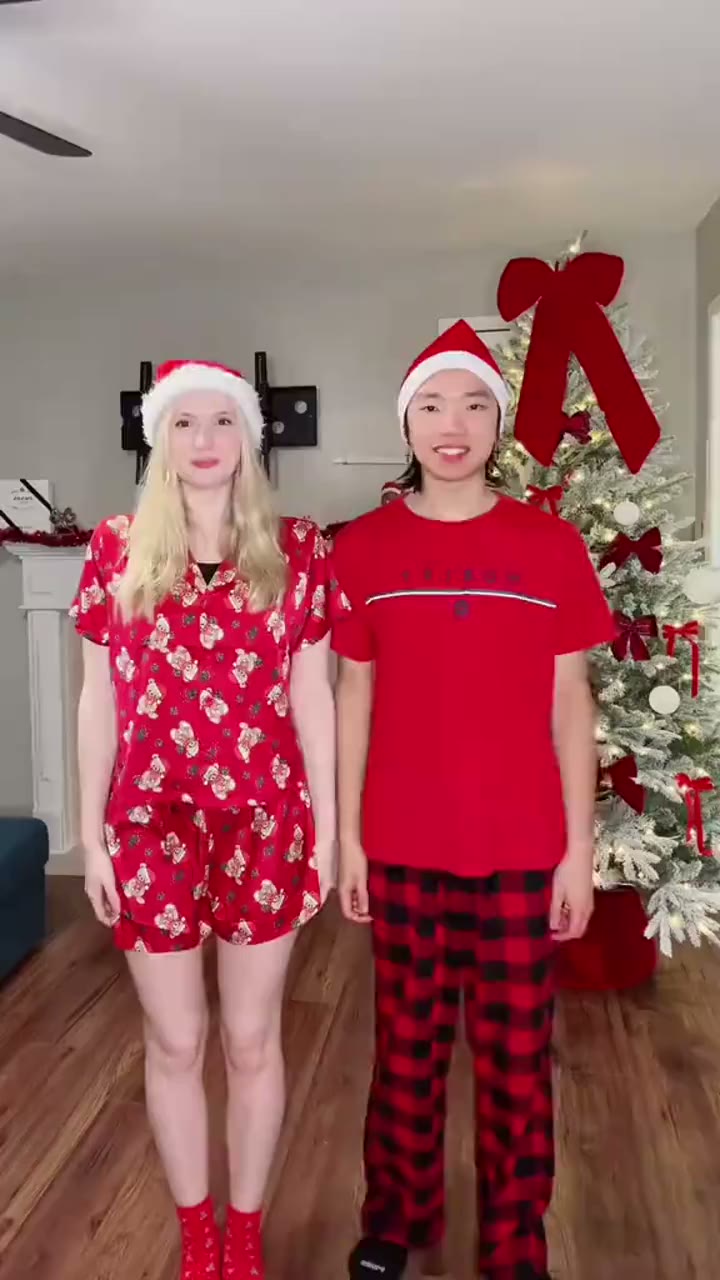
Turn one photo of two consenting adults into a Snowman Dance AI Christmas video. Preview the festive duet, select video settings and review the credit cost before generating.
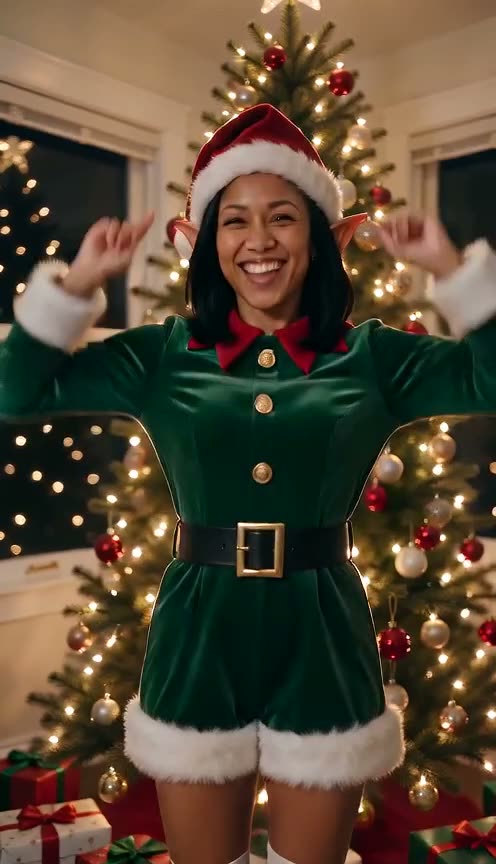
Make an AI Elf Dance Christmas video from one adult photo. Preview the tree-side dance, choose your video settings and create your festive clip on PicTV.