Start side by side or solo
The lead or pair begins in a bright room with a simple red-plaid holiday look.
Create a Christmas Dance AI pajama video from one photo of one or two consenting adults. Preview the red-plaid routine and check video settings and credits on this page.
The reference shows two adults dancing side by side in a bright room, using simple knee lifts, arm gestures and a turn. This preset can interpret one consenting adult as a solo lead or two adults from the same photo as a duet. It requests a new performance rather than exact choreography or a copy of the sample’s soundtrack.
The lead or pair begins in a bright room with a simple red-plaid holiday look.
Small knee lifts and alternating arm gestures create a relaxed dance without risky movement.
A gentle turn and open-hand gesture bring the solo or duet back toward the camera.
Follow the photo tips for this scene. Keep the lead subject visible and use only photos you own or have permission to use.
Use the generator on this page. The scene direction is included. Choose model, resolution and duration, review the credit quote, and confirm permission to use the photo.
Review the lead identity, anatomy and scene continuity in your result here. Completed videos also appear in your private works; download within the retention period.
Use the editor on this page, upload the authorized photo described above and choose supported model, resolution, duration and format options. Review the server credit quote, sign in and explicitly confirm before submitting. Results appear here and in My creations.
No. The sample keeps its original audio and any original source markings for preview. New PicTV video tasks request native model audio, not a copied recording, lyrics or artist voice. Exact movements, lip-sync and a usable audio track are not guaranteed; this is not an official artist collaboration.
The reference is 15 seconds at 720×1280 (9:16). The existing editor starts at 5 seconds in portrait format and offers supported video settings. Your selected settings and server quote determine the new output; the source website’s prices, subscriptions, fixed timing and soundtrack controls do not apply here.
Return to the same task here or in My creations instead of blindly submitting again when its status is unknown. Generated media is private to your account and follows PicTV’s 30-day retention policy. Contact Support with the task ID if you need help.
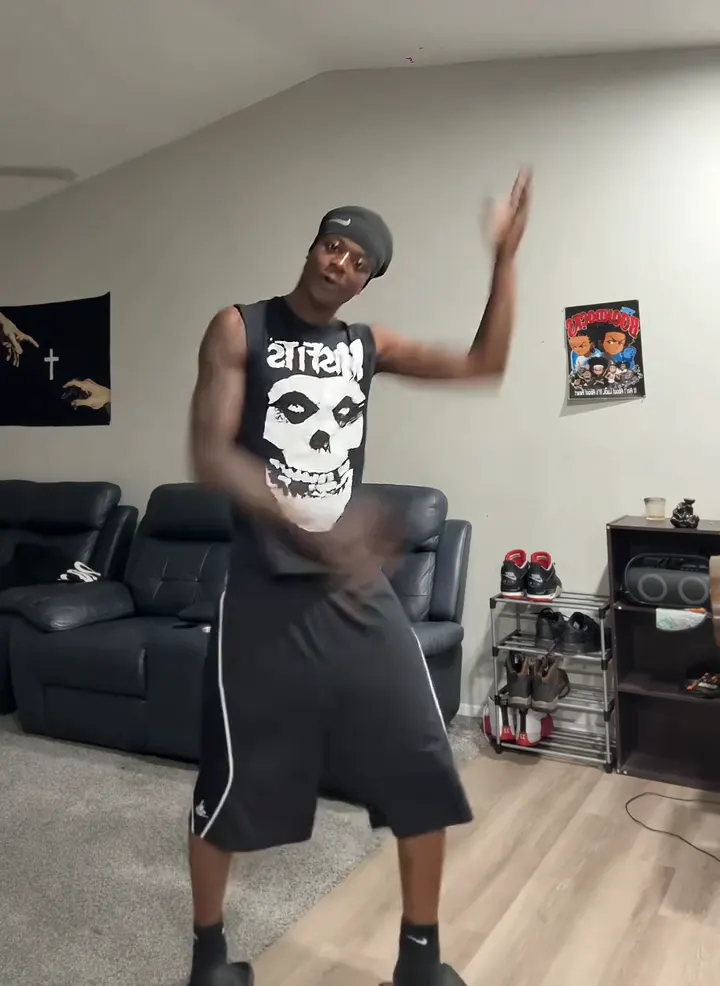
Make a Thanksgiving Bend AI dance video from one adult photo. Preview the shoulder taps, knee lifts and arm swings, then choose settings and review the credit cost.
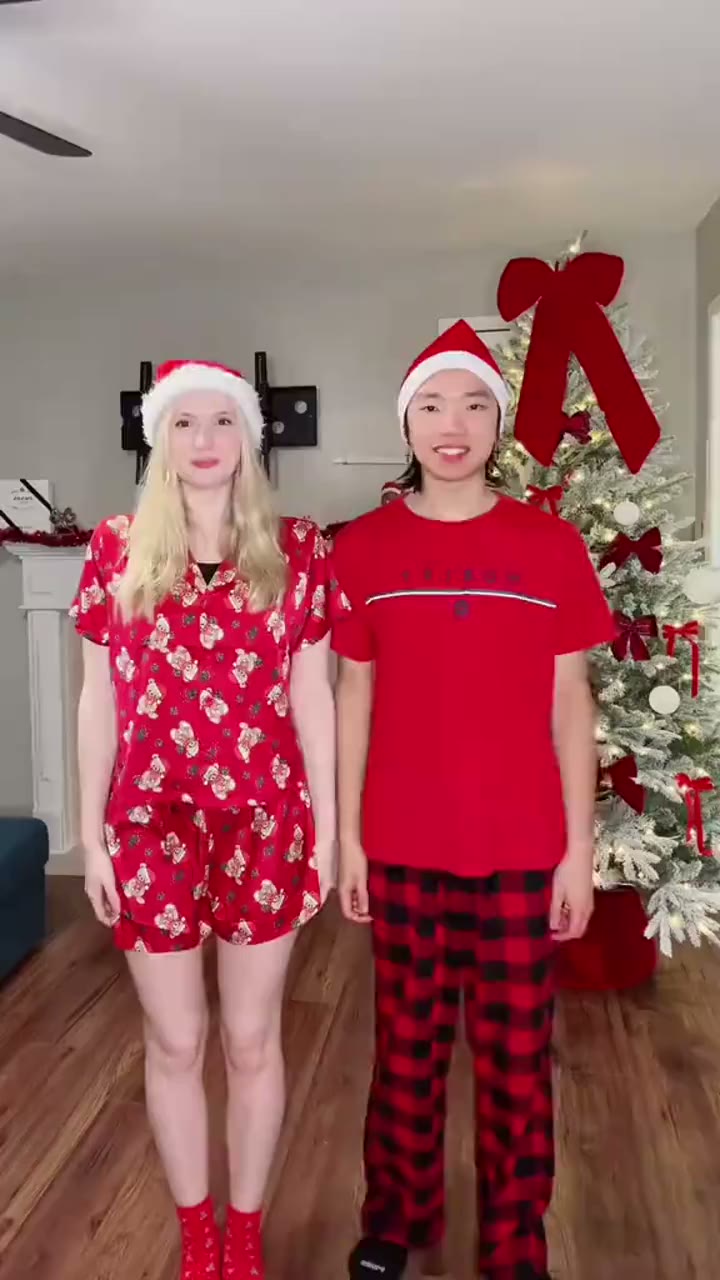
Turn one photo of two consenting adults into a Snowman Dance AI Christmas video. Preview the festive duet, select video settings and review the credit cost before generating.
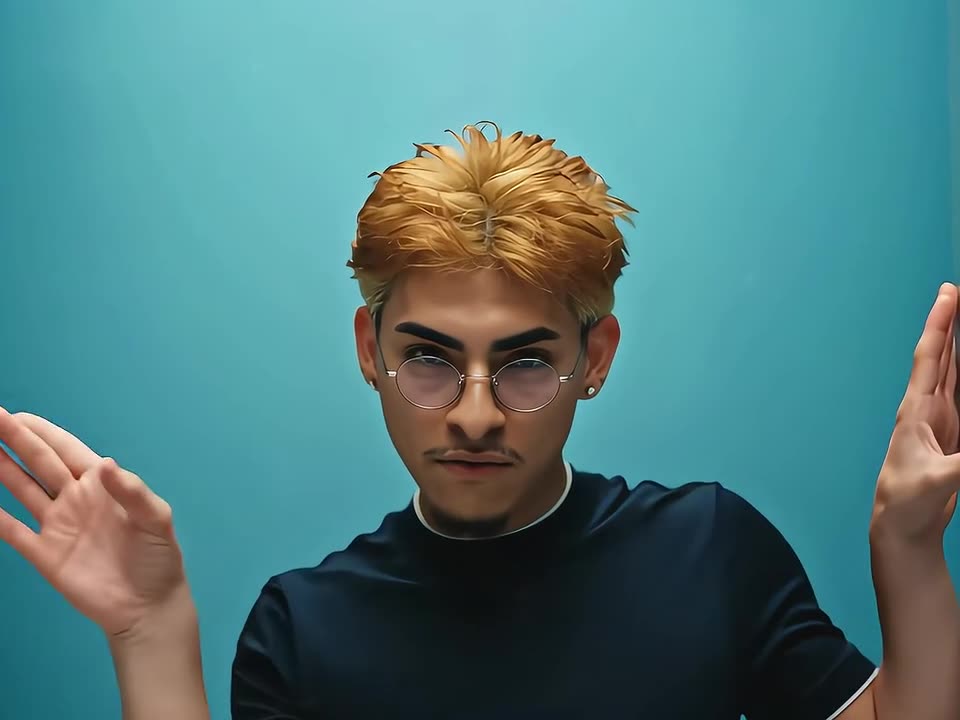
Turn one adult photo into a No Scrubs-inspired AI dance video. Preview the silver-corridor style, lead a fictional dance trio and check your credit quote before generating.
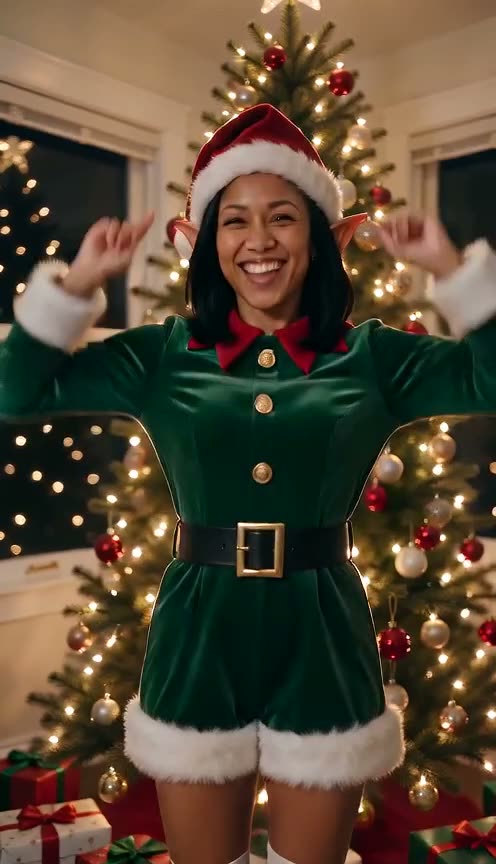
Make an AI Elf Dance Christmas video from one adult photo. Preview the tree-side dance, choose your video settings and create your festive clip on PicTV.