Single
10 credits≈ 1 standard video
$6.99 once
≈ $6.99 per standard video
One-time USD payment
- Download completed videos
- Pack credits never expire
- No automatic renewal
- Confirmed technical failures return credits
Turn your photos into trending AI meme videos. Choose a viral dance, pet, or meme video template and make your own version.
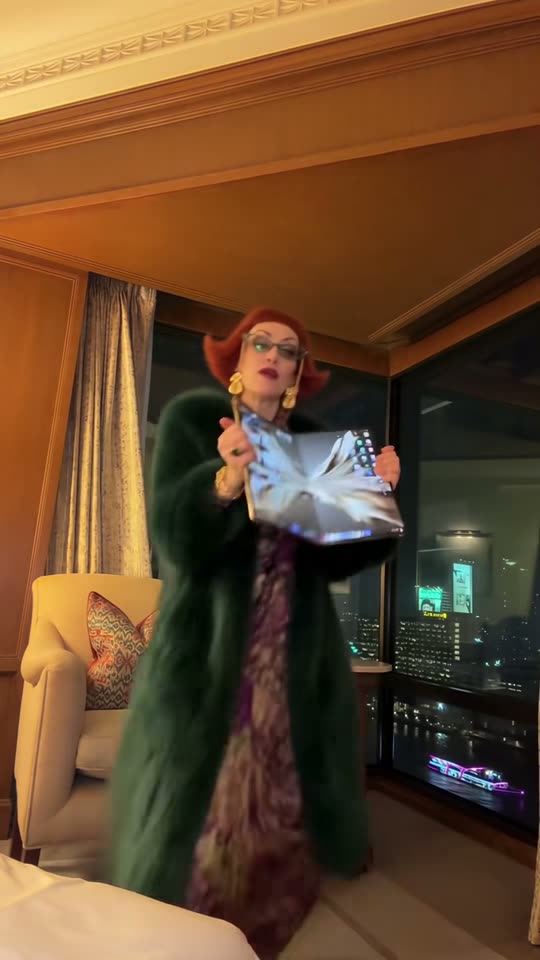 iPhone Kupi Dance AI
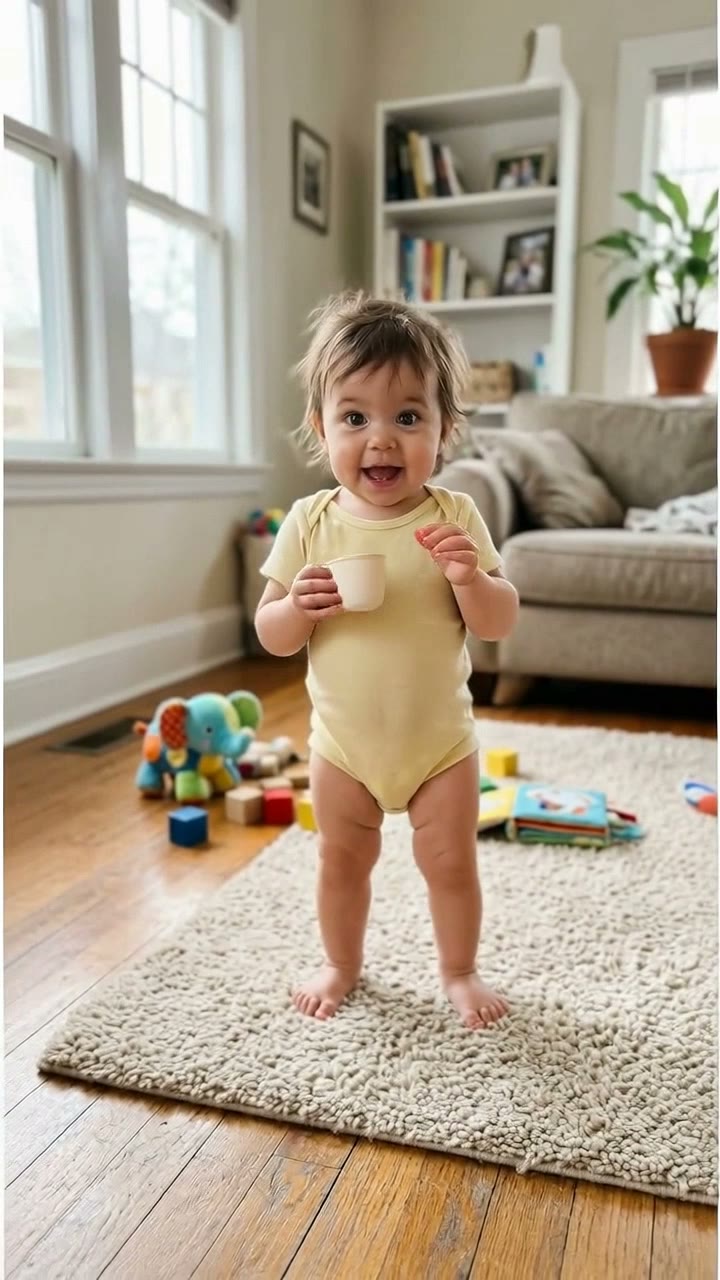 Bonito Bonito Baby AI Dance
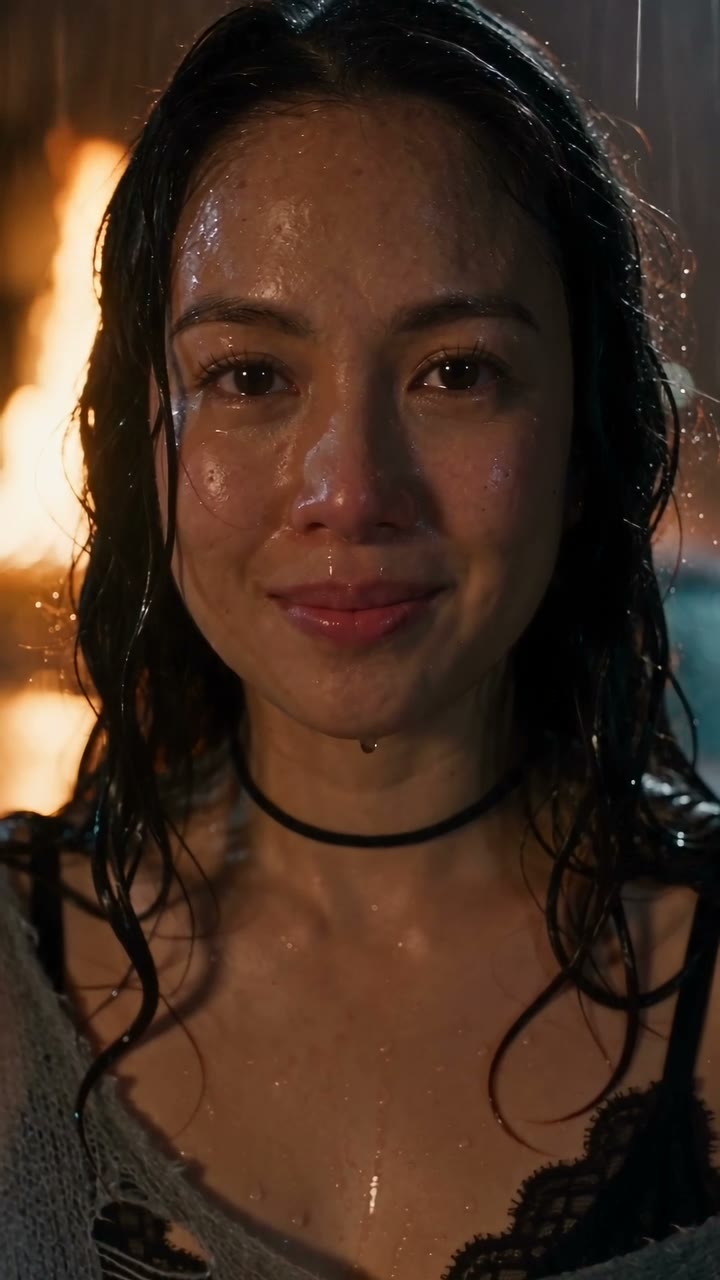 DESERVE Rain Scene AI
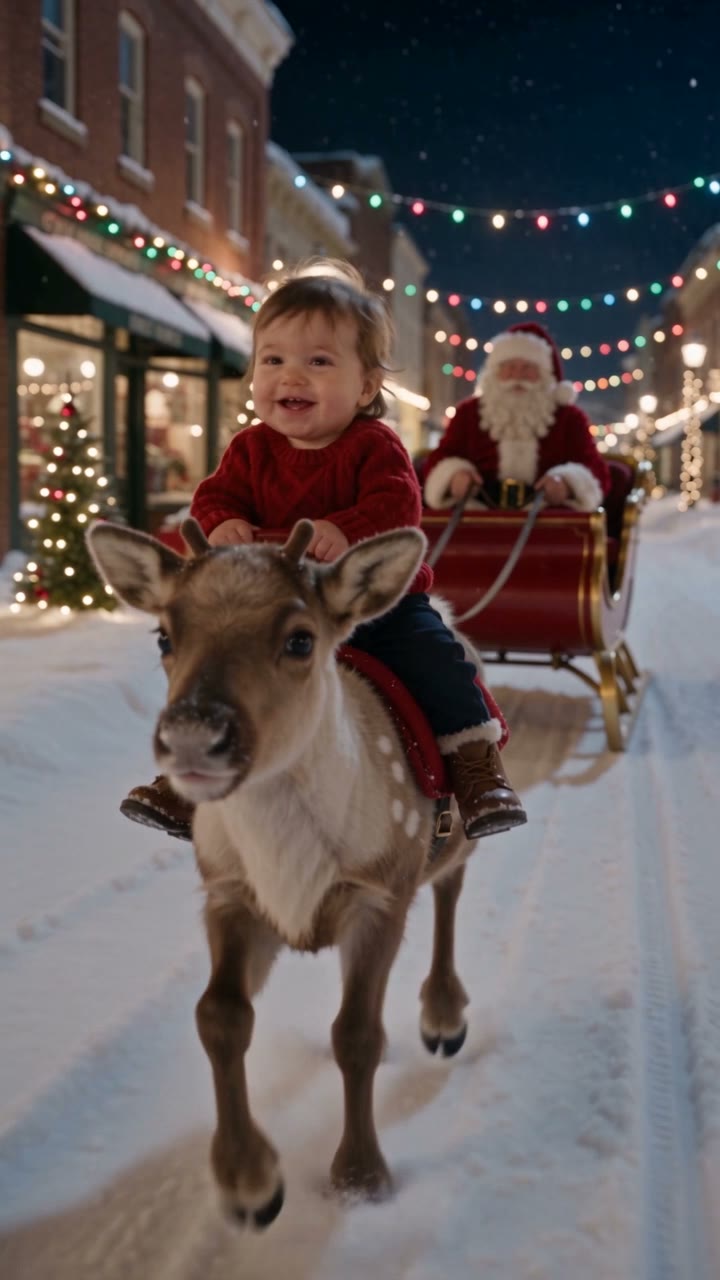 Baby Reindeer Santa AI Video
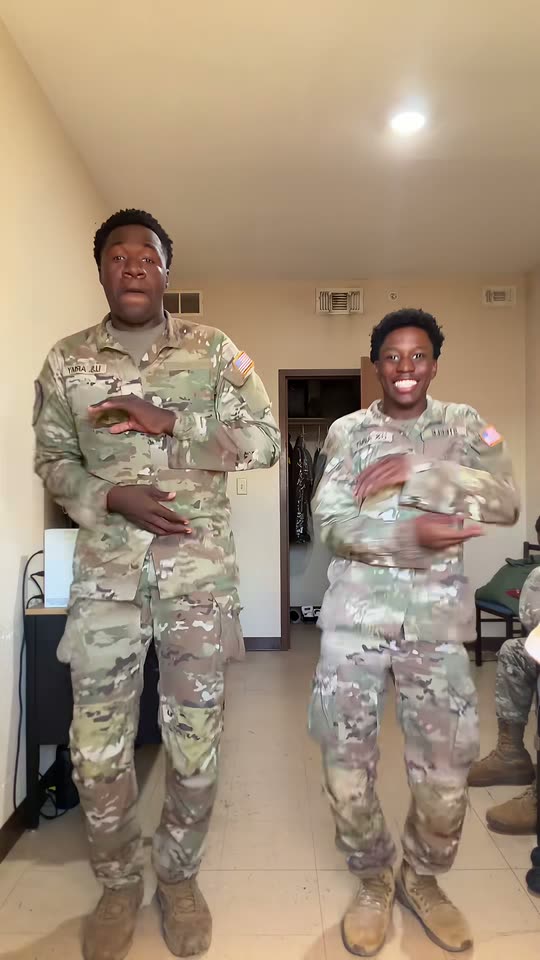 Mickey D’s Dance AI
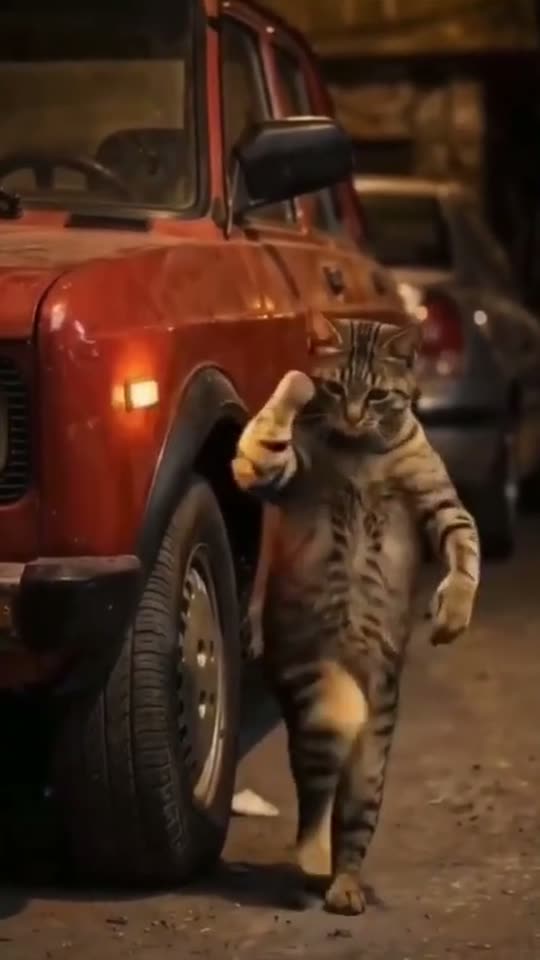 Car Alarm Dance AI Video
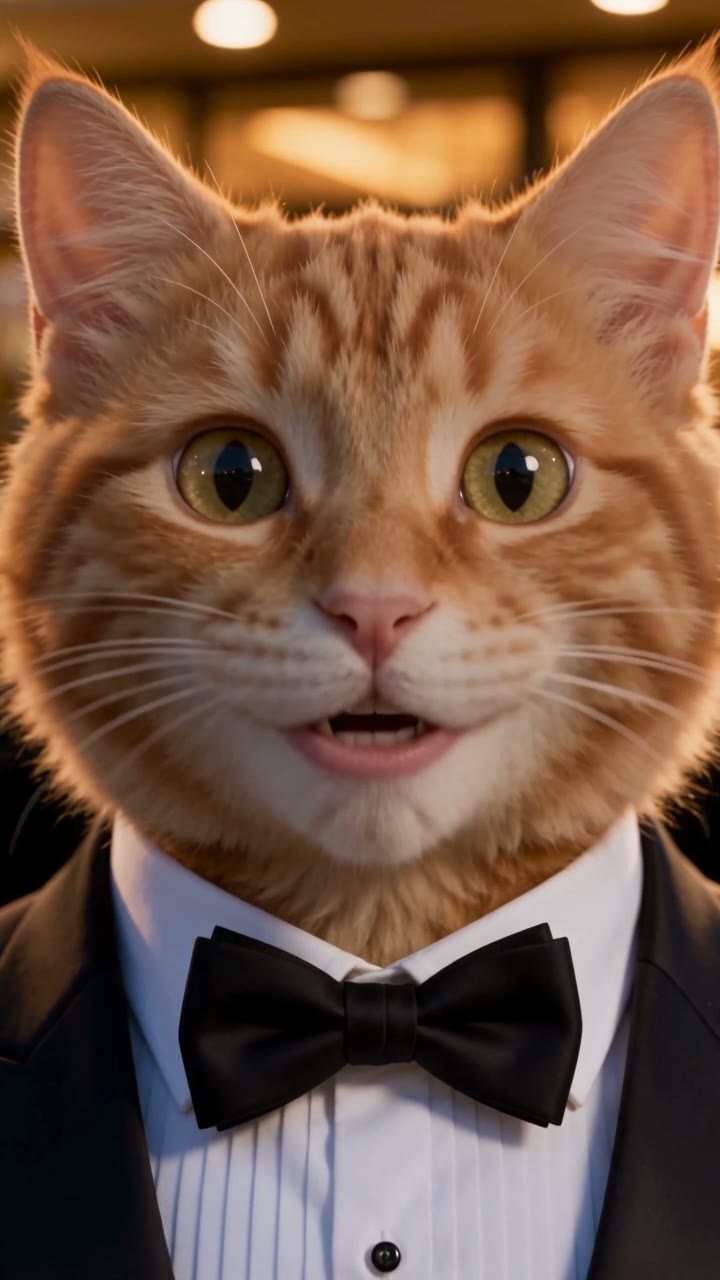 AI Cat Story Video Generator
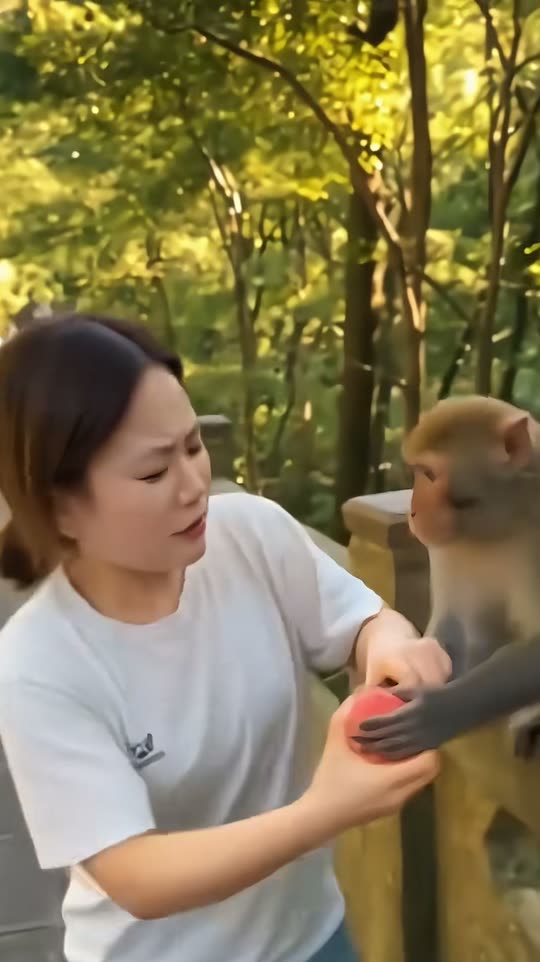 Monkey Eating Apple AI Video
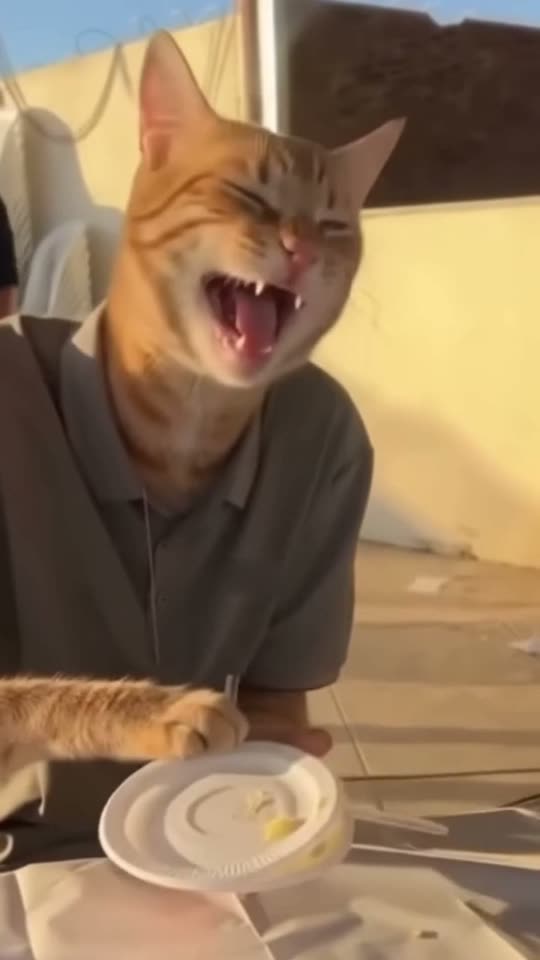 Cat Human AI Video Generator
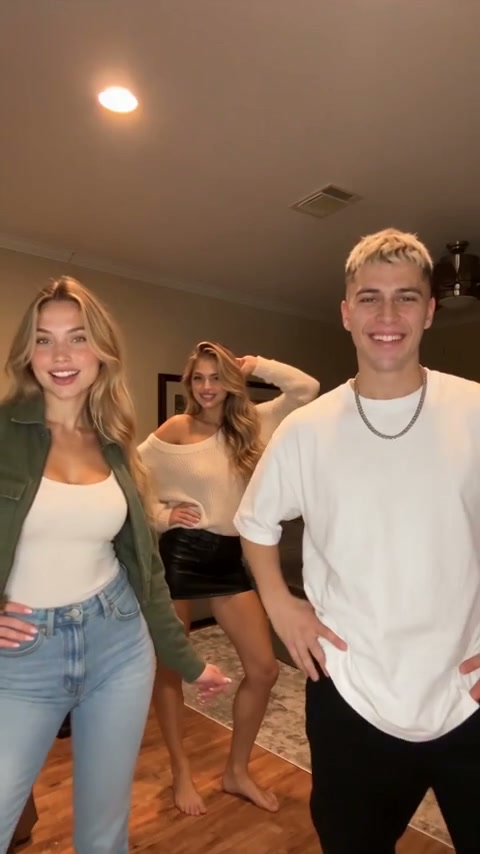 Chipmunks Dance AI Video
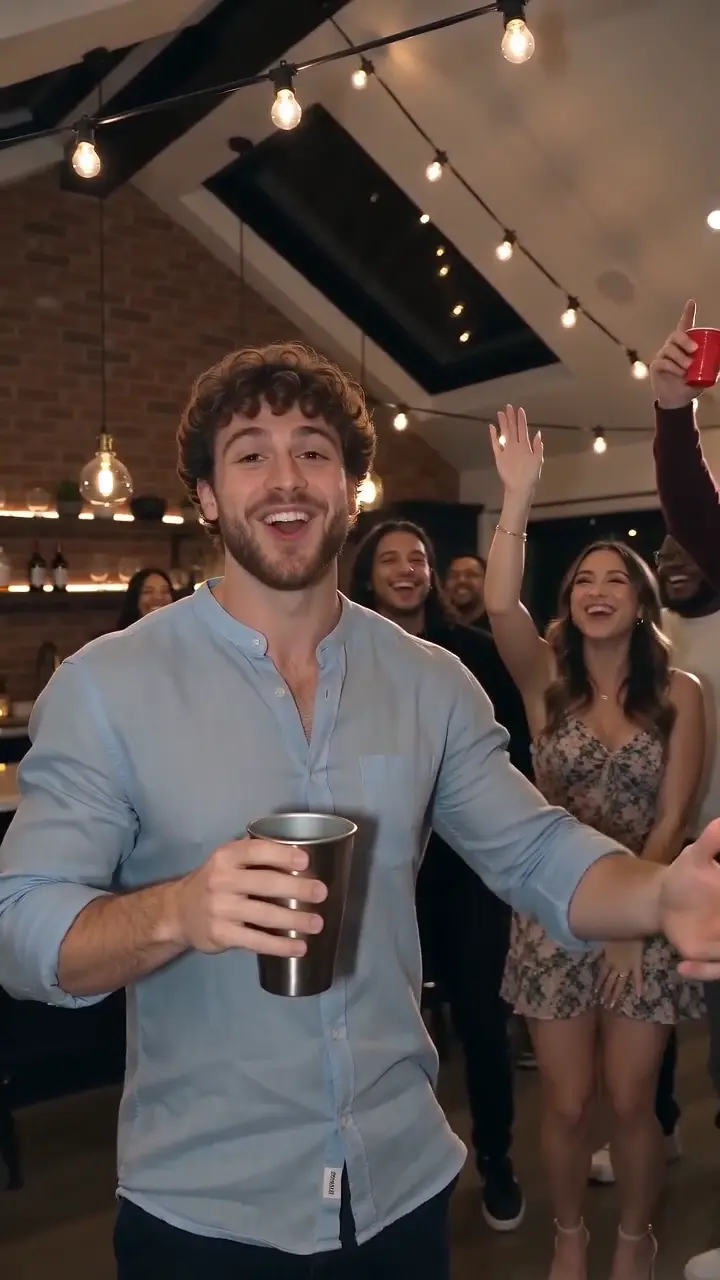 Creator sampleBurning Bridges AI
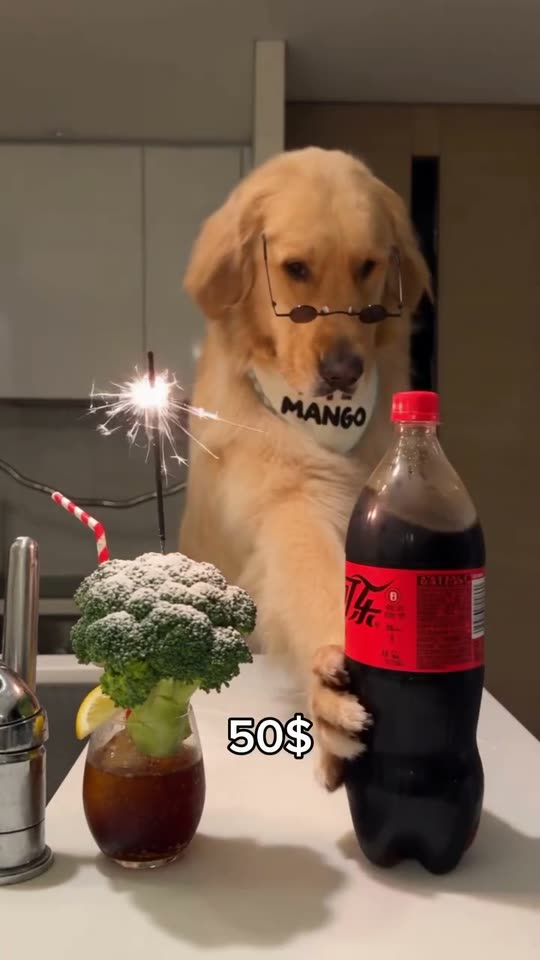 Dog Bartender AI Video
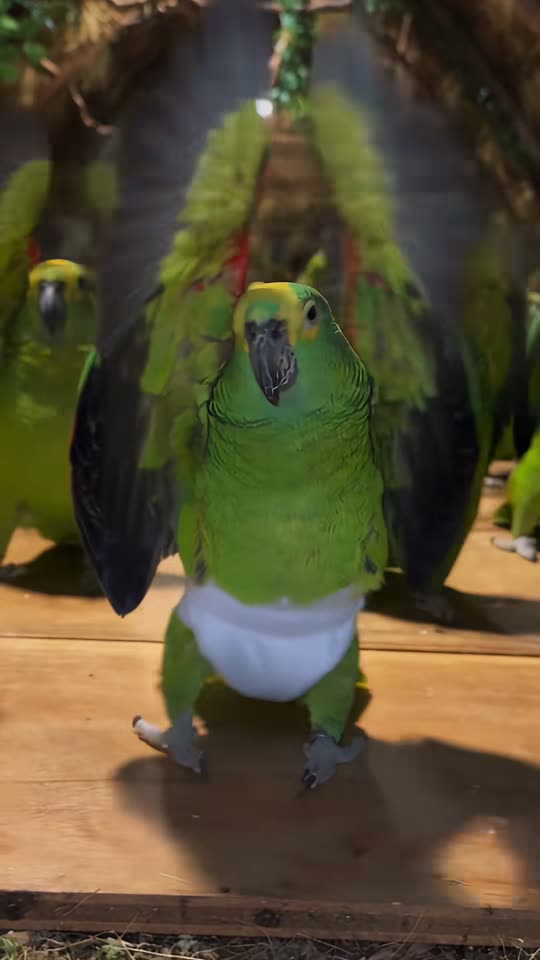 Parrot Dance AI Video
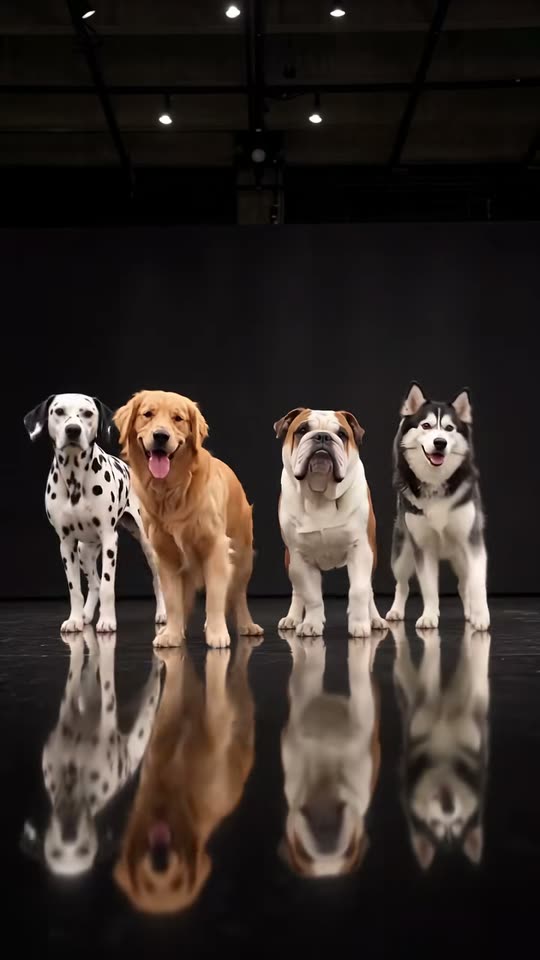 AI Dog Dance Crew Video
Open a template for photo requirements and available settings. Results vary with your photo, model and choices.
Explore by subject or mood, then open a template to see what photos it needs.
Add photos you have permission to use. The template gives you a starting direction.
Find your completed MP4 in My creations. Review the result, download it, or scan the download QR code on your phone. Private media is retained for 30 days.
One payment. No subscription. Pack credits never expire.
10 credits≈ 1 standard video
$6.99 once
≈ $6.99 per standard video
One-time USD payment
50 credits≈ 5 standard videos
$29.00 once
≈ $5.80 per standard video
One-time USD payment
350 credits≈ 35 standard videos
$99.00 once
≈ $2.83 per standard video
One-time USD payment
900 credits≈ 90 standard videos
$199.00 once
≈ $2.21 per standard video
One-time USD payment
3000 credits≈ 300 standard videos
$499.00 once
≈ $1.66 per standard video
One-time USD payment
Savings compare the price per credit with the Single pack.
Video counts use Mini · 720p · 12s · 10 credits. Your model, resolution and duration determine the actual quote.
Confirmed technical failures return reserved credits. Pending results are checked before any adjustment.
Select a duration to compare credits per video. — means that resolution is unavailable for that model.
| Model | 480p | 720p | 1080p |
|---|---|---|---|
| StandardSeedance 2.0 Mini | 5 | 10 | — |
| FastSeedance 2.0 Fast | 8 | 17 | — |
| ProSeedance 2.0 | 10 | 20 | 50 |
| UltraSeedance 2.5 | 17 | 37 | 93 |
Have your own idea? Use a standalone tool instead of a template preset.
Upload a photo and describe how it should move. Choose a video model and format in the generator.
Describe a scene, movement and camera direction. Create a video without uploading a photo.
Describe a still image and choose Z-Image or Seedream. Download your privately stored result.
Use a clear photo of the lead subject and follow the requirements on that template page. Only upload photos you own or have permission to use; obtain consent from any people shown.
Each template supplies a scene description for your photo. It does not copy the displayed video frame by frame or guarantee the same movements, identity detail or soundtrack. Individual template effects still need real-output quality validation.
New generation tasks enable native model audio. The model creates sound for the scene; it does not automatically copy the displayed clip’s song or guarantee word-perfect lip sync.
The credit quote changes with the model, resolution and duration you choose. Check the final quote before confirming; the video counts on credit packs are estimates for the stated reference settings.
Confirmed technical failures and unknown submission results are handled differently. Follow the task status in My Works; uncertain results need reconciliation, so do not submit the same job again. Contact support with the task ID if you need help.
Signed-in users can find private drafts and completed results in My Works. Private media is retained for 30 days, so download what you want to keep. Guest drafts stay in the browser and do not provide an account backup.
Found your next video idea?