The rainy beginning
A hooded cat stands beside fish in a wet, dim street.
Turn a cat photo into an AI cat story video. Watch the rainy fish-stall comeback, prepare your cat character, and generate from the preset on this page.
This video uses a clear emotional contrast: a hooded ginger cat at a rainy fish stall, a jar of coins, then a confident entrance in a purple suit. The coat, ears and expression connect the changing scenes. The preset proposes a short comeback sequence; models can vary the cuts and details, so treat character consistency as the main thing to review rather than expecting the exact displayed edit.
A hooded cat stands beside fish in a wet, dim street.
The cat and a coin jar create a simple, readable progress beat.
A purple-jacket entrance changes the mood while keeping the cat recognizable.
Follow the photo tips for this scene. Keep the lead subject visible and use only photos you own or have permission to use.
Use the generator on this page. The scene direction is included. Choose model, resolution and duration, review the credit quote, and confirm permission to use the photo.
Review the lead identity, anatomy and scene continuity in your result here. Completed videos also appear in your private works; download within the retention period.
A story uses a change in situation or emotion. This example contrasts a difficult rainy beginning with a confident comeback, rather than repeating one dance move.
Upload one cat photo with clear eyes and markings. This preset builds the lead cat character from that image.
No exact edit is promised. The preset supplies a short story direction; scene count, timing and likeness depend on the chosen model and duration.
Check whether the same coat markings, ears and face survive each transition. Then review paws, props and scene continuity before downloading your private result.
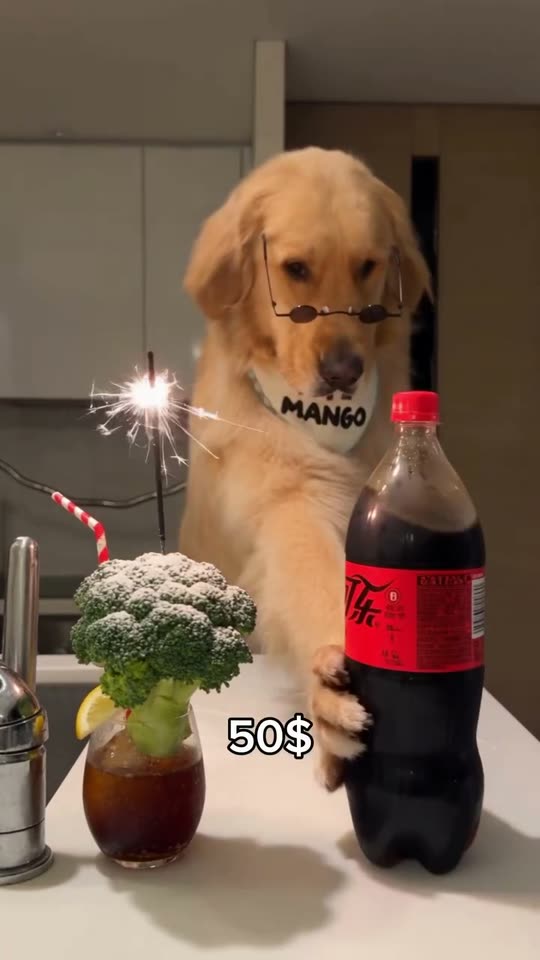
Create a dog bartender AI video from your pet photo. Watch the comedy scene, upload one dog photo, choose quality and length, and see the credits before generating.
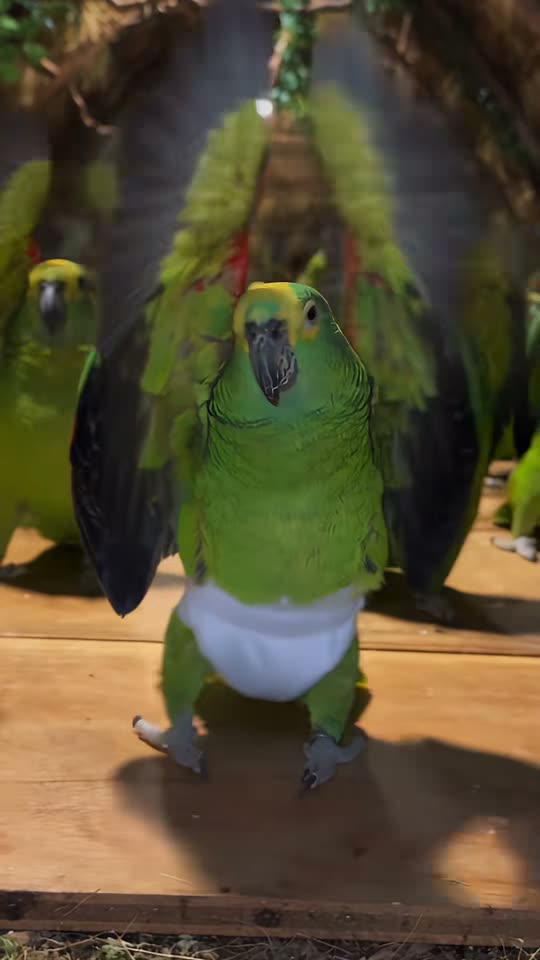
Make a parrot dance AI video from a bird photo. Watch the flock dance, upload your lead bird, and choose the model, resolution and duration in one place.
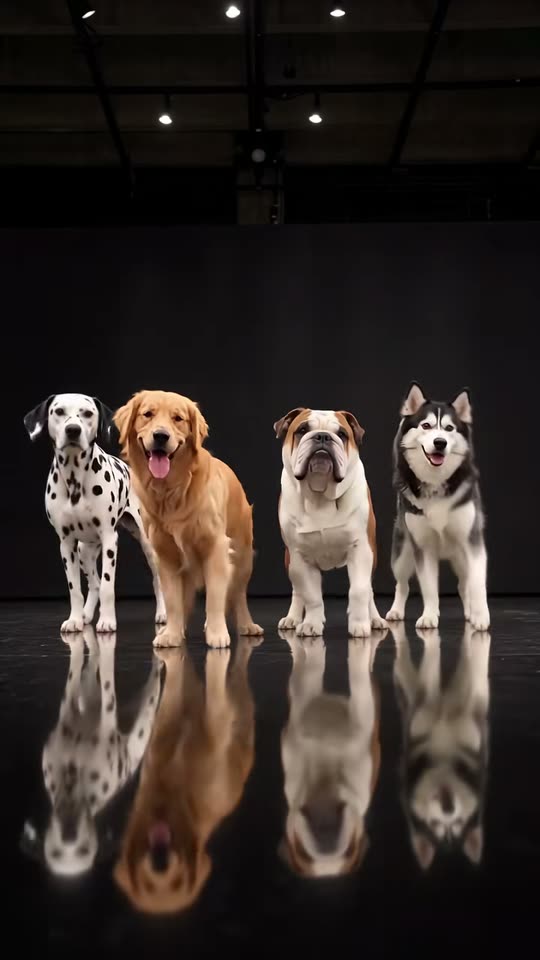
Create an AI dog dance video with your dog as the lead. Watch the four-dog crew, upload one pet photo, select output settings and check your credit quote.
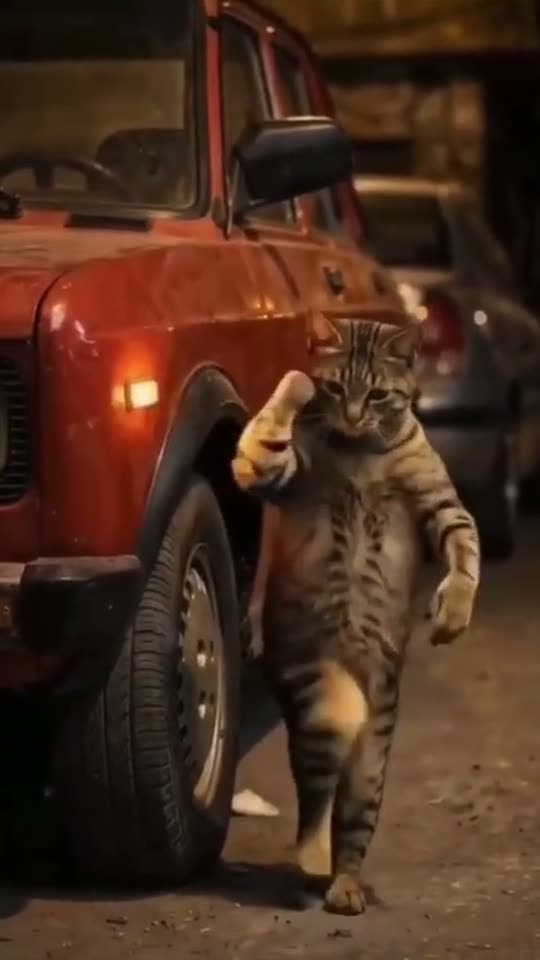
Make a car alarm dance AI video from one pet photo. Watch the cat beside the red car, upload your pet, choose video settings, and review the credit quote.