The red car setup
The parked car and front wheel establish the street setting.
Make a car alarm dance AI video from one pet photo. Watch the cat beside the red car, upload your pet, choose video settings, and review the credit quote.
The visual joke pairs an ordinary parked car with an upright cat making small, confident dance moves. Warm street lighting, a visible front wheel and short paw gestures give the scene a clear setting. Build your version around one recognizable pet, not a busy traffic scene. The displayed video has its own audio; newly generated videos currently use the selected 5–15-second settings with native model audio.
The parked car and front wheel establish the street setting.
A single cat makes alternating paw gestures and short side steps.
The pet remains the focus while the vehicle stays stationary.
Follow the photo tips for this scene. Keep the lead subject visible and use only photos you own or have permission to use.
Use the generator on this page. The scene direction is included. Choose model, resolution and duration, review the credit quote, and confirm permission to use the photo.
Review the lead identity, anatomy and scene continuity in your result here. Completed videos also appear in your private works; download within the retention period.
It is a playful pet dance beside a parked car. The red car supplies the setting and blinking-light gag; a recognizable animal supplies the character.
Yes. The preset accepts one pet photo. Use a full-body view with paws visible; the displayed cat does not force your pet to become a cat.
No. Upload a normal pet photo. The car and street are generated; do not stage a real animal beside traffic.
New tasks enable native model audio. The displayed video retains its original sound, while your output follows the selected model, resolution and 5–15-second duration.
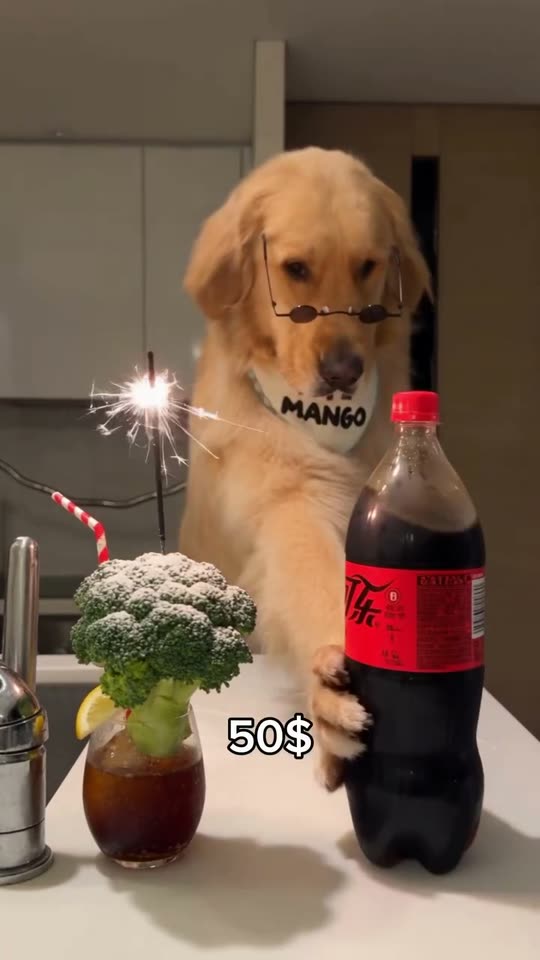
Create a dog bartender AI video from your pet photo. Watch the comedy scene, upload one dog photo, choose quality and length, and see the credits before generating.
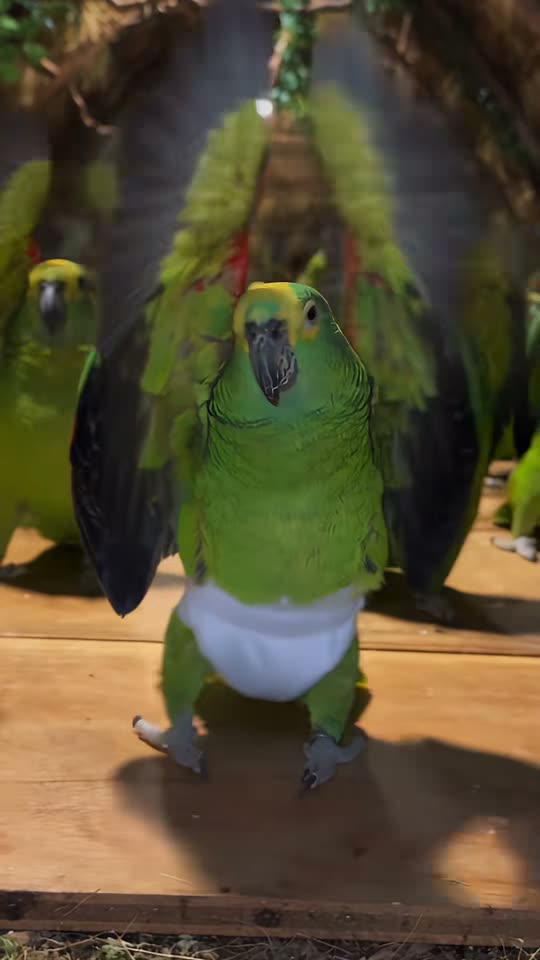
Make a parrot dance AI video from a bird photo. Watch the flock dance, upload your lead bird, and choose the model, resolution and duration in one place.
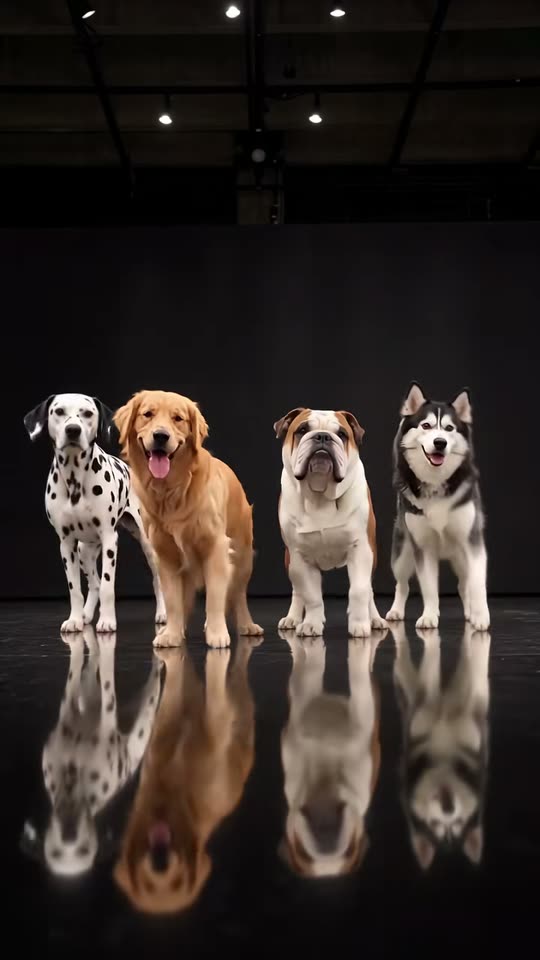
Create an AI dog dance video with your dog as the lead. Watch the four-dog crew, upload one pet photo, select output settings and check your credit quote.
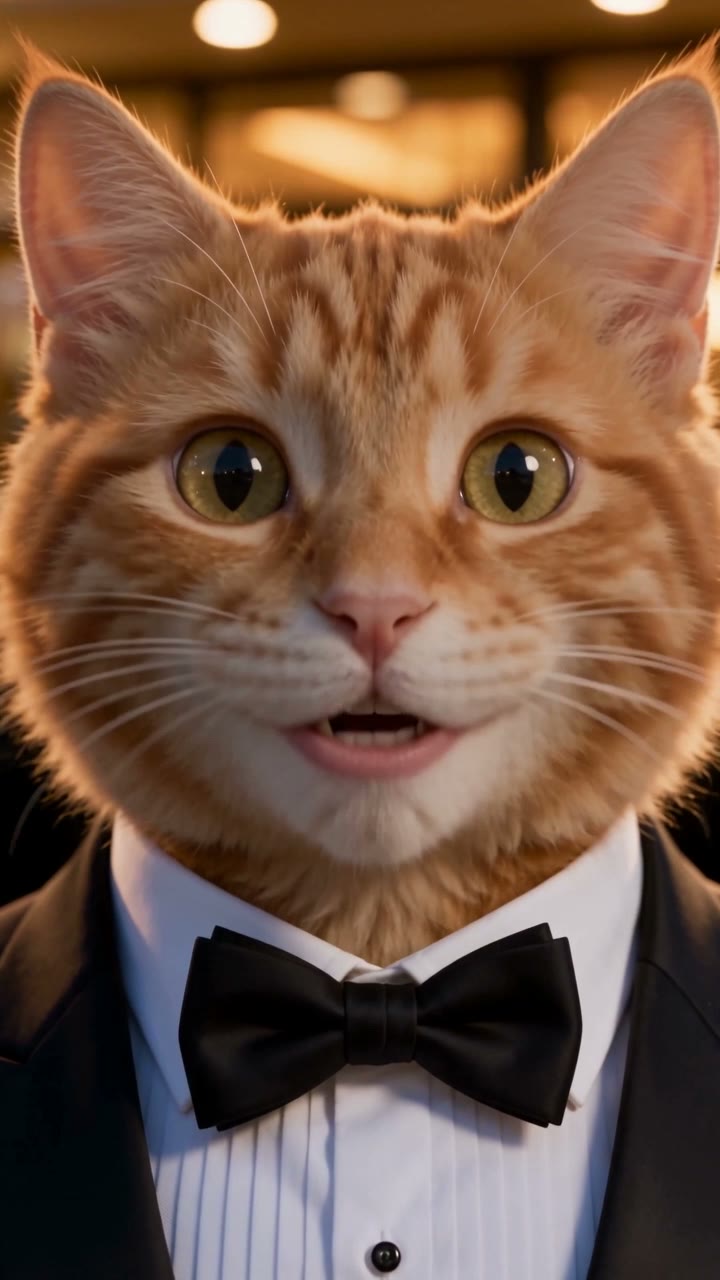
Turn a cat photo into an AI cat story video. Watch the rainy fish-stall comeback, prepare your cat character, and generate from the preset on this page.