Holiday setting
Warm lights and snow establish the Christmas atmosphere.
Make a Baby Reindeer Santa AI Christmas video from a guardian-authorized photo. Create a gentle snowy keepsake and select model, duration and credits on the same page.
Warm village lights and soft snow set a fictional holiday scene. The child stays visibly supported while a calm reindeer moves slowly, with Santa nearby. Treat the clip as an AI Christmas keepsake, never as footage of a real child riding an animal.
Warm lights and snow establish the Christmas atmosphere.
The reindeer moves gently with the child supported.
The camera favors the child’s face and festive surroundings.
Follow the photo tips for this scene. Keep the lead subject visible and use only photos you own or have permission to use.
Use the generator on this page. The scene direction is included. Choose model, resolution and duration, review the credit quote, and confirm permission to use the photo.
Review the lead identity, anatomy and scene continuity in your result here. Completed videos also appear in your private works; download within the retention period.
A fictional Christmas keepsake featuring the child from your photo, a calm reindeer and Santa in snow.
No. The scene and animal are generated; do not arrange a real ride for this effect.
Only a photo supplied by a parent/guardian or someone they explicitly authorize.
No. The displayed clip retains its original measured length. New outputs use your selected 5–15-second setting and dynamic credit quote.
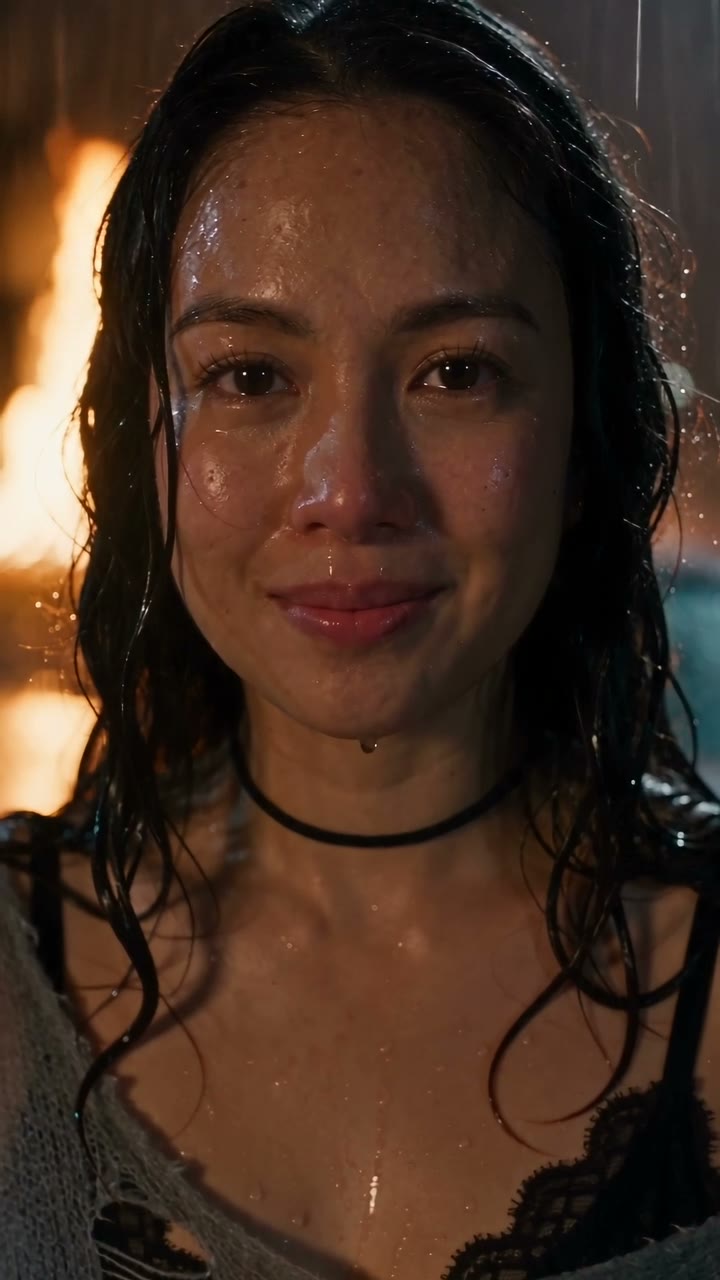
Create a DESERVE Rain Scene AI video from one portrait. Add rain, wet-street reflections and a slow emotional close-up; select Seedance settings and review credits.
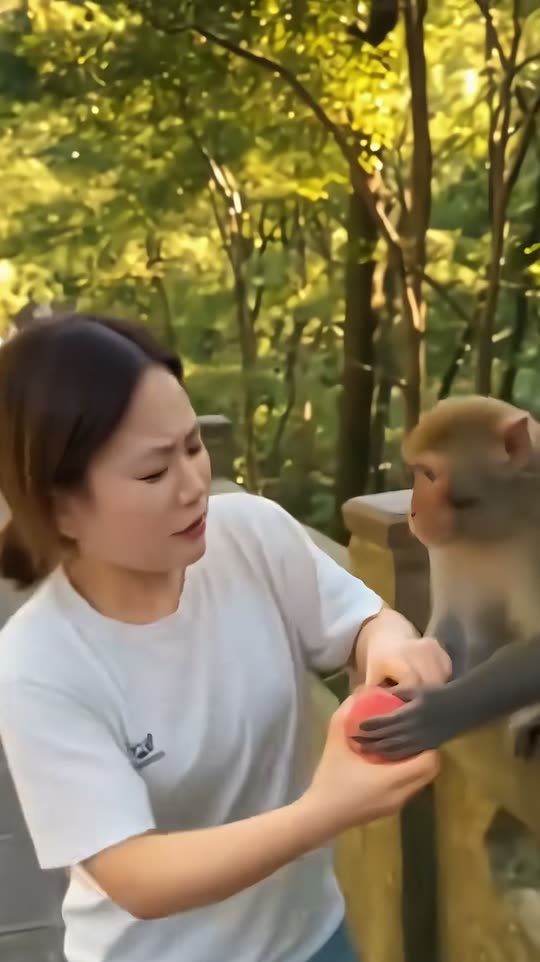
Create a monkey picnic reaction video from one consenting adult photo. Watch the fruit-sharing scene, use the built-in direction, and choose your video settings.
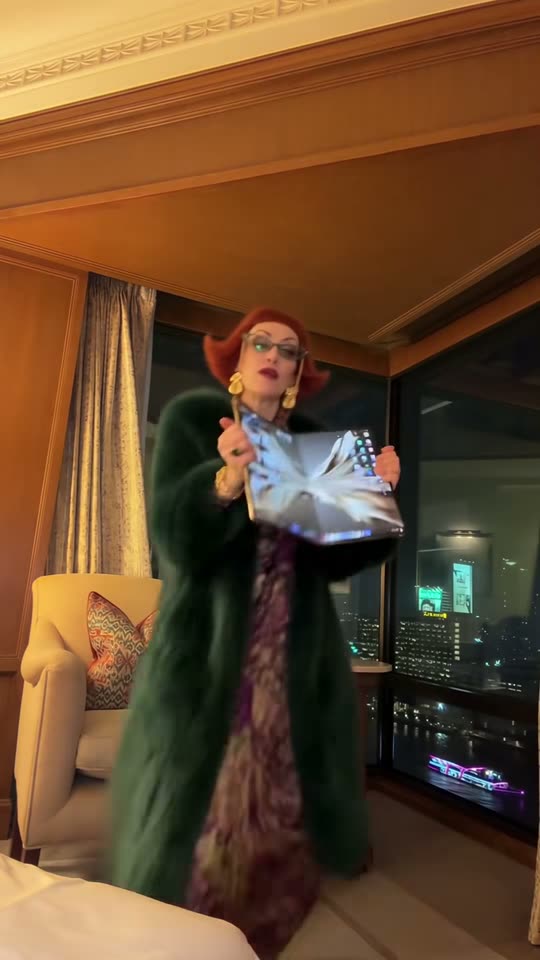
Create an iPhone Kupi Dance AI video from one adult photo. Watch the hotel-room dance, upload your portrait and choose model, length and credits on this page.
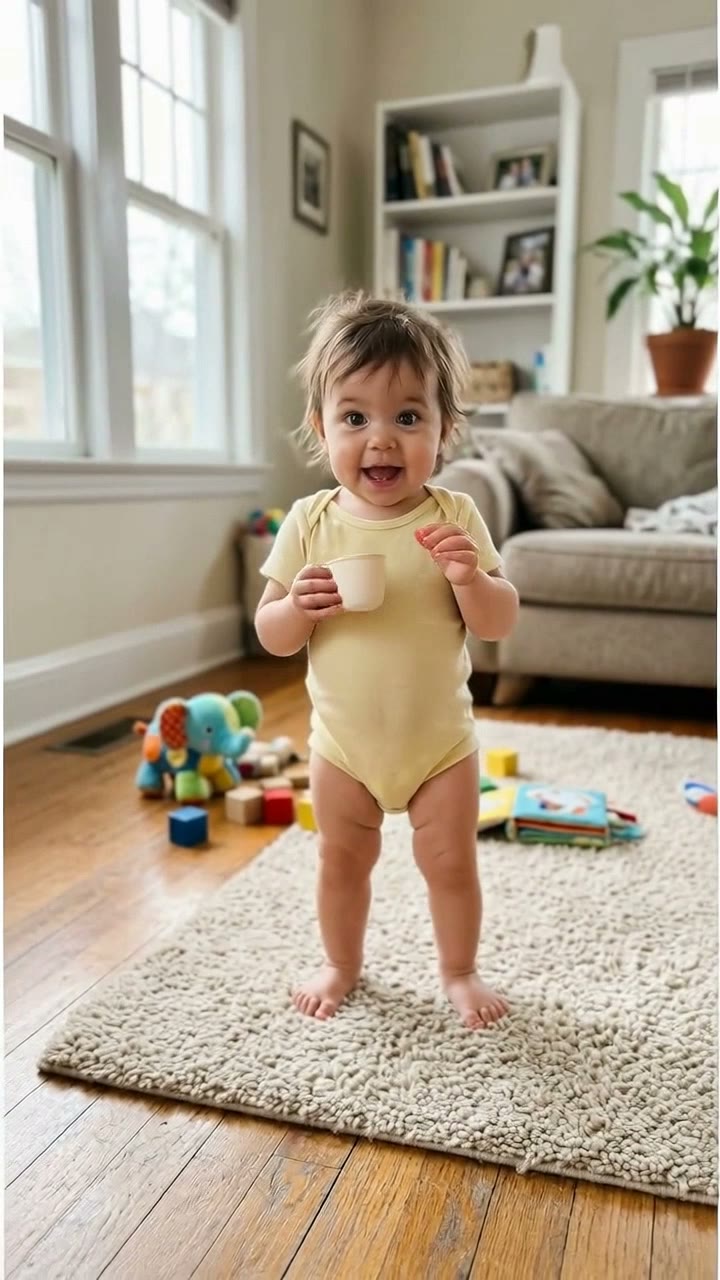
Make a Bonito Bonito Baby AI dance from a guardian-authorized photo. Create a gentle sway, pretend sip and hug, with model settings and credits shown before generation.