Side-by-side opening
Two distinct people are visible from the start.
Create a Mickey D’s Dance AI video from one photo of two consenting adults. Turn hand rolls and a playful run-off into a duo clip with settings and credits on this page.
The duo’s hand rolls, peace signs and abrupt exit form the visual joke. PICTV uses one group photo with both adults visible, so the two identities enter the existing image-to-video flow together. This page does not accept two separate portrait uploads or imply restaurant or Disney affiliation.
Two distinct people are visible from the start.
Hand rolls and peace signs create a shared rhythm.
Both dancers turn and move out of the frame.
Follow the photo tips for this scene. Keep the lead subject visible and use only photos you own or have permission to use.
Use the generator on this page. The scene direction is included. Choose model, resolution and duration, review the credit quote, and confirm permission to use the photo.
Review the lead identity, anatomy and scene continuity in your result here. Completed videos also appear in your private works; download within the retention period.
On PICTV this version uses one group photo containing both adults. Two separate portrait uploads are not supported here.
The preset asks to preserve both people and their left-right positions. Review each face in the result; AI may still change details.
No. The name identifies the dance format; the preset uses an unbranded room and ordinary adult dancers.
No exact beat or choreography match is promised. Native model audio and the preset’s scene direction guide a new clip.
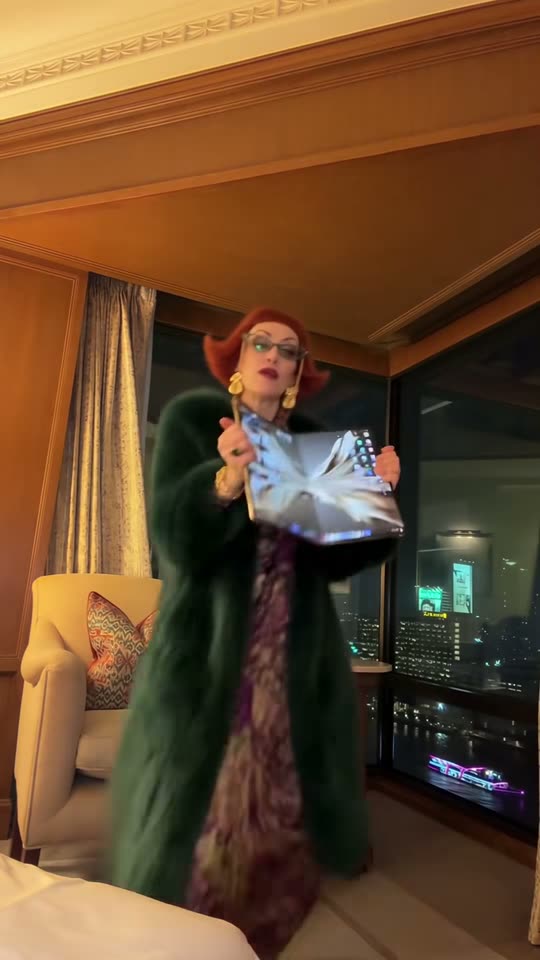
Create an iPhone Kupi Dance AI video from one adult photo. Watch the hotel-room dance, upload your portrait and choose model, length and credits on this page.
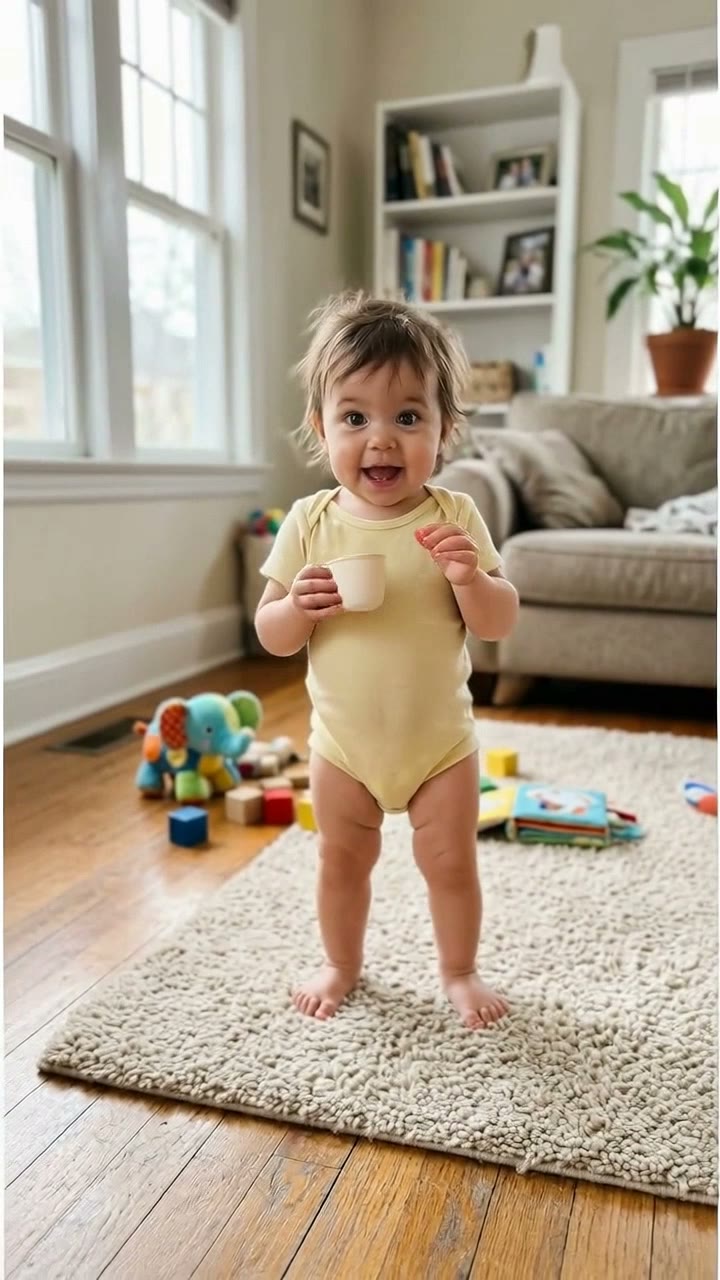
Make a Bonito Bonito Baby AI dance from a guardian-authorized photo. Create a gentle sway, pretend sip and hug, with model settings and credits shown before generation.
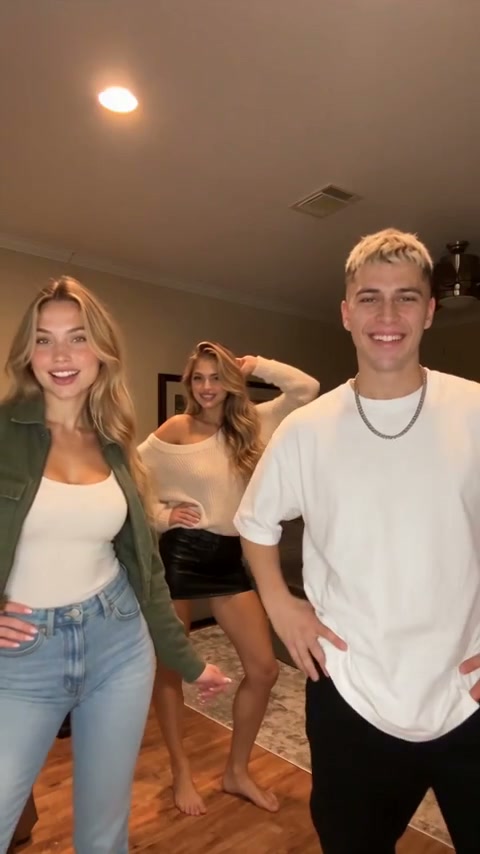
Create a Chipmunks Dance AI video from one consenting adult photo. Watch the three-person living-room routine, choose model and length, and generate on this page.
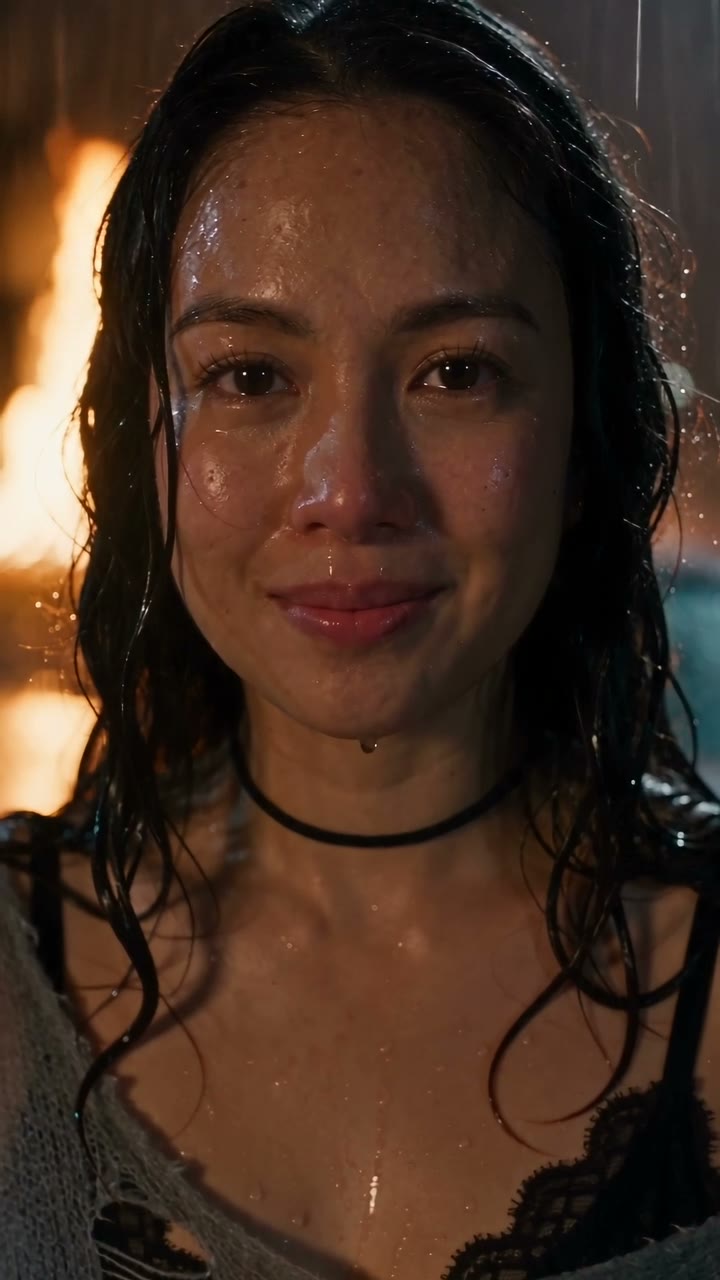
Create a DESERVE Rain Scene AI video from one portrait. Add rain, wet-street reflections and a slow emotional close-up; select Seedance settings and review credits.