Tap shoulders and open the arms
Small rhythmic gestures introduce the holiday dance in a single steady shot.
Make a Thanksgiving Dance AI video from one adult photo. Preview the cozy holiday dance, choose supported settings and review the credit quote before generating.
This Thanksgiving Dance AI page uses the ClipRemake example of an adult dancing beside a pumpkin and autumn decorations. It is a different reference clip from PicTV’s existing Thanksgiving Bend page. A new written motion preset guides comfortable holiday movements from one authorized adult photo; it does not transfer exact choreography or attach the source song. The original example measures 13 seconds at 720×1280, with its original audio retained.
Small rhythmic gestures introduce the holiday dance in a single steady shot.
A comfortable shallow bend and balanced step suggest the reference style without forced movement.
Raised arms and a relaxed smile complete the short routine.
Follow the photo tips for this scene. Keep the lead subject visible and use only photos you own or have permission to use.
Use the generator on this page. The scene direction is included. Choose model, resolution and duration, review the credit quote, and confirm permission to use the photo.
Review the lead identity, anatomy and scene continuity in your result here. Completed videos also appear in your private works; download within the retention period.
Use the editor on this page to upload one authorized photo. Choose a supported model, resolution, duration and format, review the server credit quote, then sign in and explicitly confirm generation. Check progress and results on the same page or in My creations.
No. The clip shows the intended style, not a PicTV customer result. Your output is newly generated from a photo and a written preset. Identity details, shot sequence, movement and audio may vary. The source site’s prices, production times and extra input modes do not apply here.
The reference retains its supplied audio and measured length. New outputs use PicTV’s selected supported settings, beginning with a 5-second portrait default. New video tasks request native model audio, not the source song or a named singer’s voice. A matching soundtrack or usable audio track is not guaranteed.
Check the original task here or in My creations if a response is delayed. Do not resubmit while submission status is unknown. Generated media is private to your account and follows PicTV’s 30-day retention policy. Contact Support with the task ID for assistance.
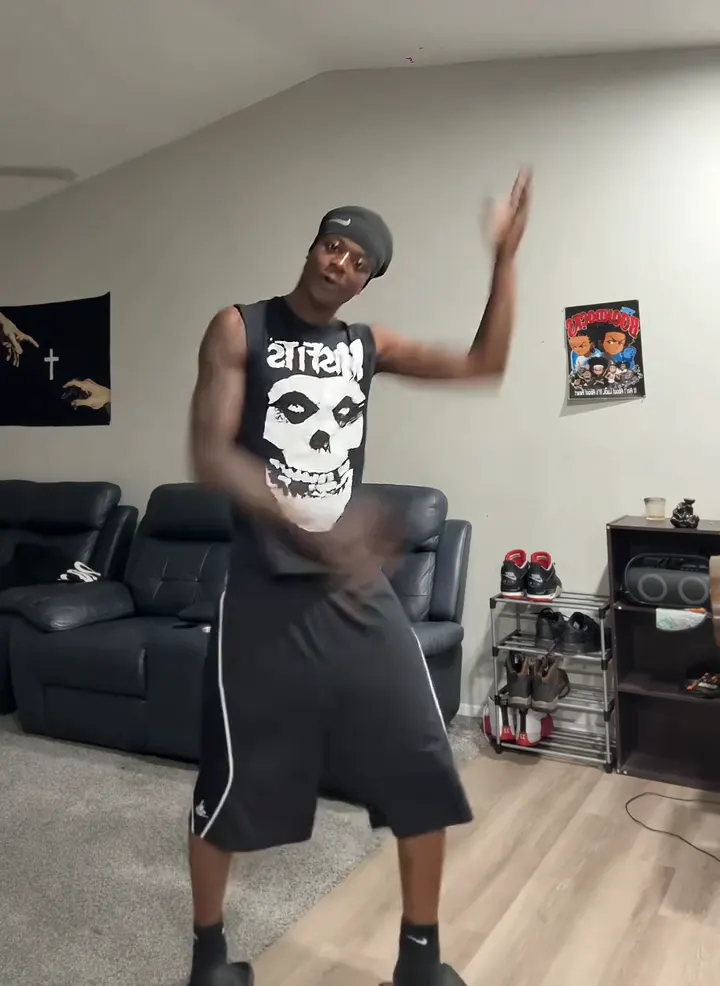
Make a Thanksgiving Bend AI dance video from one adult photo. Preview the shoulder taps, knee lifts and arm swings, then choose settings and review the credit cost.
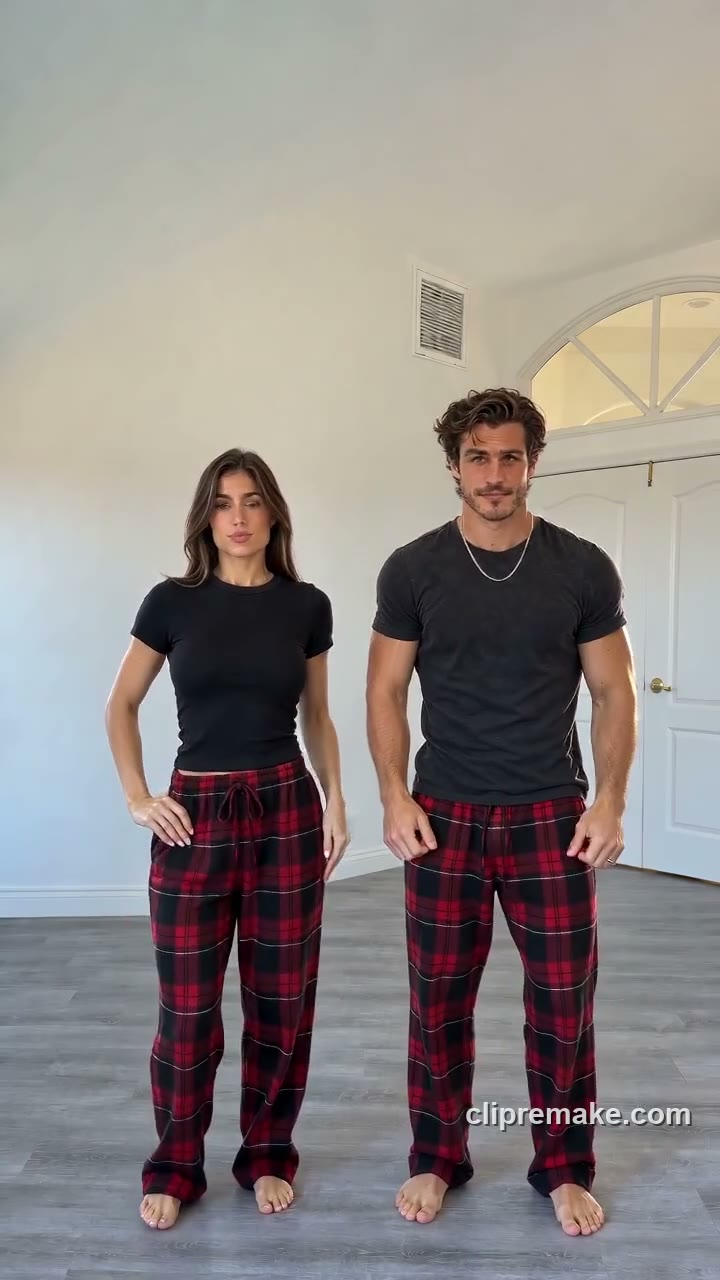
Create a Christmas Dance AI pajama video from one photo of one or two consenting adults. Preview the red-plaid routine and check video settings and credits on this page.
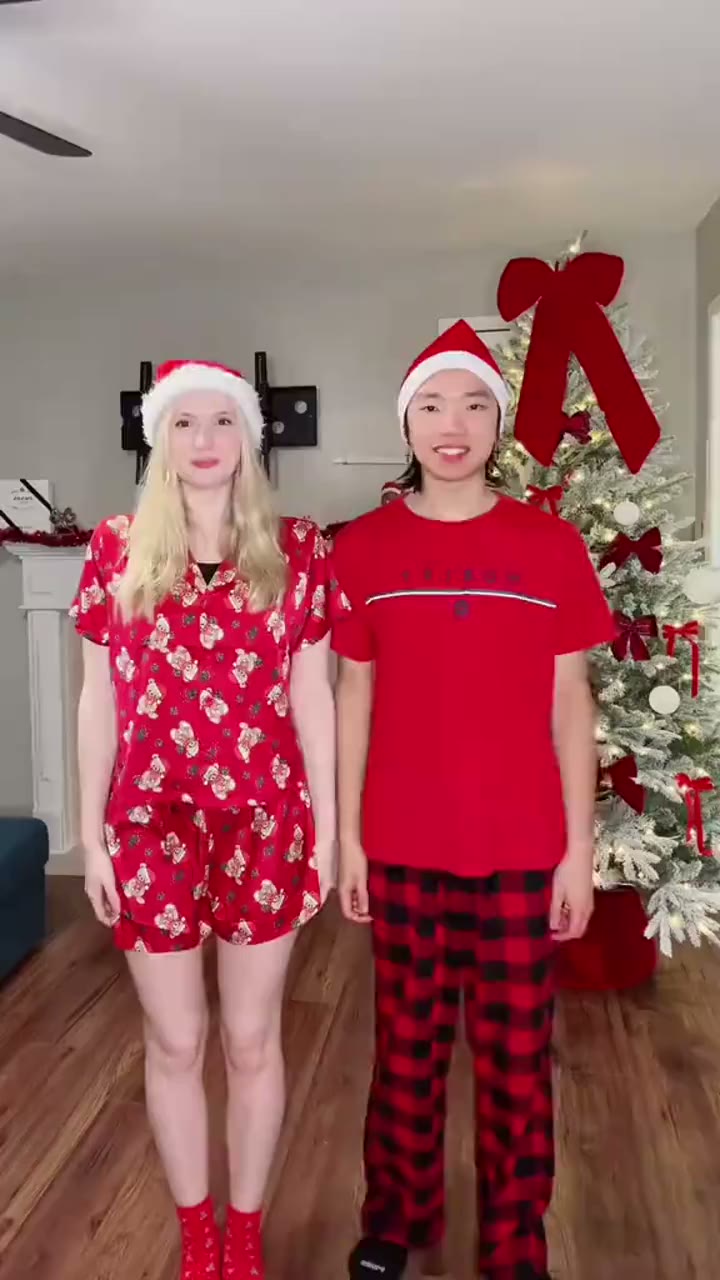
Turn one photo of two consenting adults into a Snowman Dance AI Christmas video. Preview the festive duet, select video settings and review the credit cost before generating.
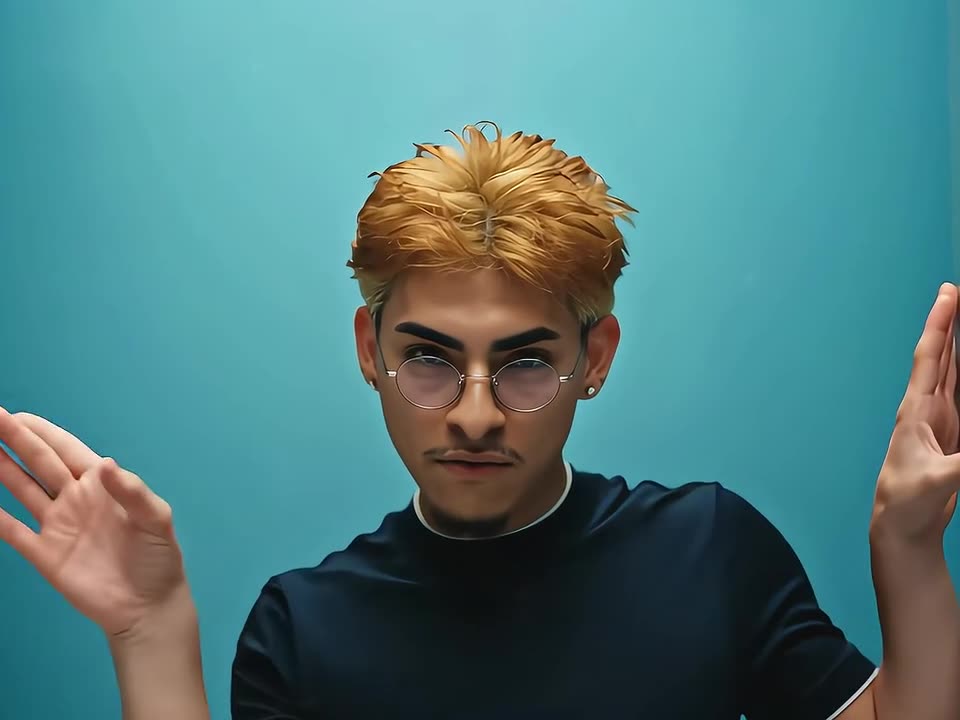
Turn one adult photo into a No Scrubs-inspired AI dance video. Preview the silver-corridor style, lead a fictional dance trio and check your credit quote before generating.