Near and far
One friend stands near the phone while the other waits farther down the hallway.
Make a Hop Hop Hop AI hallway video from one photo of two adults. Watch the squish-and-swap example, upload a group photo and generate on this page.
Hop Hop Hop AI pairs a close-up foreground performer with a friend farther down a hallway. A flat-hand gesture and a crouch create the squish illusion; a cut gives the other person a turn. This PicTV preset uses one two-person group photo and a written scene direction. It does not send the example as motion reference, copy its soundtrack or guarantee the same timing.
One friend stands near the phone while the other waits farther down the hallway.
A flat hand lines up with the distant friend, who crouches to sell the perspective trick.
A simple cut reverses the roles so the other friend can return the gesture.
Follow the photo tips for this scene. Keep the lead subject visible and use only photos you own or have permission to use.
Use the generator on this page. The scene direction is included. Choose model, resolution and duration, review the credit quote, and confirm permission to use the photo.
Review the lead identity, anatomy and scene continuity in your result here. Completed videos also appear in your private works; download within the retention period.
Use one group photo with both consenting adults clearly visible. This page accepts a single image, not two separate photos. The written preset asks the model to preserve both identities.
No. New tasks request native model audio, not the original recording. The example is for viewing and is not submitted as a motion reference. Exact hand timing, identity and choreography are not guaranteed.
The cost depends on your selected model, resolution and duration. Check the server quote in the editor and confirm the displayed credits before submitting; this is not a fixed-price or free render.
Yes. Sign in, upload the authorized group photo, select settings and confirm the quote here. Refresh the result panel to follow the original task. Private results are also available in My creations and are retained for 30 days.
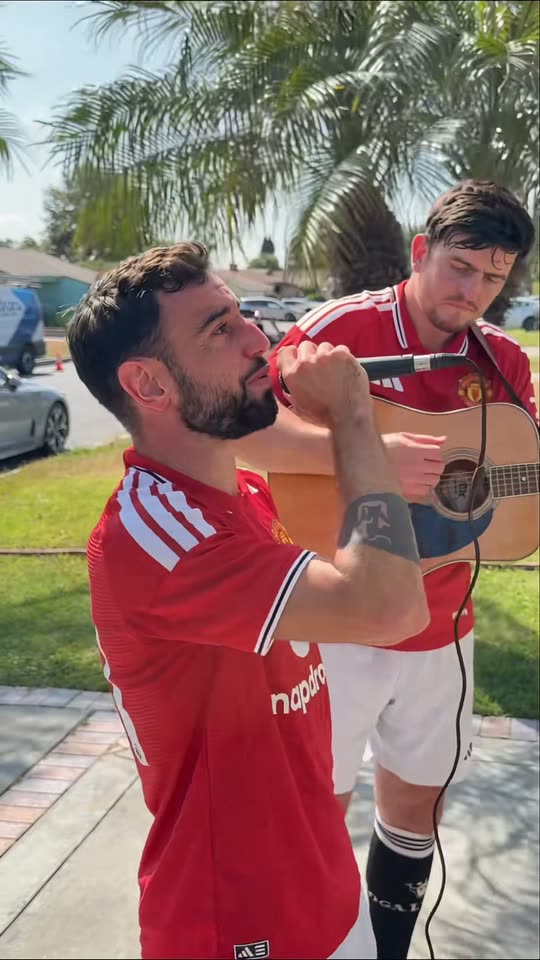
Create a Bruno Window Serenade-inspired comedy video from one two-person photo. Assign singer and guitarist roles, watch the sample and generate on this page.
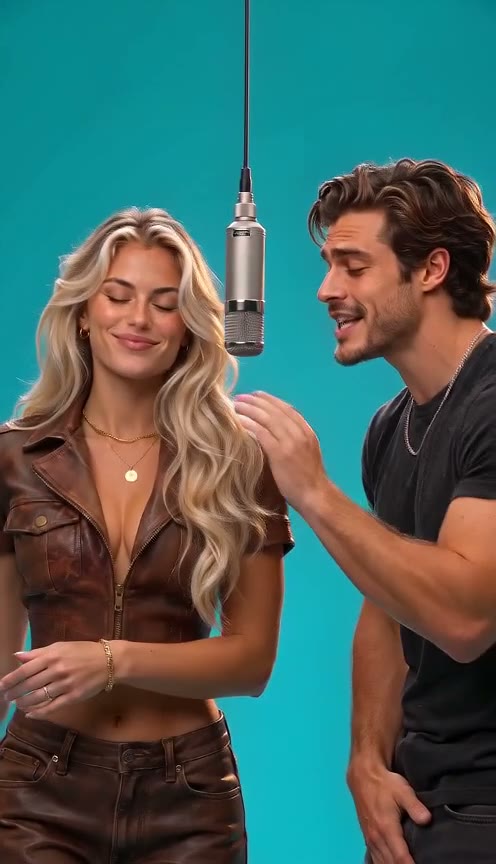
Create a 58th Floor AI duet from one two-person photo. Explore the teal studio and hanging-mic sample, then upload, choose settings and generate here.
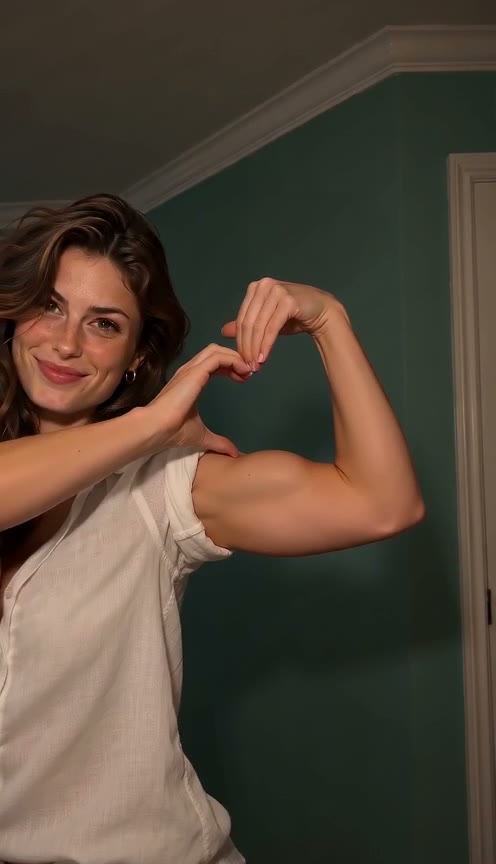
Make a Bicep Heart AI video from one adult photo. Preview the arm-heart gesture, upload a clear waist-up image and generate your own version on this page.
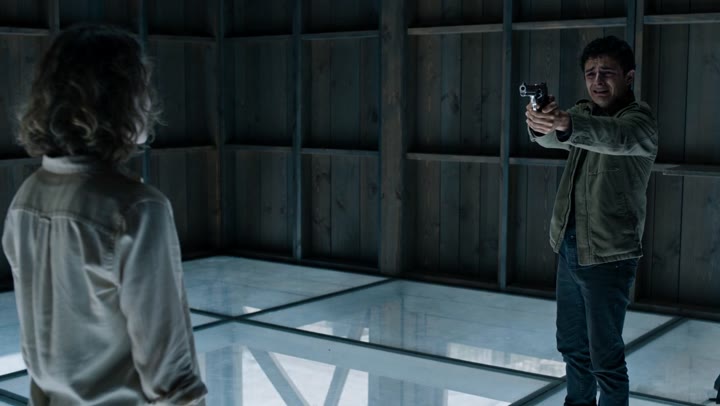
Create an AI zombie love-story video from one photo of two consenting adults. Watch the cinematic transformation, choose your settings and generate on this page.