Recognition
Cool cabin lighting establishes the couple and an uneasy moment of recognition.
Create an AI zombie love-story video from one photo of two consenting adults. Watch the cinematic transformation, choose your settings and generate on this page.
The video contrasts a tense, cool-lit cabin with a warm field reunion. A recognizable couple anchors the transformation and final embrace. This preset uses your group photo and an original story direction, not the displayed video as a motion reference. The displayed film is widescreen; your new template output is portrait.
Cool cabin lighting establishes the couple and an uneasy moment of recognition.
A pale face and restrained movement suggest a fictional zombie without gore.
Warm field light and an embrace give the short story a different emotional finish.
Follow the photo tips for this scene. Keep the lead subject visible and use only photos you own or have permission to use.
Use the generator on this page. The scene direction is included. Choose model, resolution and duration, review the credit quote, and confirm permission to use the photo.
Review the lead identity, anatomy and scene continuity in your result here. Completed videos also appear in your private works; download within the retention period.
A photo-to-video scene about recognition, a fictional zombie transformation and a reunion. It emphasizes the couple and lighting rather than graphic horror.
No. This PICTV preset accepts one group photo of two consenting adults. Separate uploads and automatic portrait merging are not part of this form.
No. The preset supplies scene instructions, not the original footage. Shot order, identity consistency and transitions vary by model and selected duration; the displayed widescreen film is not a guarantee of your portrait output.
New tasks request native model audio. The displayed soundtrack is not copied into your result. Review the chosen settings and credit quote before confirming.
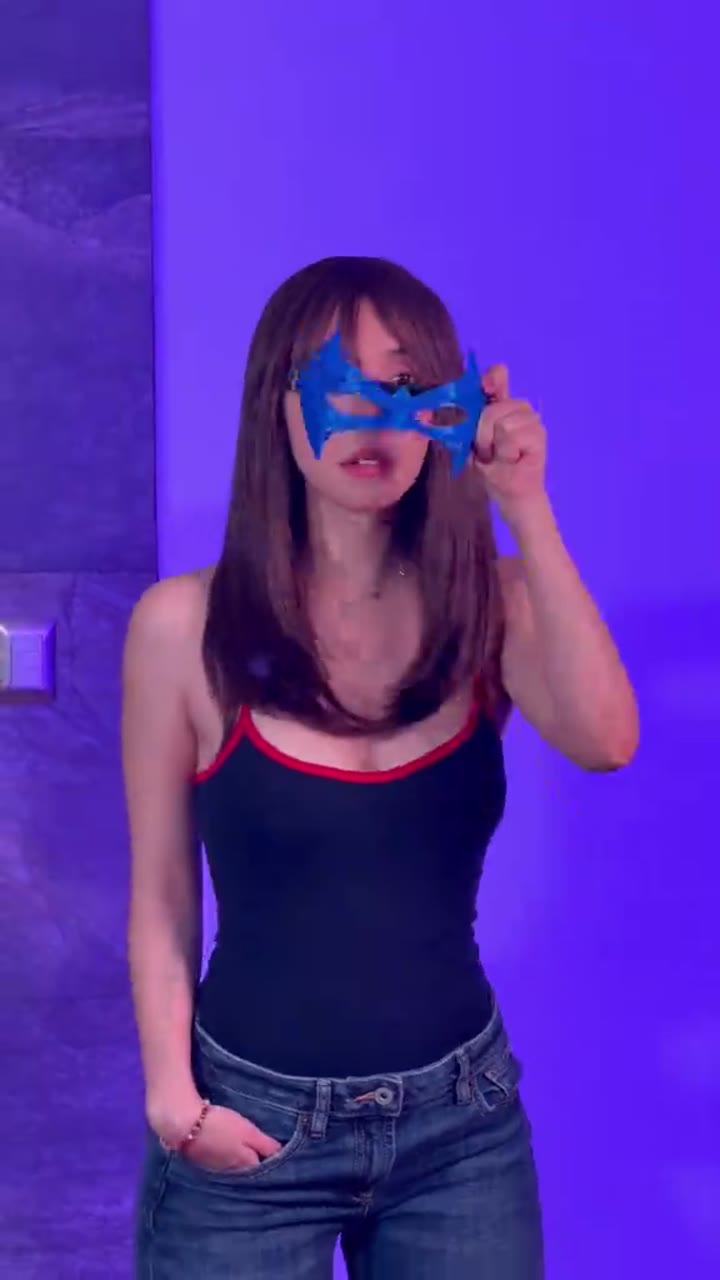
Turn one adult photo into a Nightwing-inspired mask-reveal dance video. Watch the violet-lit transformation, choose your settings and generate on this page.
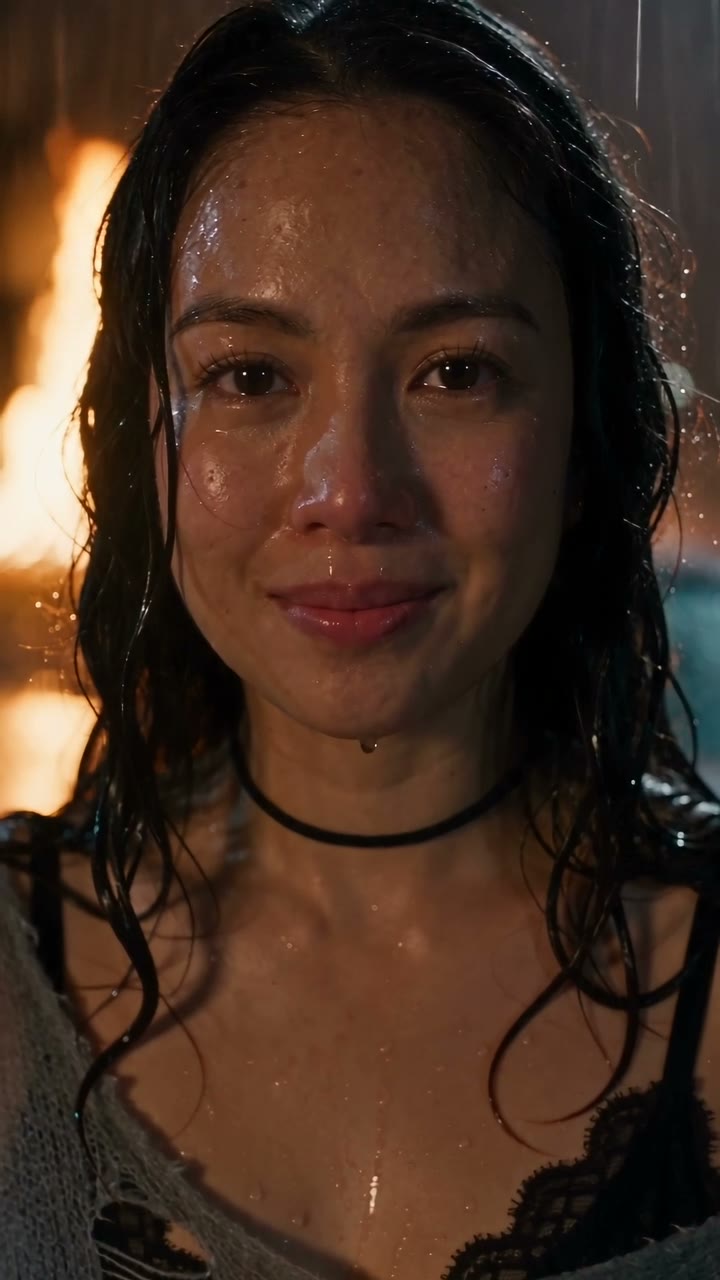
Create a DESERVE Rain Scene AI video from one portrait. Add rain, wet-street reflections and a slow emotional close-up; select Seedance settings and review credits.
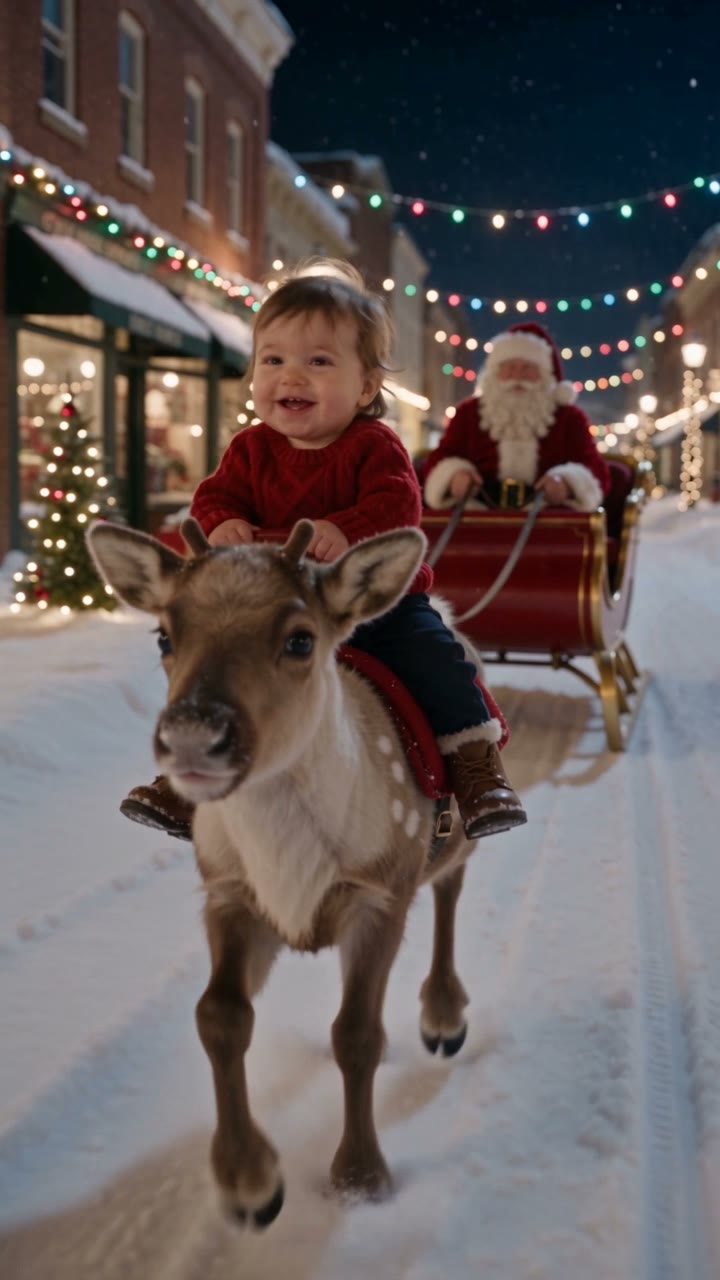
Make a Baby Reindeer Santa AI Christmas video from a guardian-authorized photo. Create a gentle snowy keepsake and select model, duration and credits on the same page.
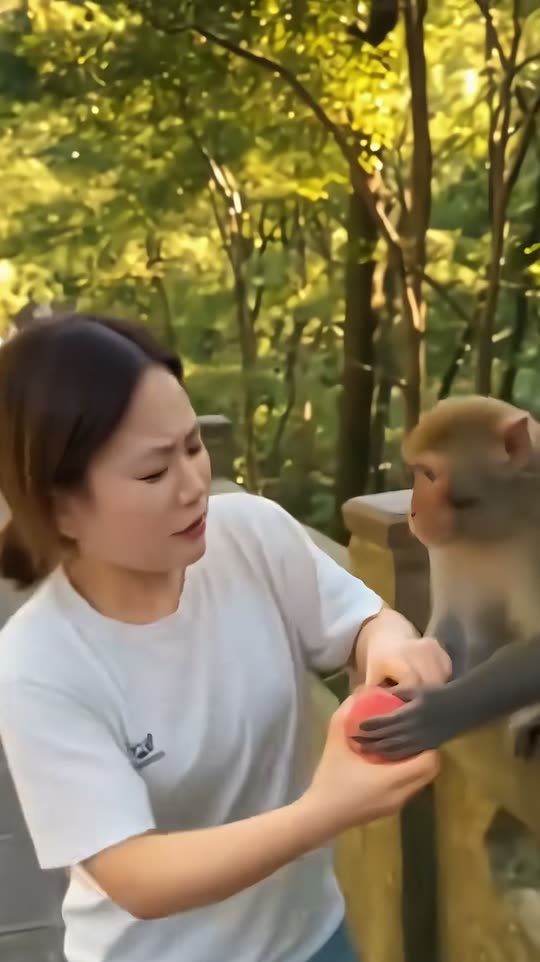
Create a monkey picnic reaction video from one consenting adult photo. Watch the fruit-sharing scene, use the built-in direction, and choose your video settings.