Share the mic
A teal backdrop and one hanging microphone frame the two-person performance.
Create a 58th Floor AI duet from one two-person photo. Explore the teal studio and hanging-mic sample, then upload, choose settings and generate here.
The 58th Floor AI look centers on a suspended silver microphone, a clean teal backdrop and a handover between two performers. This preset guides a two-shot, a close-up and a return to the pair using one authorized group photo. PicTV creates a new interpretation with native model audio; it does not import the example video, original song, lyrics or artist voices into the generation request.
A teal backdrop and one hanging microphone frame the two-person performance.
The second performer leans toward the microphone while the camera moves closer.
The camera opens back out to both performers and their relaxed interaction.
Follow the photo tips for this scene. Keep the lead subject visible and use only photos you own or have permission to use.
Use the generator on this page. The scene direction is included. Choose model, resolution and duration, review the credit quote, and confirm permission to use the photo.
Review the lead identity, anatomy and scene continuity in your result here. Completed videos also appear in your private works; download within the retention period.
This PicTV page uses one group photo containing both consenting adults. It reuses the existing single-image video generator, so it does not offer two independent photo slots.
No. The model is asked for original native audio, without copying the song, lyrics or artist voices. An audio track is not guaranteed for every output, and precise lip sync is not promised.
A 12–15 second portrait video gives the handover and close-up more time. Select any available model and supported resolution in the editor; the server calculates the actual credit quote before confirmation.
Use the photo editor on this page. After signing in, upload the authorized photo, review settings and confirm the quote. Query the same task in the result panel or My creations rather than submitting again after a slow response.
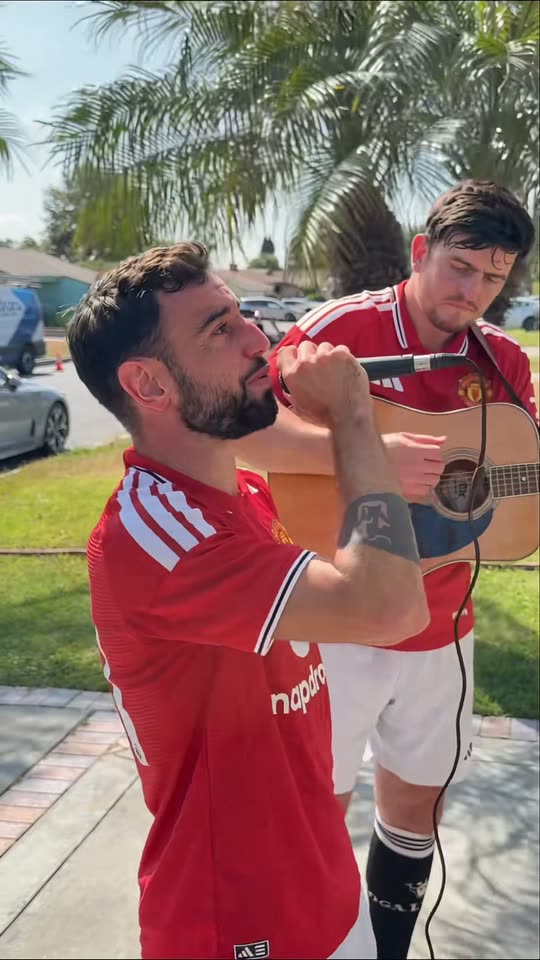
Create a Bruno Window Serenade-inspired comedy video from one two-person photo. Assign singer and guitarist roles, watch the sample and generate on this page.
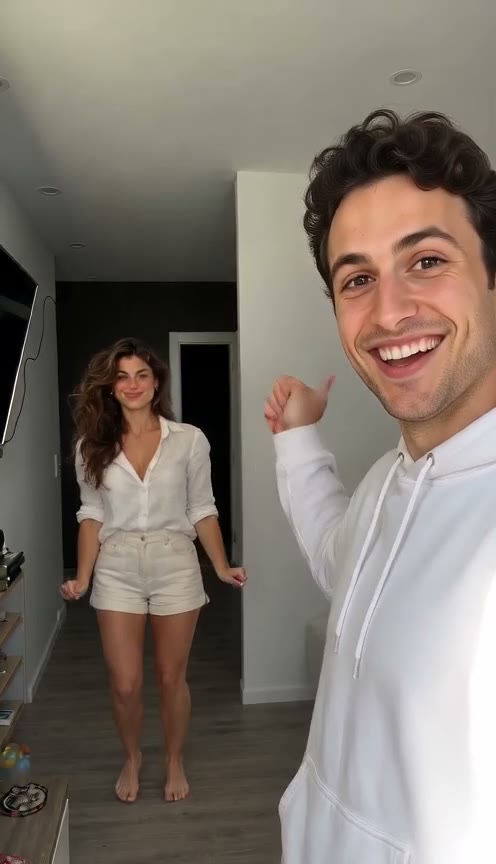
Make a Hop Hop Hop AI hallway video from one photo of two adults. Watch the squish-and-swap example, upload a group photo and generate on this page.
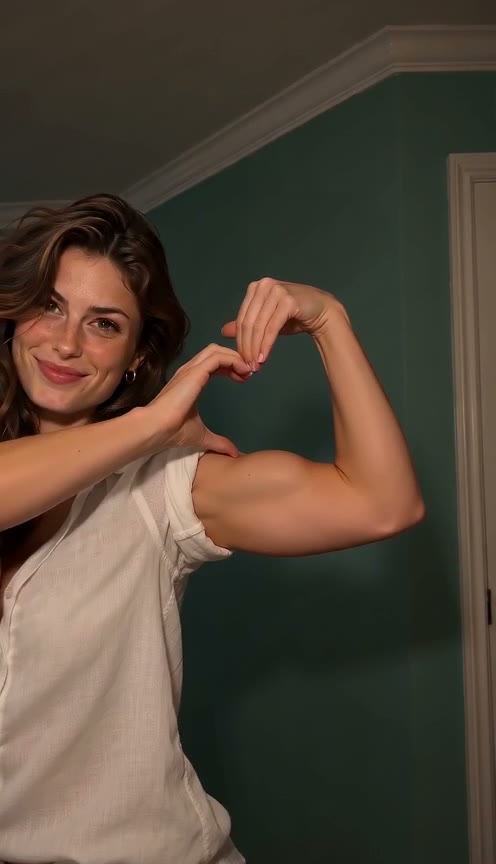
Make a Bicep Heart AI video from one adult photo. Preview the arm-heart gesture, upload a clear waist-up image and generate your own version on this page.
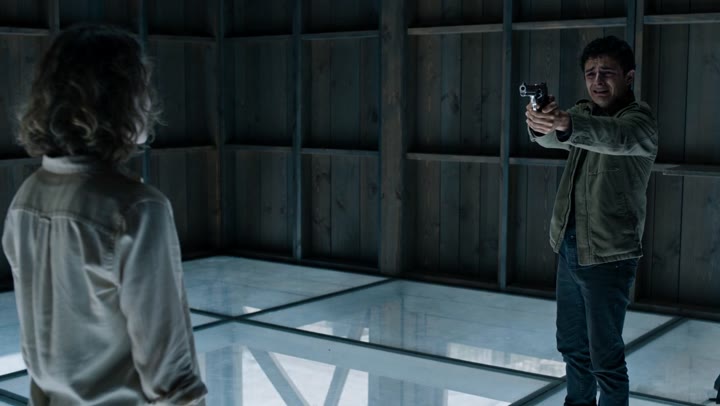
Create an AI zombie love-story video from one photo of two consenting adults. Watch the cinematic transformation, choose your settings and generate on this page.