A relaxed start
The subject faces the phone with a friendly expression in soft indoor light.
Make a Bicep Heart AI video from one adult photo. Preview the arm-heart gesture, upload a clear waist-up image and generate your own version on this page.
Bicep Heart AI turns a simple waist-up portrait into a short, playful pose: a smile, a comfortable flex and a curved hand meeting the upper arm. The sample shows the visual idea; the preset asks for a new performance with your identity, natural anatomy and native model audio. Hands and body details can vary, so inspect the result before sharing.
The subject faces the phone with a friendly expression in soft indoor light.
One sleeve lifts if needed and the arm bends without an exaggerated body transformation.
The other hand curves toward the bicep, then the subject briefly holds the pose.
Follow the photo tips for this scene. Keep the lead subject visible and use only photos you own or have permission to use.
Use the generator on this page. The scene direction is included. Choose model, resolution and duration, review the credit quote, and confirm permission to use the photo.
Review the lead identity, anatomy and scene continuity in your result here. Completed videos also appear in your private works; download within the retention period.
Use one authorized adult portrait framed from the waist up, with a clear face and both arms in view. A head-only crop makes the arm gesture harder to reconstruct.
The preset asks for natural proportions and a comfortable flex rather than a body transformation. AI can still alter fingers, arms or facial details; a perfect heart shape is not guaranteed.
Yes. Choose the available model, resolution and duration on this page. Review the server quote and photo permissions, then explicitly confirm generation. The sample duration is not a fixed output requirement.
New tasks request native model audio rather than the sample recording. View the original task in the result panel or My creations. Private media is retained for 30 days, so download a copy within that period.
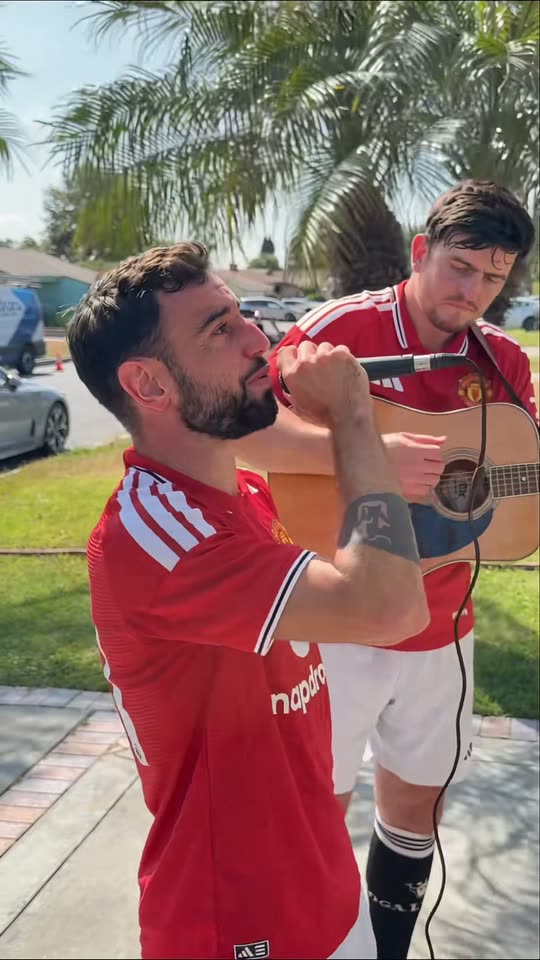
Create a Bruno Window Serenade-inspired comedy video from one two-person photo. Assign singer and guitarist roles, watch the sample and generate on this page.
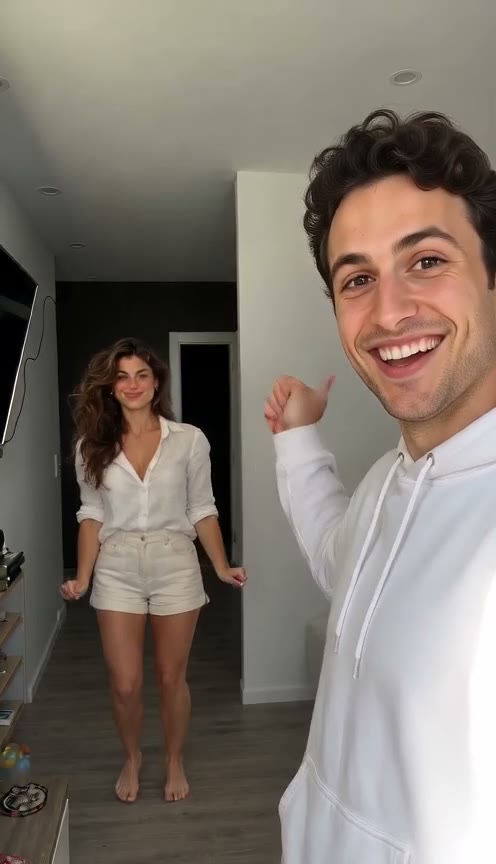
Make a Hop Hop Hop AI hallway video from one photo of two adults. Watch the squish-and-swap example, upload a group photo and generate on this page.
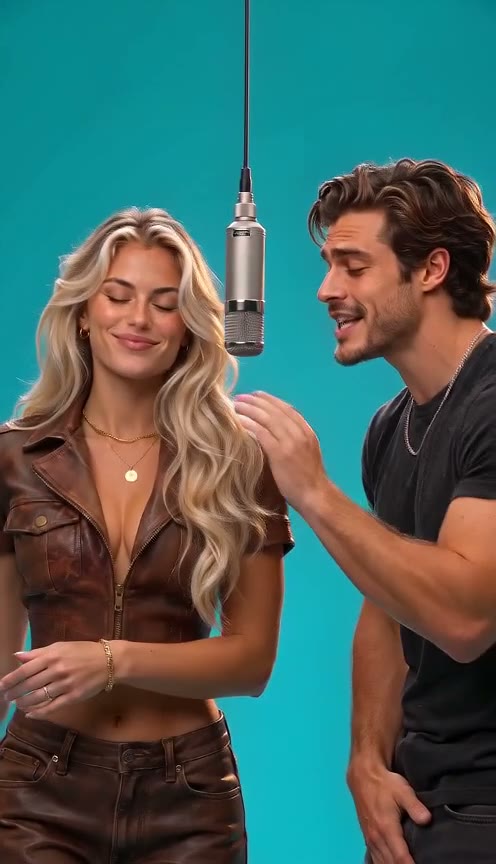
Create a 58th Floor AI duet from one two-person photo. Explore the teal studio and hanging-mic sample, then upload, choose settings and generate here.
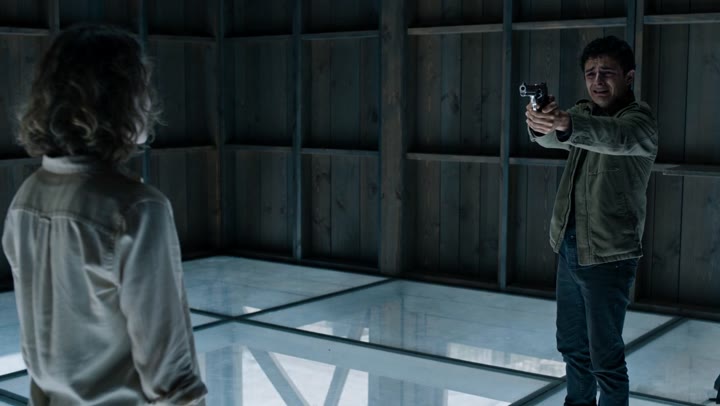
Create an AI zombie love-story video from one photo of two consenting adults. Watch the cinematic transformation, choose your settings and generate on this page.