Wait inside the elevator
The right-hand person in your photo holds a relaxed position against a fictional steel interior.
Make a 365 Elevator AI style video from one photo of two consenting adults. Preview the steel-elevator scene, choose settings and review the credit quote before generating.
365 Elevator AI uses a new written motion preset for a restrained elevator encounter. Upload one group photo containing both consenting adults: the person on the right waits, while the person on the left steps in and turns. PicTV does not add the source site’s two-separate-photo workflow. The supplied sample is a visual reference rather than a PicTV customer result; its recognizable public figures are not copied into the generation instructions. The web example measures 14.05 seconds at 800×598, with its supplied audio retained.
The right-hand person in your photo holds a relaxed position against a fictional steel interior.
The left-hand person joins the scene with a small step and comfortable turn, keeping both identities distinct.
A restrained glance and a direct look to the lens create the final shared moment.
Follow the photo tips for this scene. Keep the lead subject visible and use only photos you own or have permission to use.
Use the generator on this page. The scene direction is included. Choose model, resolution and duration, review the credit quote, and confirm permission to use the photo.
Review the lead identity, anatomy and scene continuity in your result here. Completed videos also appear in your private works; download within the retention period.
Use the editor on this page to add the required photo. Choose a supported model, resolution and duration, review the server credit quote, then sign in and explicitly confirm generation. Check the task and private result here or in My creations.
This PicTV preset takes one group photo of two consenting adults. Left and right photo positions define the entrance and waiting roles. It does not combine two separate uploads or provide the source site’s dual-photo mode.
The displayed reference retains its supplied audio. New videos request native model audio rather than Sampagne’s 365 recording, copied lyrics or an artist’s voice. Outputs use the selected supported settings, starting at 5 seconds in 16:9 format. The reference duration is not an output promise; exact moves, lip-sync and a usable audio track are not guaranteed.
Check the original task on this page or in My creations. Do not resubmit while submission status is unknown. Generated media is private to your account and follows PicTV’s 30-day retention policy. Contact Support with the task ID if you need help. The source site’s prices and render-time promises do not apply.
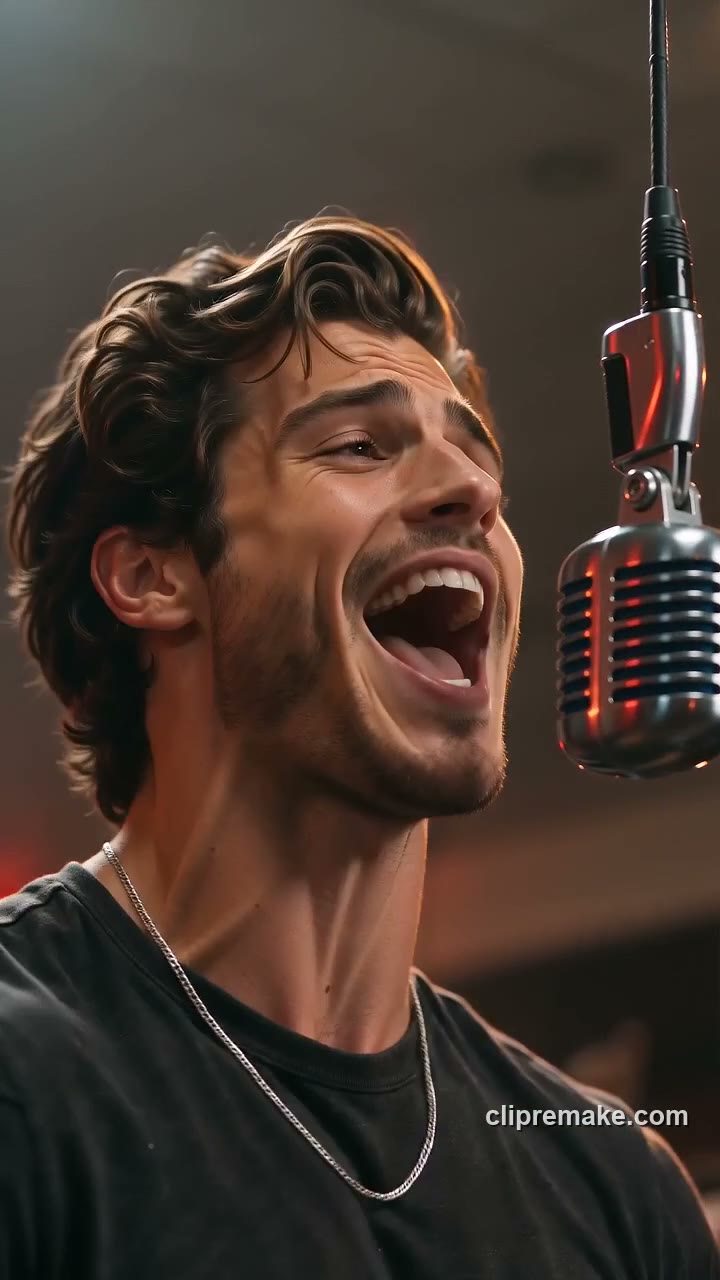
Make a Give It All AI hanging-mic video from one adult or pet photo. Explore the warm crowd scene, select video settings and review the credit quote before generating.
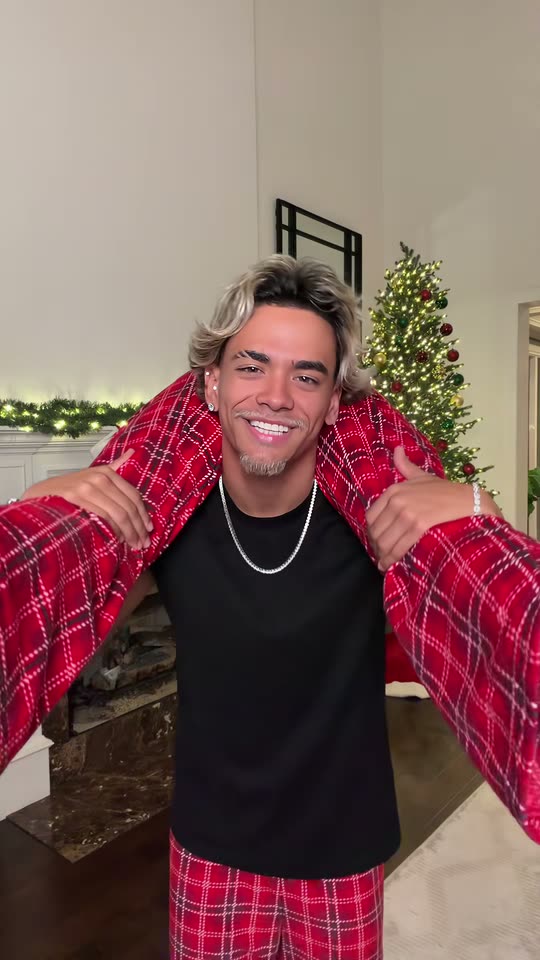
Create a Put The Rollie On My Wrist-inspired duo clip from one photo of two consenting adults. Preview the festive handoff, choose settings and generate on PicTV.
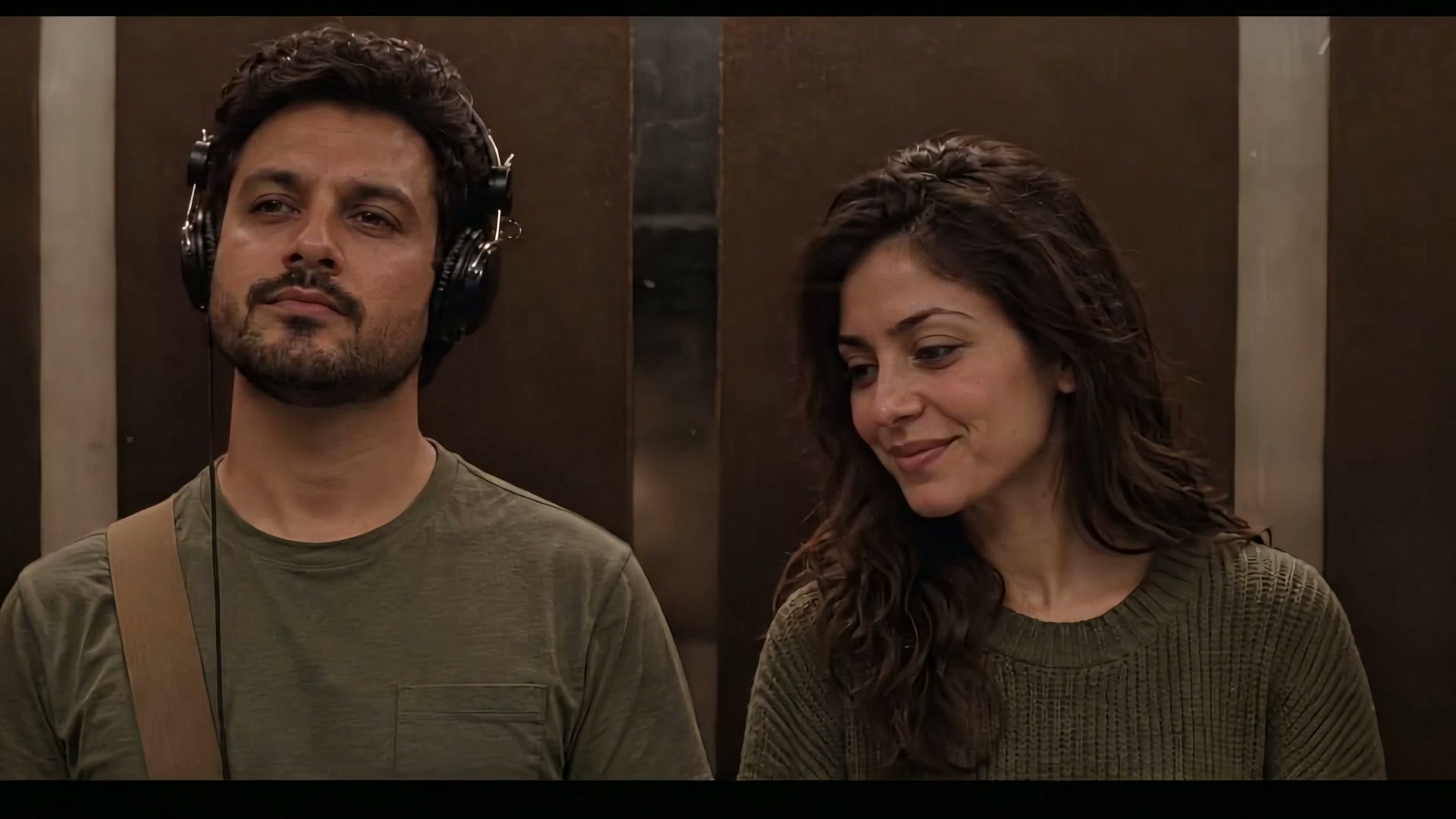
Create an I Love The Smiths-inspired elevator moment from one two-person photo. Watch the wide-screen sample, choose settings and generate on this PicTV page.
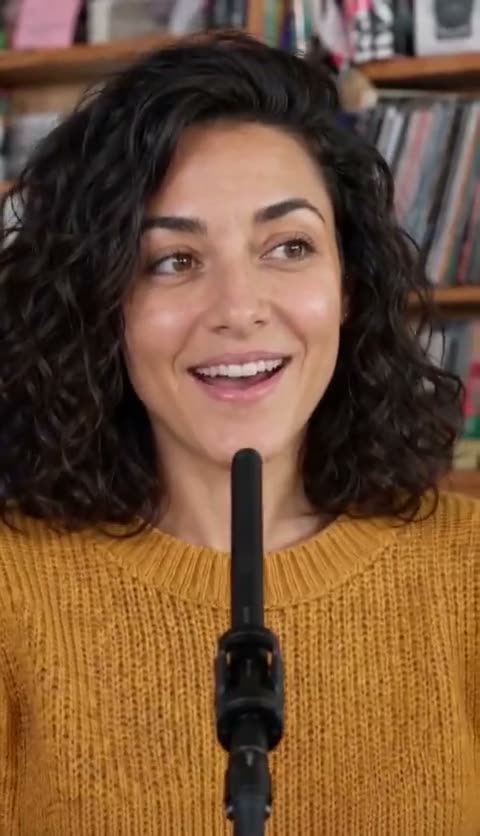
Create a Tiny Desk singer video from one portrait. Preview the close-up vocal and keyboard scene, choose settings and generate your own performance on PicTV.