Headphones and a quiet ride
The two people share an elevator while the left person listens to music.
Create an I Love The Smiths-inspired elevator moment from one two-person photo. Watch the wide-screen sample, choose settings and generate on this PicTV page.
The I Love The Smiths format works through a small change of attention: headphones, a friendly remark and a surprised look between two people. This preset uses the left and right adults in one group photo to create a new wood-paneled elevator scene. The sample is wide-screen and this page offers supported 16:9 generation settings. It guides a new interaction with a written prompt; it is not a film-face-swap or a transfer of the source recording.
The two people share an elevator while the left person listens to music.
The right person starts a short exchange about shared music taste.
The headphones come down and the pair turn toward each other with a restrained reaction.
Follow the photo tips for this scene. Keep the lead subject visible and use only photos you own or have permission to use.
Use the generator on this page. The scene direction is included. Choose model, resolution and duration, review the credit quote, and confirm permission to use the photo.
Review the lead identity, anatomy and scene continuity in your result here. Completed videos also appear in your private works; download within the retention period.
Use a single photo of two consenting adults. Their left-right positions assign the headphone listener and the person who starts the conversation. PicTV does not request two separate portrait uploads here.
No. It creates a new elevator interaction from your photo with original native audio. Exact film dialogue, soundtrack, actor likeness and lip-sync are not supplied or guaranteed. The sample is about 15 seconds; the output uses your supported duration selection.
Yes. Use the editor here to upload your photo, select a supported model, resolution and duration, and review the server quote. Sign in and explicitly confirm the displayed credits and permissions before generation. Prices and upload options from the source website do not apply to PicTV.
The displayed sample and audio are for preview only. New tasks request native model audio, not a copied soundtrack, a performer’s voice or guaranteed lip-sync; a usable track is not guaranteed. Recover the original task in this page’s result area or My creations. Do not resubmit an unknown result. Private media is retained for 30 days.
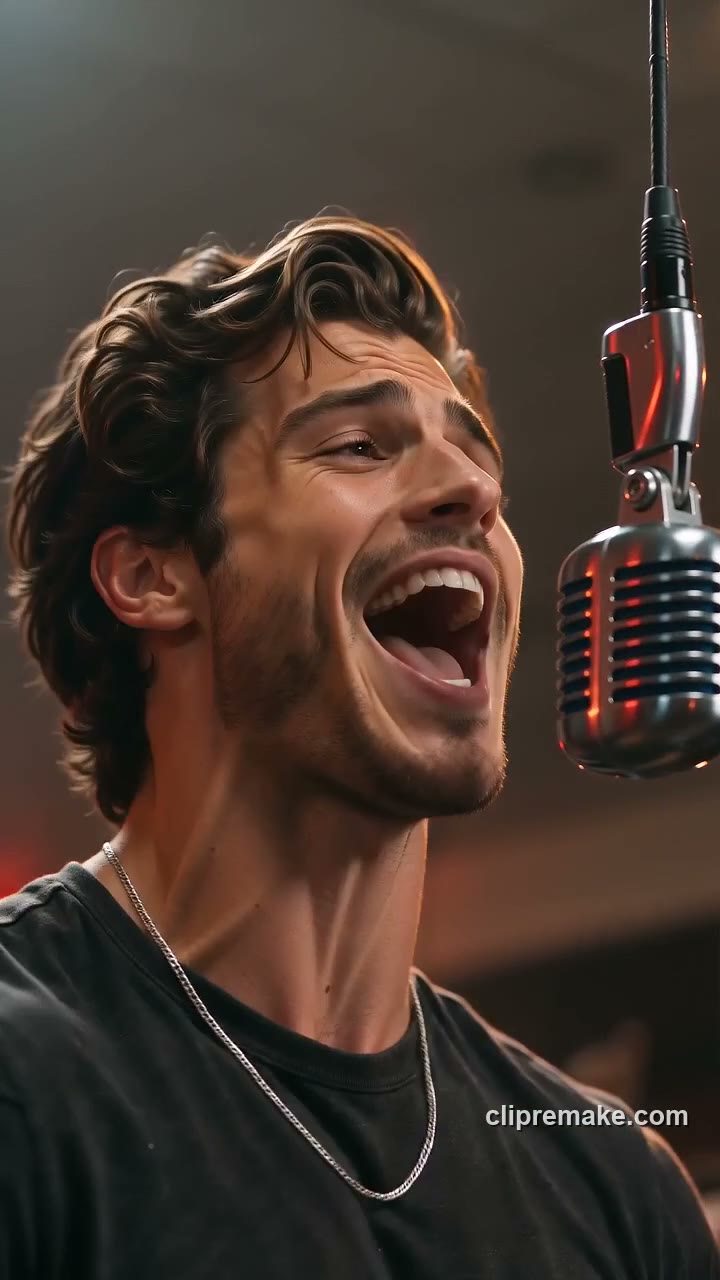
Make a Give It All AI hanging-mic video from one adult or pet photo. Explore the warm crowd scene, select video settings and review the credit quote before generating.
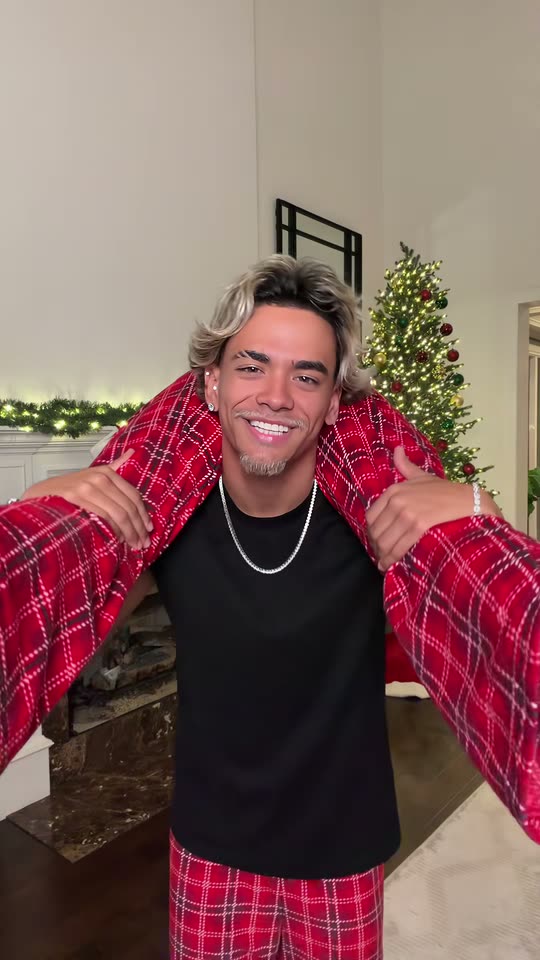
Create a Put The Rollie On My Wrist-inspired duo clip from one photo of two consenting adults. Preview the festive handoff, choose settings and generate on PicTV.
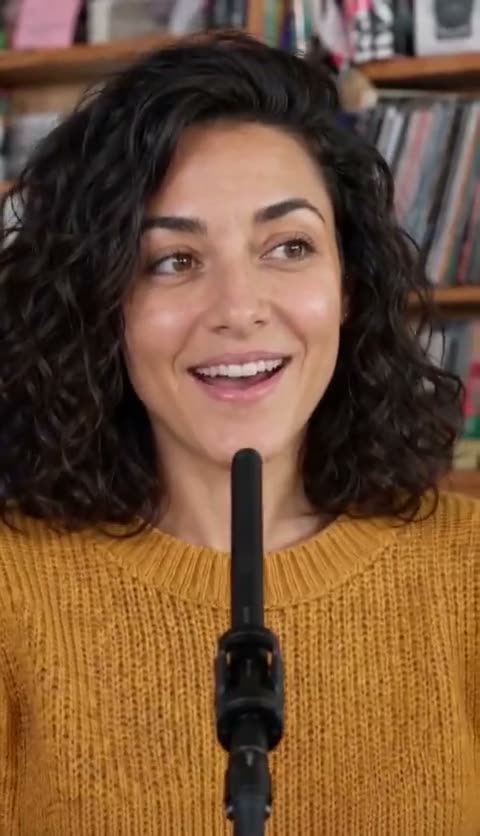
Create a Tiny Desk singer video from one portrait. Preview the close-up vocal and keyboard scene, choose settings and generate your own performance on PicTV.
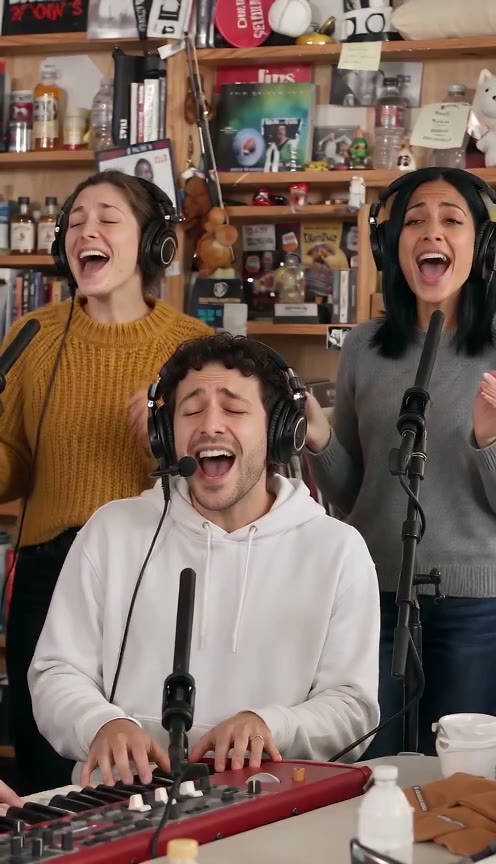
Make a Tiny Desk AI-inspired band video from one lead-singer photo. Preview the desk performance, choose video settings and generate your own version on PicTV.