The vocal close-up
The microphone and singer’s expression establish an intimate portrait performance.
Create a Tiny Desk singer video from one portrait. Preview the close-up vocal and keyboard scene, choose settings and generate your own performance on PicTV.
This Tiny Desk singer preset is built around the face and expression of one foreground performer. A microphone close-up leads into a short keyboard-and-band view before returning to the singer. It differs from PicTV’s broader desk-side ensemble preset and the separate dog-band version. One authorized adult portrait determines the lead; supporting musicians are fictional. The example is a style reference for viewing, not a face-swap input or a promise to reproduce a concert or its soundtrack.
The microphone and singer’s expression establish an intimate portrait performance.
A short wider view gives the lead a desk-side musical setting.
A small eyes-closed expression and relaxed finish end the clip on the lead.
Follow the photo tips for this scene. Keep the lead subject visible and use only photos you own or have permission to use.
Use the generator on this page. The scene direction is included. Choose model, resolution and duration, review the credit quote, and confirm permission to use the photo.
Review the lead identity, anatomy and scene continuity in your result here. Completed videos also appear in your private works; download within the retention period.
This preset emphasizes one singer’s portrait, facial expression and a keyboard-side performance. The existing Tiny Desk page has a broader ensemble, laugh-and-wave and saxophone sequence. Both use one lead photo, but their written scene directions and sample videos differ.
No. The phrase describes the recognizable search style, not a music license or affiliation. Your authorized photo supplies the lead, and the model creates original audio and a new performance. The sample is about 15 seconds; exact notes, voice and timing are not guaranteed.
Yes. Use the editor here to upload your photo, select a supported model, resolution and duration, and review the server quote. Sign in and explicitly confirm the displayed credits and permissions before generation. Prices and upload options from the source website do not apply to PicTV.
The displayed sample and audio are for preview only. New tasks request native model audio, not a copied soundtrack, a performer’s voice or guaranteed lip-sync; a usable track is not guaranteed. Recover the original task in this page’s result area or My creations. Do not resubmit an unknown result. Private media is retained for 30 days.
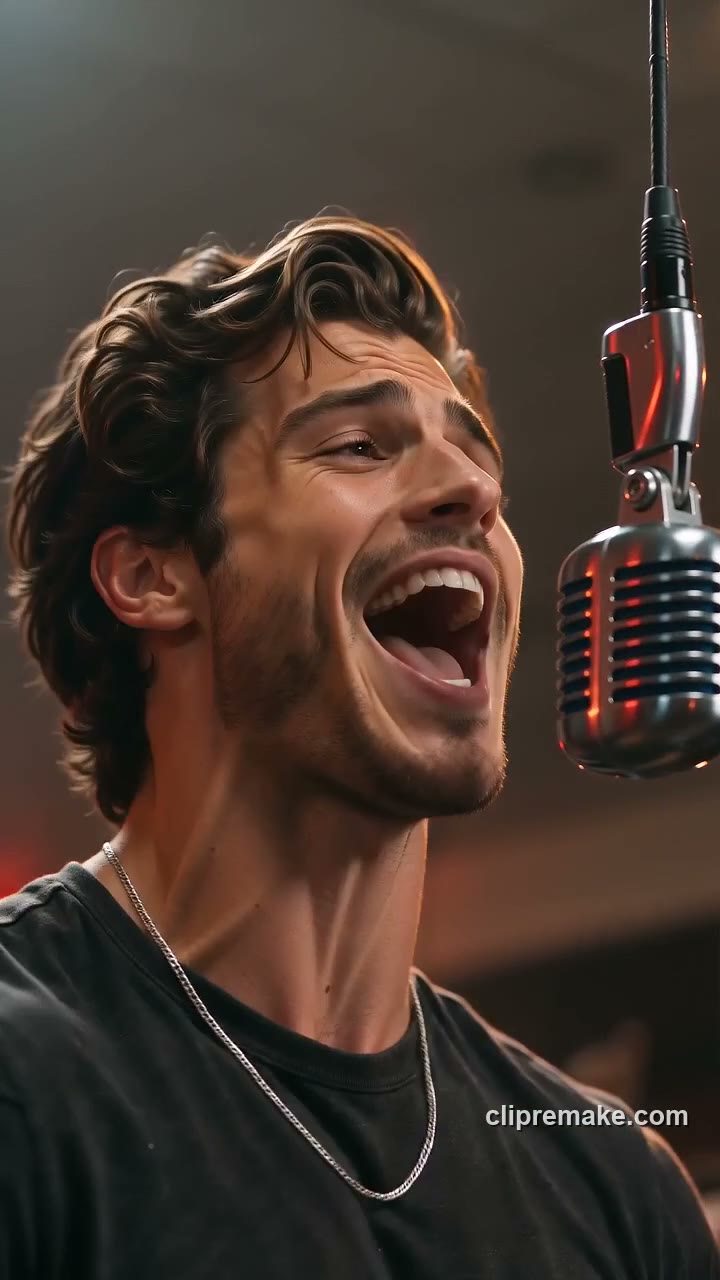
Make a Give It All AI hanging-mic video from one adult or pet photo. Explore the warm crowd scene, select video settings and review the credit quote before generating.
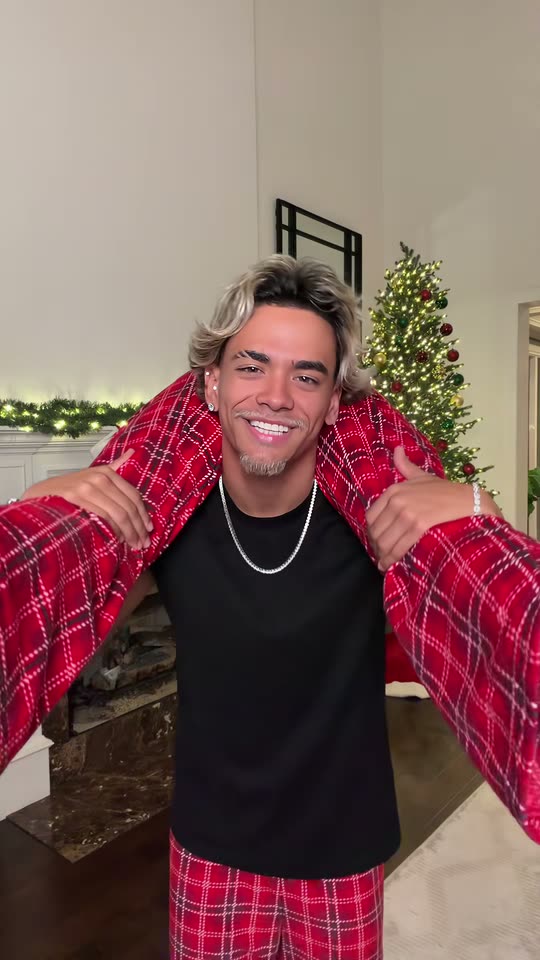
Create a Put The Rollie On My Wrist-inspired duo clip from one photo of two consenting adults. Preview the festive handoff, choose settings and generate on PicTV.
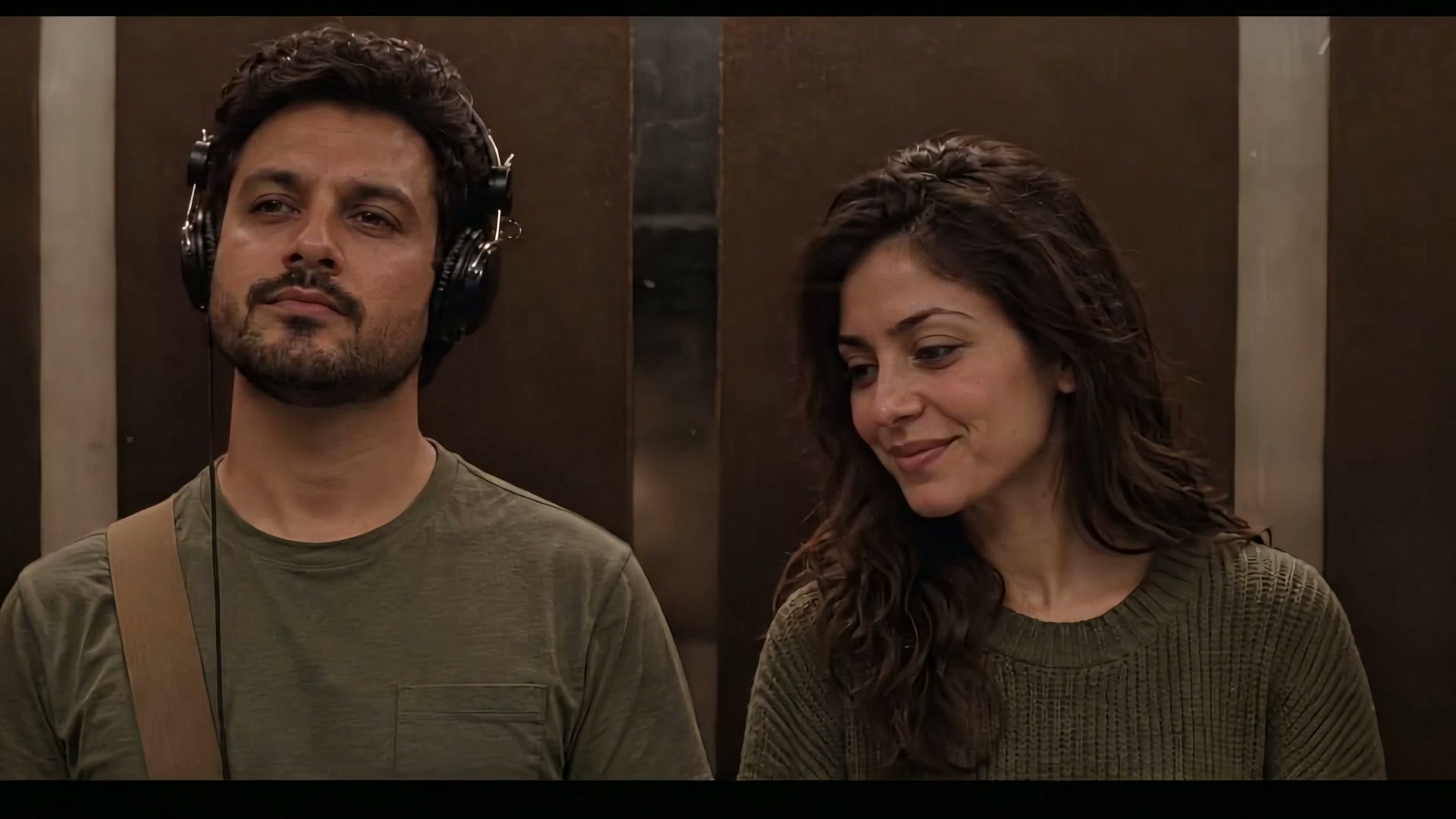
Create an I Love The Smiths-inspired elevator moment from one two-person photo. Watch the wide-screen sample, choose settings and generate on this PicTV page.
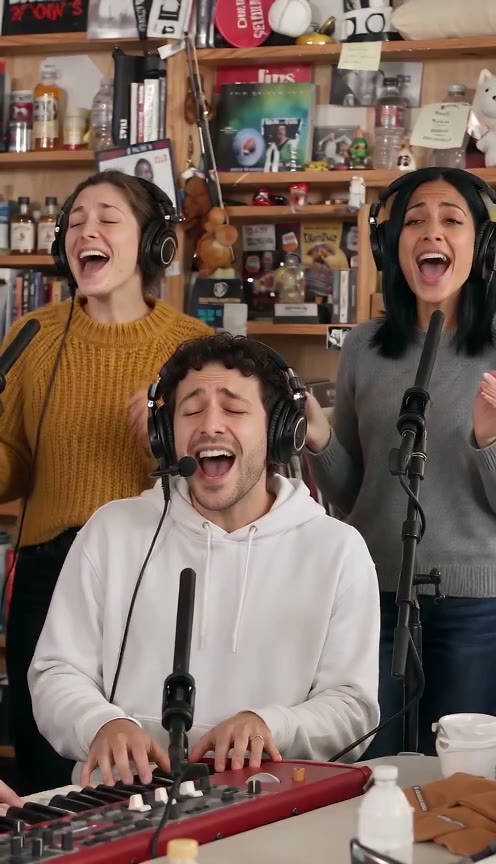
Make a Tiny Desk AI-inspired band video from one lead-singer photo. Preview the desk performance, choose video settings and generate your own version on PicTV.