The quiet setup
A seated indoor introduction establishes your character before the scene changes.
Make a What If You Fly-inspired AI video from one adult photo. Preview the cloud-flight effect, choose supported settings and generate your own version on PicTV.
What If You Fly turns a hesitant beginning into a cinematic flight reveal. This preset follows a seated introduction, a fantasy transition and a wide view above the clouds. The original 17.25-second sample is shown in its native 4:3 frame; the editor uses PicTV’s supported landscape settings and selectable duration, not a fixed copy of the sample. The effect is created from a written motion preset and your photo, so camera movement, identity and scene transitions can vary.
A seated indoor introduction establishes your character before the scene changes.
An imaginary cloud passage shifts the mood from hesitation to discovery.
A wider sunlit view opens above the clouds as the character floats toward the horizon.
Follow the photo tips for this scene. Keep the lead subject visible and use only photos you own or have permission to use.
Use the generator on this page. The scene direction is included. Choose model, resolution and duration, review the credit quote, and confirm permission to use the photo.
Review the lead identity, anatomy and scene continuity in your result here. Completed videos also appear in your private works; download within the retention period.
It is a fantasy video format that moves from a hesitant or falling setup into an uplifting flight reveal. Here you can make a new interpretation from one adult photo; it is not an instruction to attempt a real jump.
No. The sample is a 4:3 reference with its own edit and sound. PicTV offers existing supported models, landscape settings and a selected duration up to 15 seconds. The generated motion, face details, transitions and soundtrack can differ.
Yes. Use the editor on this page to choose supported settings, upload the required photo and review the server quote. Sign in, confirm photo permissions and explicitly confirm the displayed credit cost before submitting. The source website’s prices and plans do not apply to PicTV.
The sample keeps its original sound for preview. New tasks request native model audio, not a copied song, artist voice or guaranteed lip-sync, and a usable audio track is not guaranteed. Your private result appears on this page and in My creations and is retained for 30 days. Recover the original task if its status is unknown rather than submitting again.
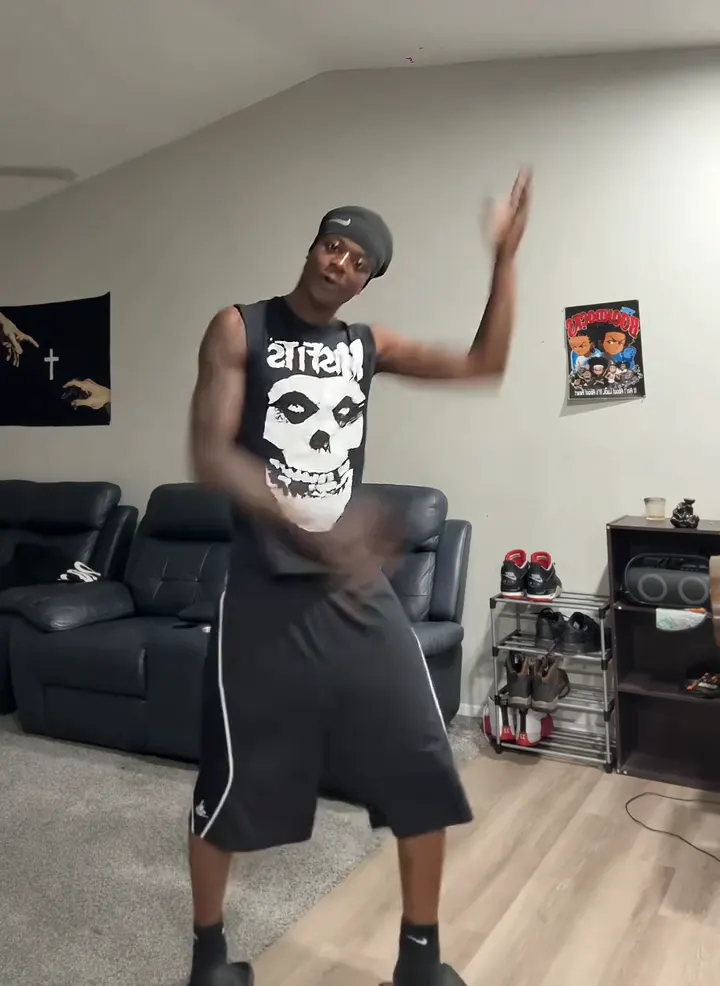
Make a Thanksgiving Bend AI dance video from one adult photo. Preview the shoulder taps, knee lifts and arm swings, then choose settings and review the credit cost.
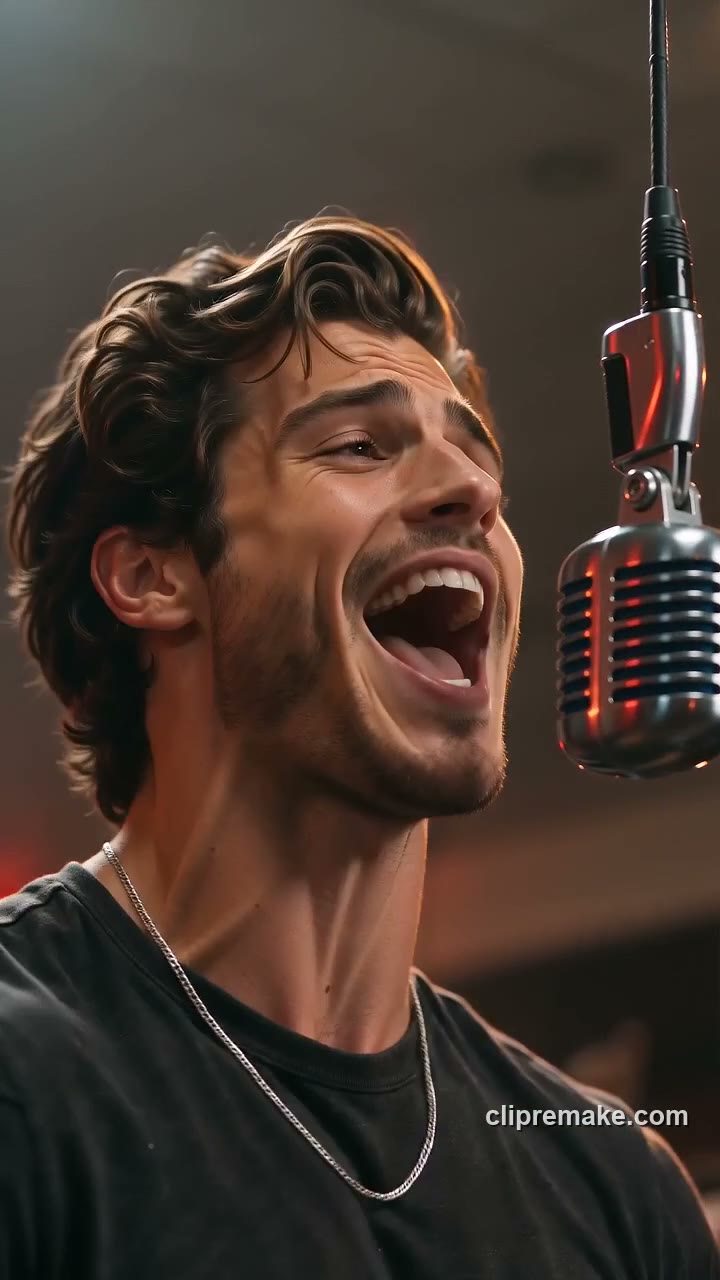
Make a Give It All AI hanging-mic video from one adult or pet photo. Explore the warm crowd scene, select video settings and review the credit quote before generating.
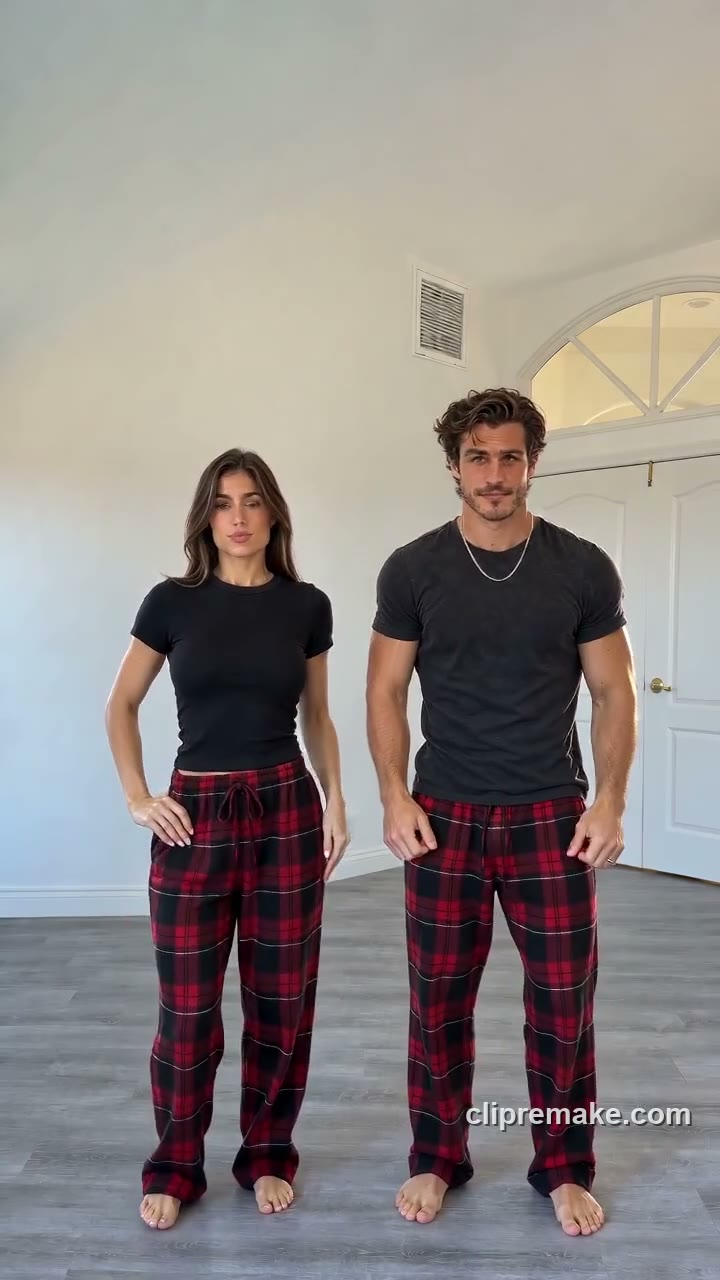
Create a Christmas Dance AI pajama video from one photo of one or two consenting adults. Preview the red-plaid routine and check video settings and credits on this page.
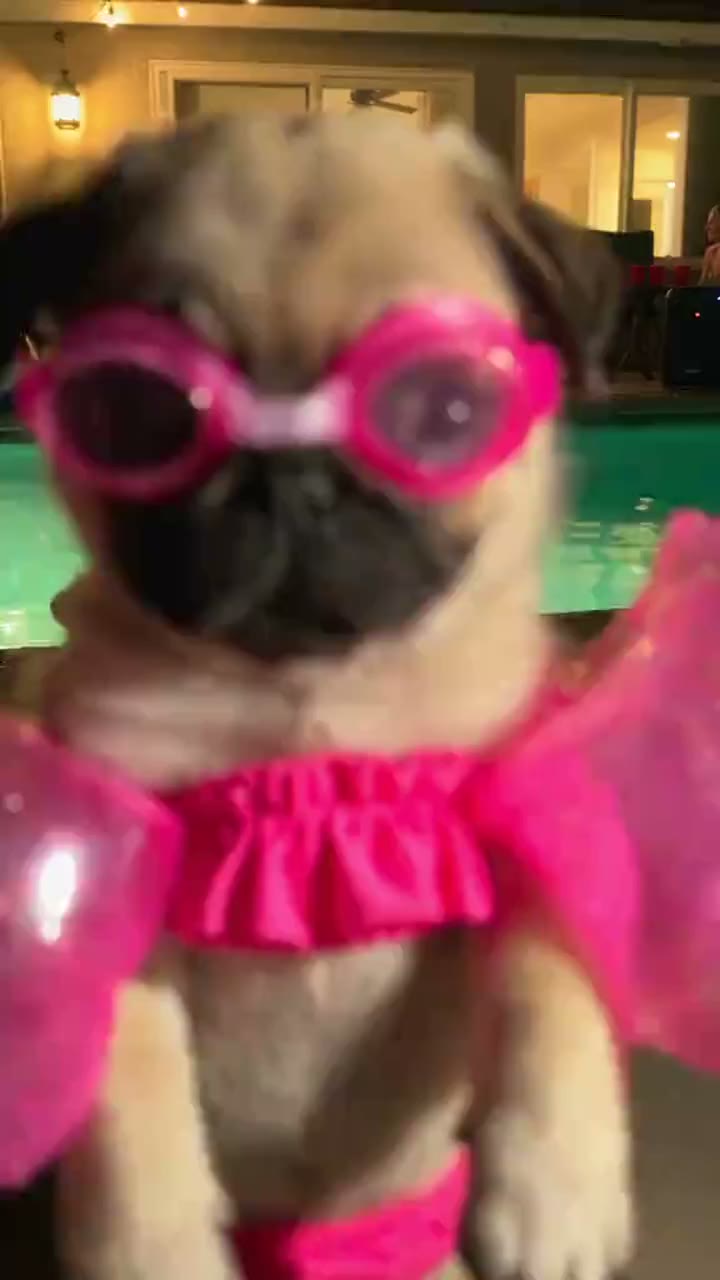
Make a Dog Pool Party AI video from one dog photo. Explore pink goggles, a glowing night pool and playful paw moves, then choose settings and review your credit quote.