Start together
Small side steps and relaxed arm movements bring both friends into the rhythm.
Make a Jisoo Addicted Dance AI-inspired hallway duet from one two-person photo. Watch the sample, choose video settings and generate your own dance on PicTV.
The Jisoo Addicted Dance AI search format pairs two dancers in a clean hallway, using a friendly lean and matching gestures to connect their movement. On PicTV, one group photo supplies both consenting adults; the preset keeps their left-right roles consistent. It creates a trend-inspired dance, not a celebrity replacement or a licensed choreography transfer. The video and soundtrack are preview material rather than provider motion or audio inputs.
Small side steps and relaxed arm movements bring both friends into the rhythm.
The pair briefly lean shoulder to shoulder while staying balanced on the floor.
A simple shared gesture and smile complete the duet.
Follow the photo tips for this scene. Keep the lead subject visible and use only photos you own or have permission to use.
Use the generator on this page. The scene direction is included. Choose model, resolution and duration, review the credit quote, and confirm permission to use the photo.
Review the lead identity, anatomy and scene continuity in your result here. Completed videos also appear in your private works; download within the retention period.
No. The preset uses the two adults in your authorized group photo and does not request a celebrity likeness or voice. The trend name identifies the style, not an endorsement.
No. It requests an original hallway dance interpretation and native model audio. Exact choreography, original music and precise beat matching are not supplied. The sample is about 15 seconds; use a supported duration for your new output.
Yes. Upload the photo in the editor on this page, choose an available model, duration and resolution, and review the server quote. Sign in and explicitly confirm the credits and photo permissions before generation. The source website’s prices and upload options do not apply here.
The sample and its audio are for preview. New tasks request original native model audio, not the original recording, a celebrity voice or guaranteed lip-sync; a usable audio track is not guaranteed. Check the original task in this page’s result panel or My creations instead of resubmitting an unknown result. Private media is retained for 30 days.
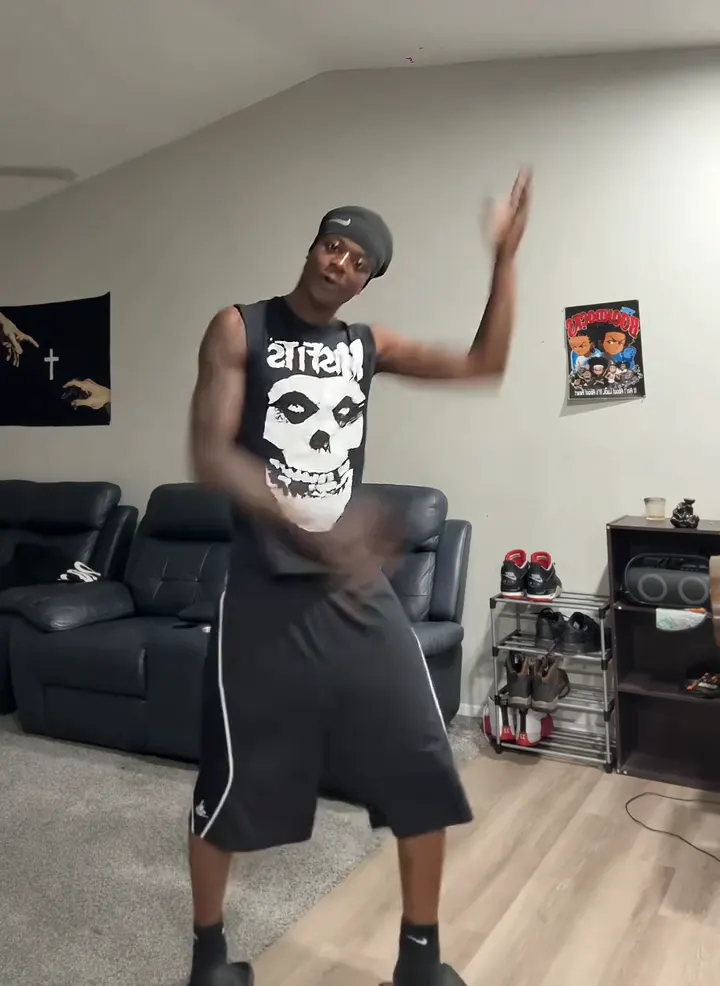
Make a Thanksgiving Bend AI dance video from one adult photo. Preview the shoulder taps, knee lifts and arm swings, then choose settings and review the credit cost.
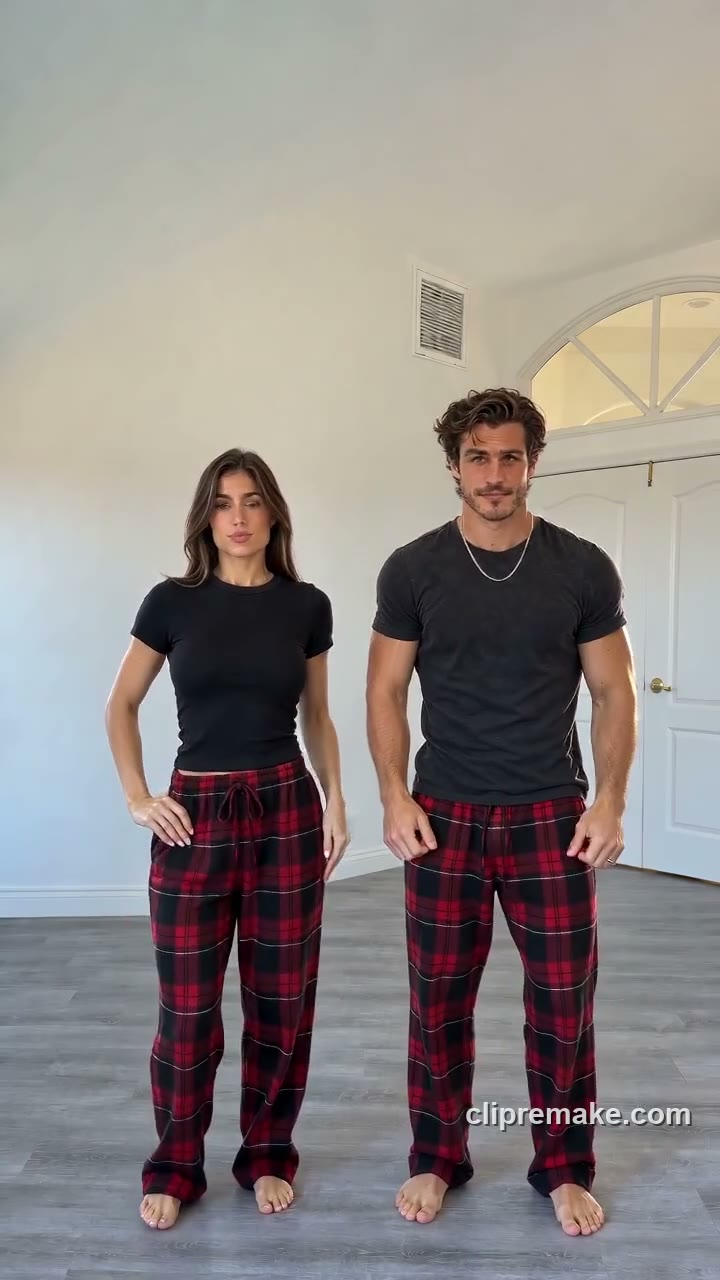
Create a Christmas Dance AI pajama video from one photo of one or two consenting adults. Preview the red-plaid routine and check video settings and credits on this page.
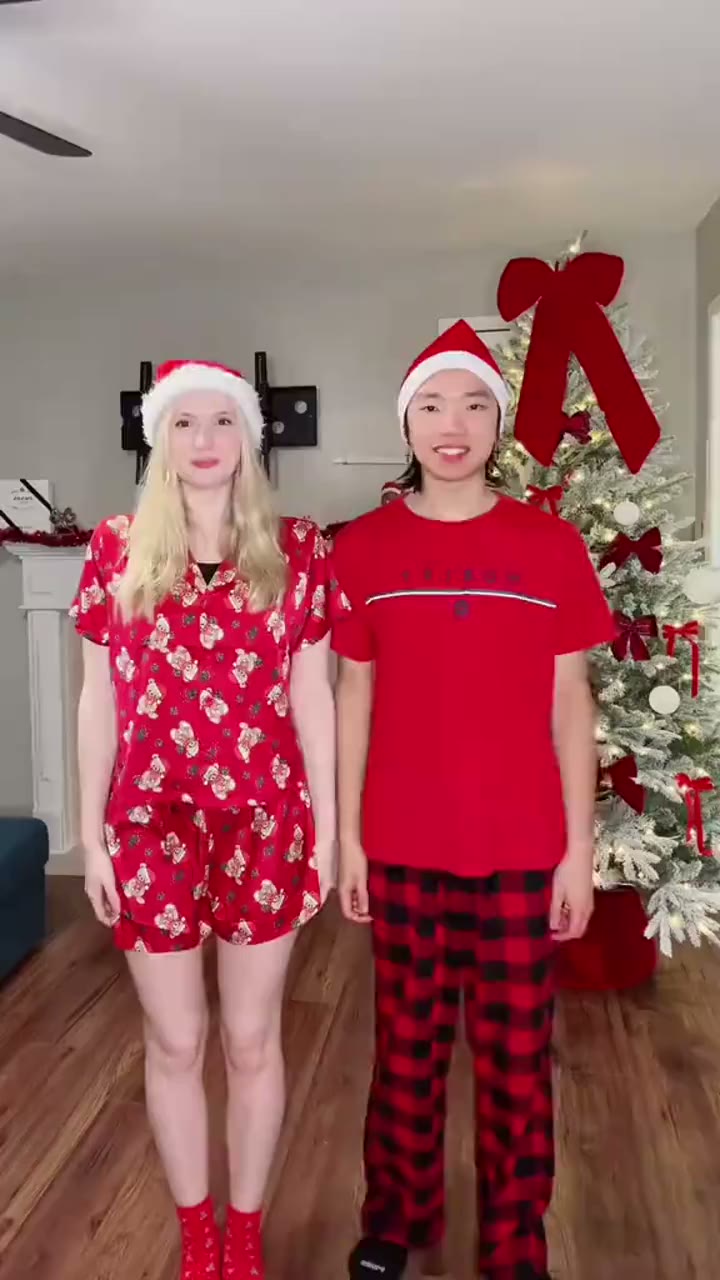
Turn one photo of two consenting adults into a Snowman Dance AI Christmas video. Preview the festive duet, select video settings and review the credit cost before generating.
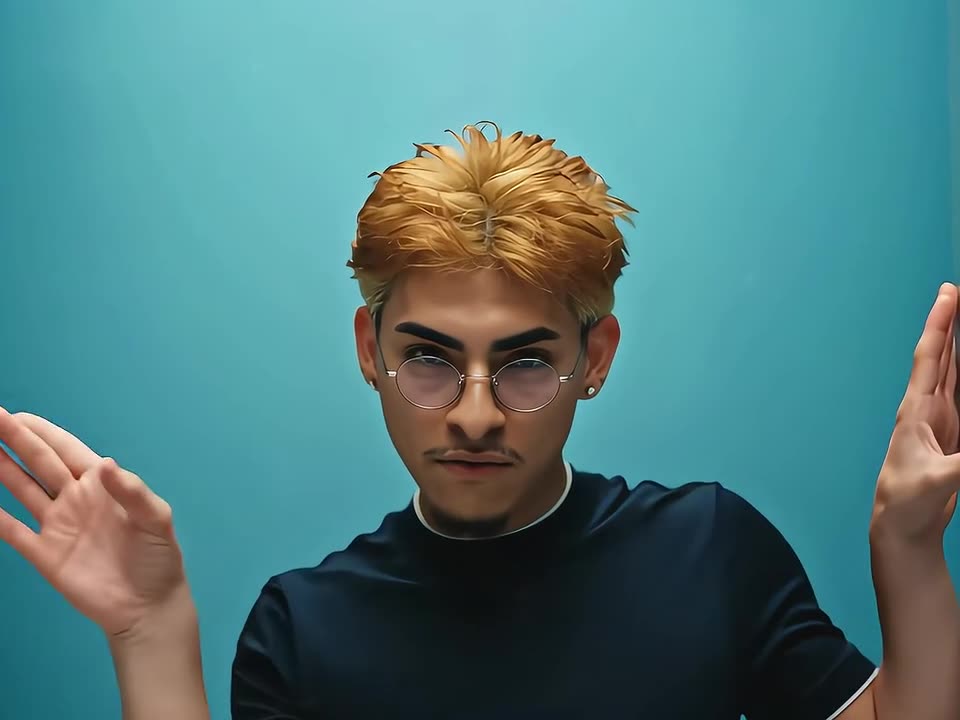
Turn one adult photo into a No Scrubs-inspired AI dance video. Preview the silver-corridor style, lead a fictional dance trio and check your credit quote before generating.