Meet the dog behind the decks
A clearly lit face and gentle head movements introduce your dog as the featured DJ.
Make a DJ Dog AI video from one dog photo. Explore the arena DJ example, choose video settings and review the credit cost before creating your dog's performance.
DJ Dog AI brings a dog's recognizable face and coat into a fictional concert booth through a written image-to-video preset. The reference shows a dog at the decks, close-up expressions and views towards the crowd. Its source page is named DJ Cat and credits @beachboymax, but the featured animal in this clip is a dog. The supplied example measures 30.05 seconds at 540×960 and retains its original audio. It is a style reference, not a PicTV customer result or a promise of matching shots.
A clearly lit face and gentle head movements introduce your dog as the featured DJ.
A wider or over-the-shoulder view reveals the booth, stage lighting and a distant fictional audience.
Small paw movements and a relaxed finish keep the performance focused on the same recognizable dog.
Follow the photo tips for this scene. Keep the lead subject visible and use only photos you own or have permission to use.
Use the generator on this page. The scene direction is included. Choose model, resolution and duration, review the credit quote, and confirm permission to use the photo.
Review the lead identity, anatomy and scene continuity in your result here. Completed videos also appear in your private works; download within the retention period.
Upload one authorized dog photo in the editor on this page. Choose supported model, resolution, duration and format options, review the server credit quote, then sign in and explicitly confirm generation. Check the task and result here or in My creations.
The supplied clip comes from the source site's DJ Cat page, but its DJ is a dog. This PicTV template is named DJ Dog AI and is intended for dog photos. It uses a new written motion preset, not a frame-by-frame reference-video swap.
The 30.05-second reference keeps its original soundtrack. New outputs follow PicTV's selected supported settings, starting with a 5-second portrait default. New video tasks request native model audio rather than the original recording or artist voice. Exact movements, a matching song and a usable audio track are not guaranteed; the source site's fixed price and timing do not apply.
Open the original task here or in My creations to check progress or recover a delayed response. Avoid resubmitting while the submission status is unknown. Generated media is private to your account and follows PicTV's 30-day retention policy. Contact Support with the task ID for assistance.
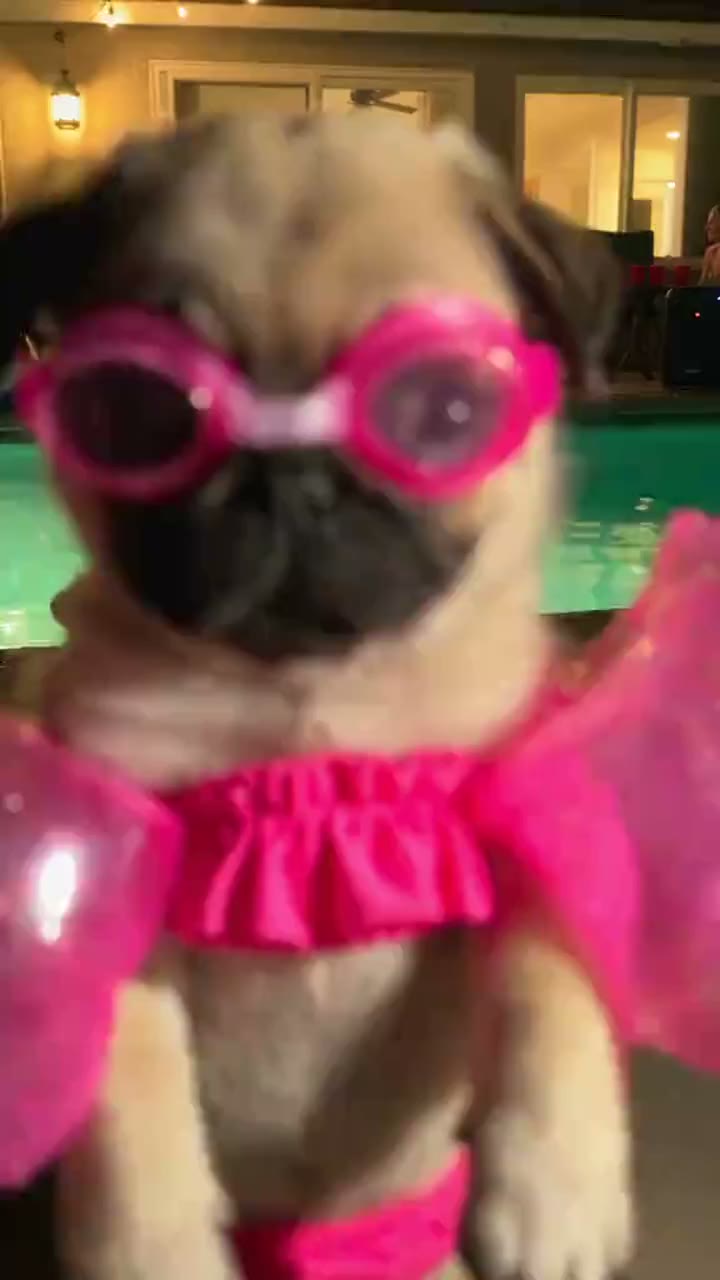
Make a Dog Pool Party AI video from one dog photo. Explore pink goggles, a glowing night pool and playful paw moves, then choose settings and review your credit quote.
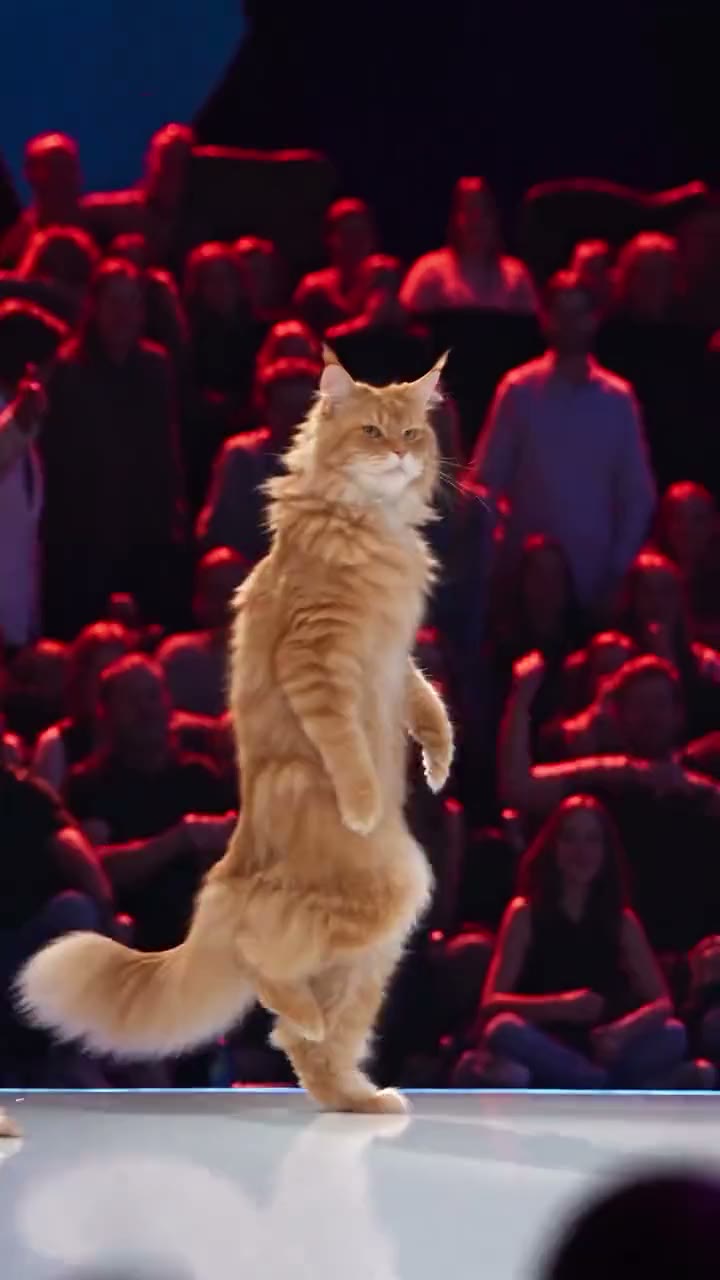
Put your cat on a concert-style stage with Cat Stage Dance AI. Upload one cat photo, preview the solo dance look and choose settings before confirming the credit quote.
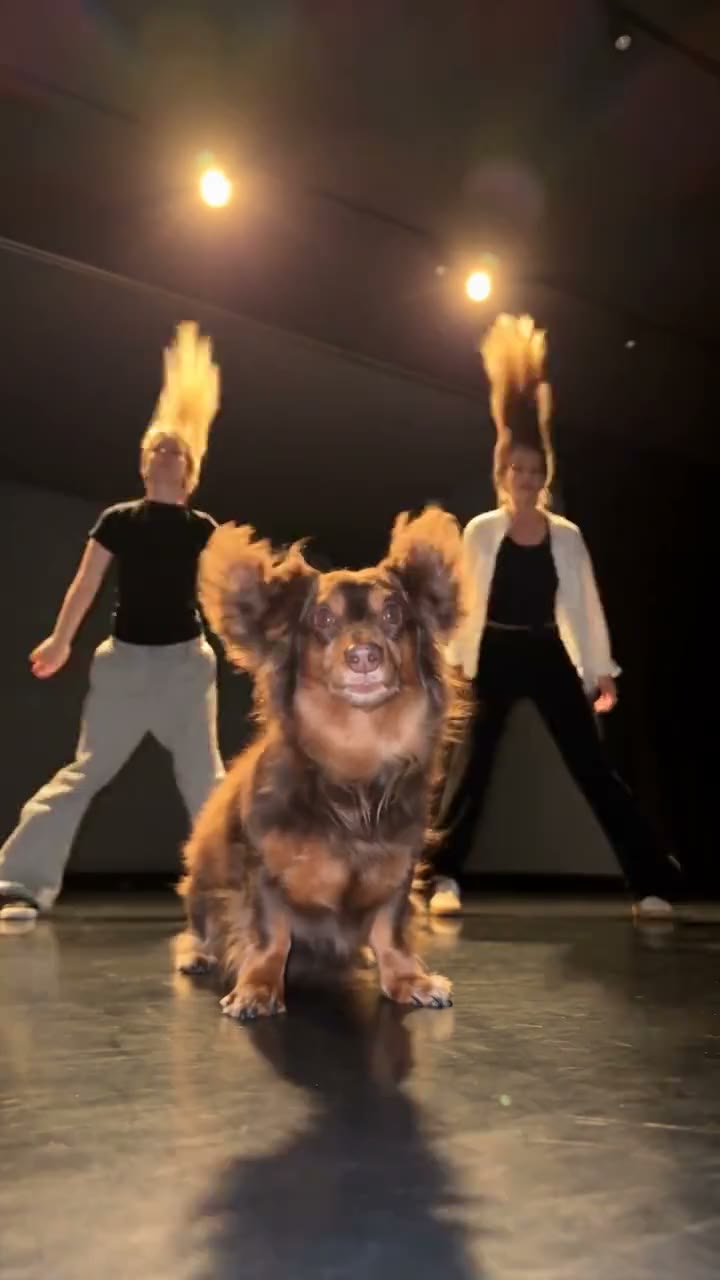
Create a Single Ladies Dog AI dance video from one dog photo. Let your pet lead two fictional backup dancers, choose video options and check the credit quote before generating.
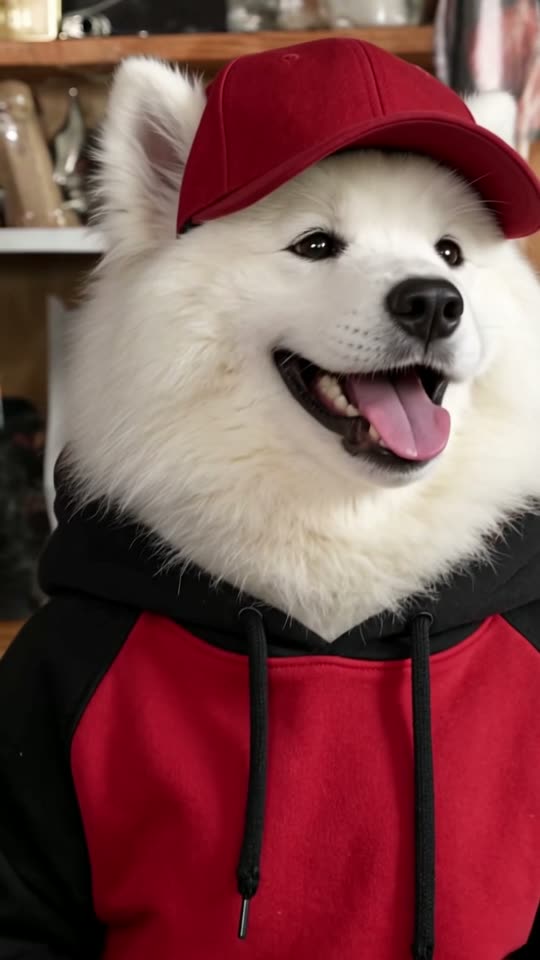
Make a Tiny Desk dog band video from one dog photo. Preview the five-dog concert, choose settings and generate a playful pet performance on PicTV.