The desk-side dog ensemble
A group view introduces the keyboard and backing dogs in the warm music room.
Make a Tiny Desk dog band video from one dog photo. Preview the five-dog concert, choose settings and generate a playful pet performance on PicTV.
This Tiny Desk variation replaces the human stage with an openly fictional dog ensemble. Headphones, a red keyboard and a happy lead close-up make it a pet performance rather than the human singer template. PicTV uses one dog photo for the lead; the other four band members are generated characters. The example shows a longer sequence, while your new video adapts to the selected 5–15-second settings. It is not an instruction to make a real animal perform.
A group view introduces the keyboard and backing dogs in the warm music room.
The lead’s recognizable face and cheerful expression become the focus.
A short band reaction brings the scene back to the whole ensemble.
Follow the photo tips for this scene. Keep the lead subject visible and use only photos you own or have permission to use.
Use the generator on this page. The scene direction is included. Choose model, resolution and duration, review the credit quote, and confirm permission to use the photo.
Review the lead identity, anatomy and scene continuity in your result here. Completed videos also appear in your private works; download within the retention period.
This PicTV version uses one dog photo for the lead. The other dogs are fictional generated characters. It does not have five independent photo slots or preserve each band member from the source example.
No. This is a separate pet-concert preset with a dog lead and fictional dog musicians. The displayed sample is about 17.7 seconds; new outputs use a supported duration up to 15 seconds and do not include the original Outstanding recording.
Yes. Use the editor here to upload your photo, select a supported model, resolution and duration, and review the server quote. Sign in and explicitly confirm the displayed credits and permissions before generation. Prices and upload options from the source website do not apply to PicTV.
The displayed sample and audio are for preview only. New tasks request native model audio, not a copied soundtrack, a performer’s voice or guaranteed lip-sync; a usable track is not guaranteed. Recover the original task in this page’s result area or My creations. Do not resubmit an unknown result. Private media is retained for 30 days.
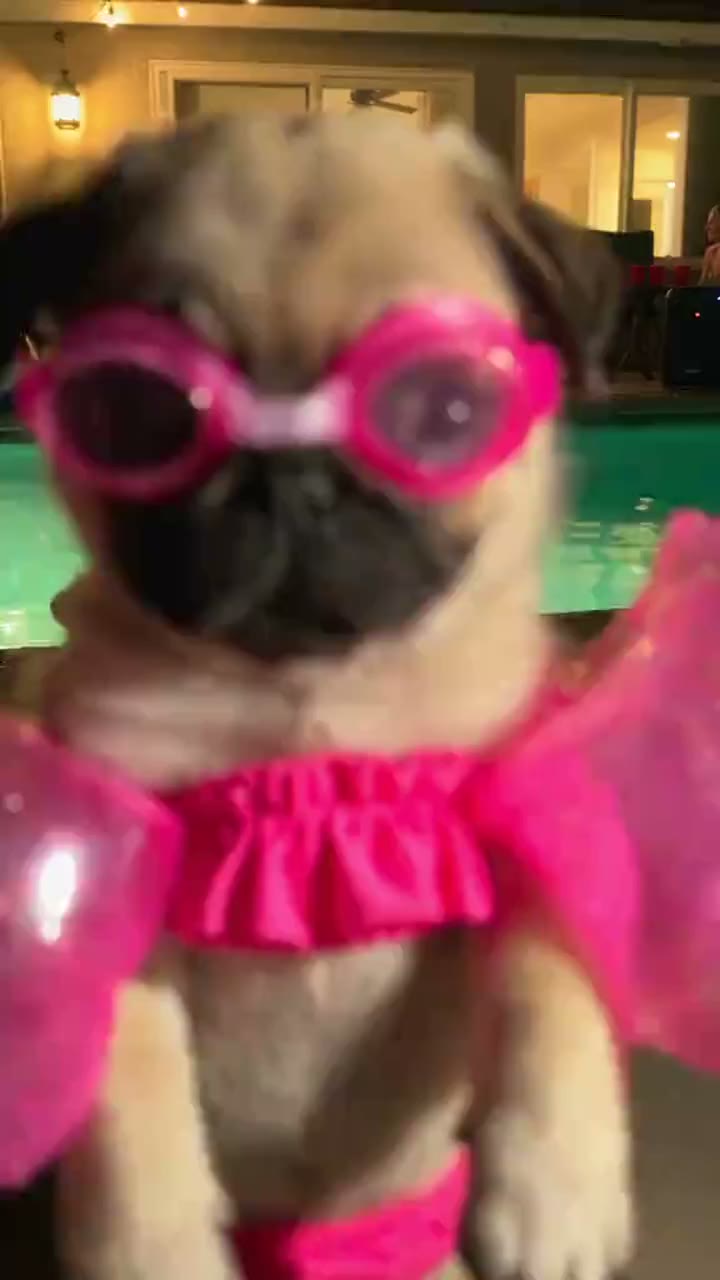
Make a Dog Pool Party AI video from one dog photo. Explore pink goggles, a glowing night pool and playful paw moves, then choose settings and review your credit quote.
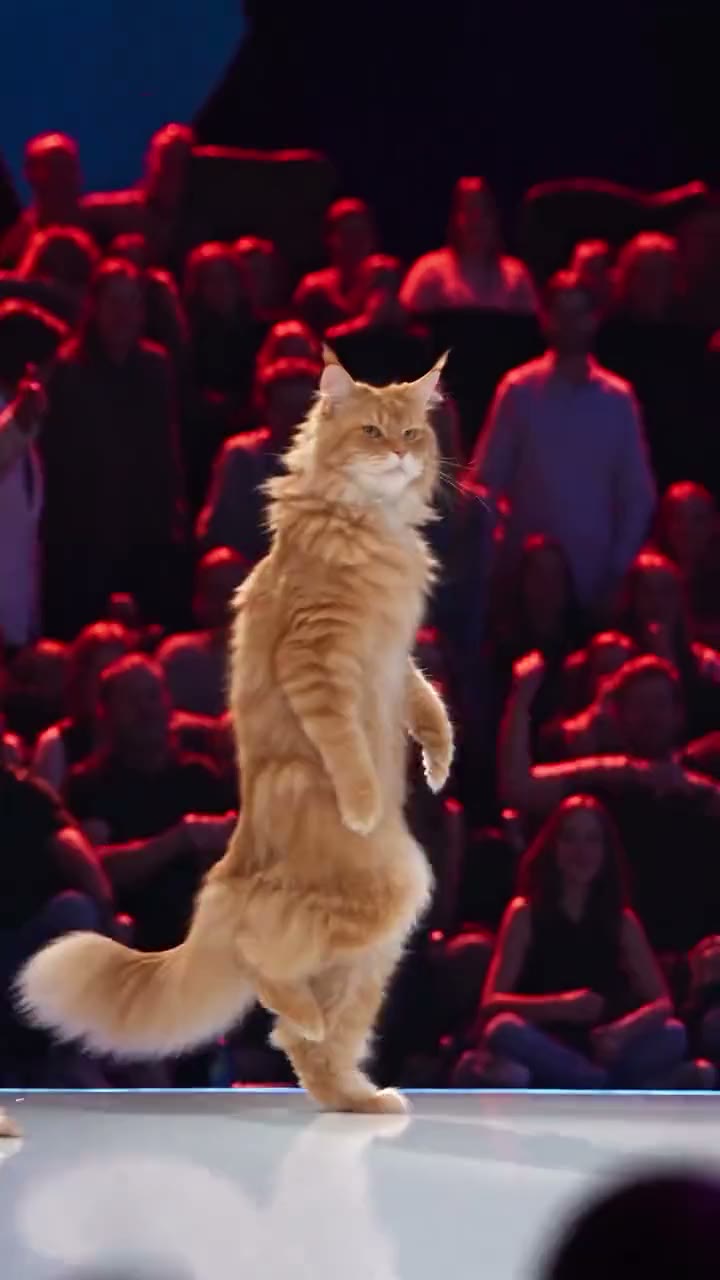
Put your cat on a concert-style stage with Cat Stage Dance AI. Upload one cat photo, preview the solo dance look and choose settings before confirming the credit quote.
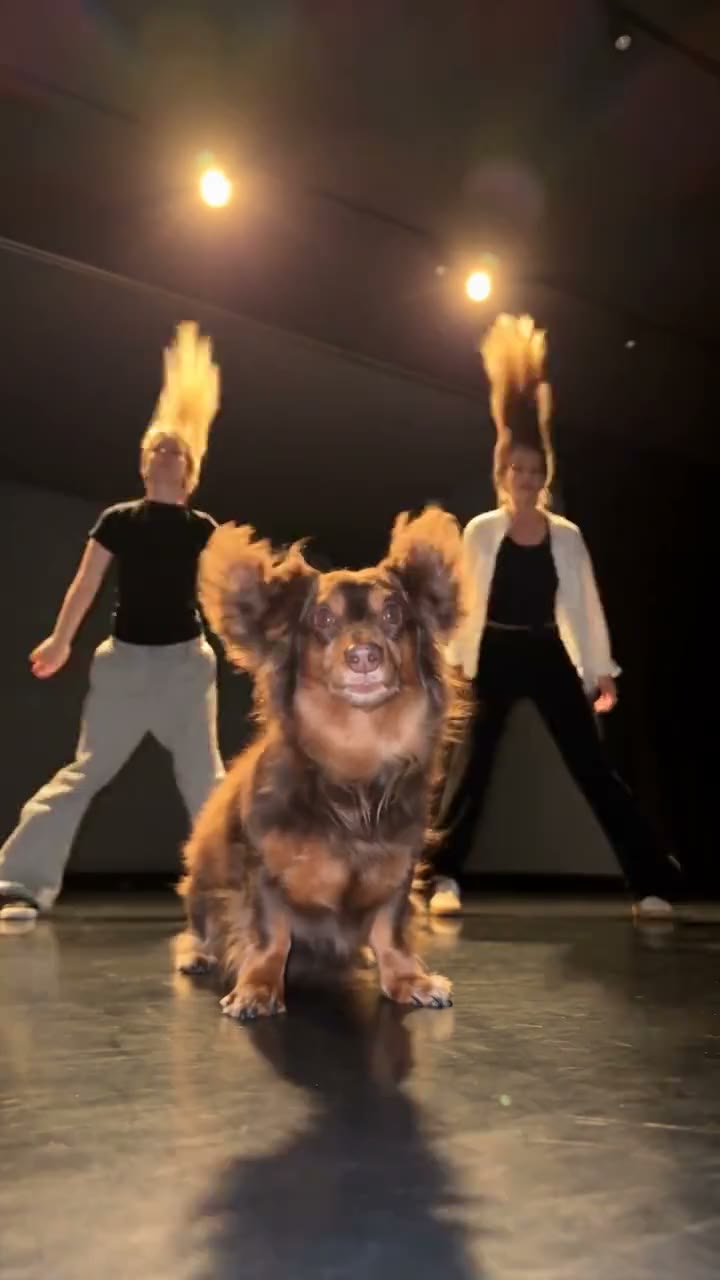
Create a Single Ladies Dog AI dance video from one dog photo. Let your pet lead two fictional backup dancers, choose video options and check the credit quote before generating.
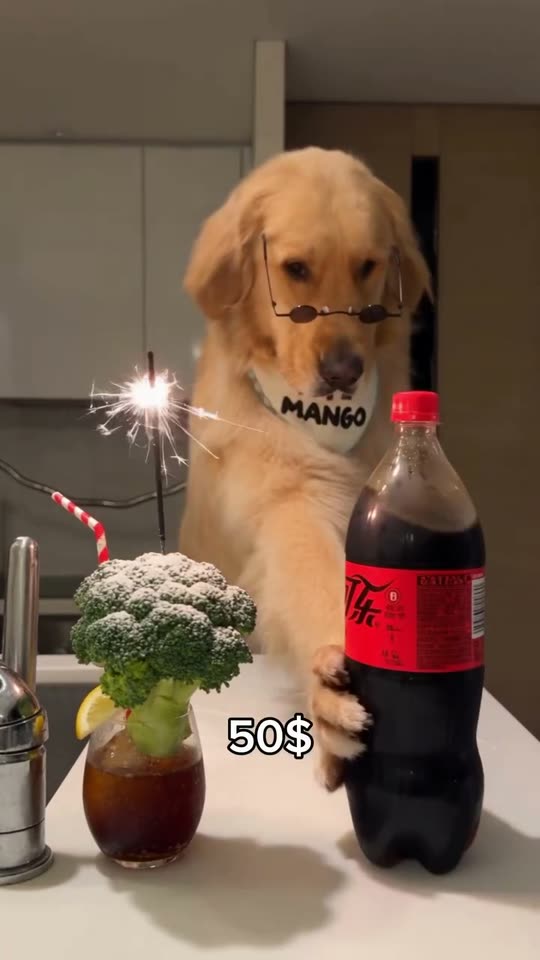
Create a dog bartender AI video from your pet photo. Watch the comedy scene, upload one dog photo, choose quality and length, and see the credits before generating.