Take the front of the studio
The dog is clearly visible in front of two separate adult backup dancers.
Create a Single Ladies Dog AI dance video from one dog photo. Let your pet lead two fictional backup dancers, choose video options and check the credit quote before generating.
The sample shows a dog in front of two human dancers on a dark studio floor. This preset builds a fresh scene around your pet’s photo, using gentle paw gestures and simple coordinated backup movement. It does not reproduce the original song, a celebrity’s likeness or a guaranteed routine, and the supporting dancers are not identities taken from your upload.
The dog is clearly visible in front of two separate adult backup dancers.
Small paw waves and a side step lead loosely coordinated gestures from the background dancers.
A brief turn and confident forward-facing pose close the scene under warm studio light.
Follow the photo tips for this scene. Keep the lead subject visible and use only photos you own or have permission to use.
Use the generator on this page. The scene direction is included. Choose model, resolution and duration, review the credit quote, and confirm permission to use the photo.
Review the lead identity, anatomy and scene continuity in your result here. Completed videos also appear in your private works; download within the retention period.
Use the editor on this page and upload one authorized dog photo. Select supported video settings, review the server credit quote, then sign in and explicitly confirm before submitting. Check the result here or in My creations.
No. New PicTV video tasks request native model audio, not the original song, recording or artist voice. A usable audio track, exact choreography, framing and identity details are not guaranteed. The supplied sample retains its original soundtrack for preview; this template is not an official artist collaboration.
The reference is 12 seconds at 720×1280 (9:16). The existing editor starts at a 5-second portrait setting and offers supported model, resolution, duration and format options. Check the current credit quote before confirming. The example is not sent as a motion-reference video; output timing can differ.
Return to the same task here or in My creations to check progress or recover a delayed response. Do not blindly resubmit an unknown task. Your generated media is private to your account and follows PicTV’s 30-day retention policy. Contact Support with the task ID if you need help.
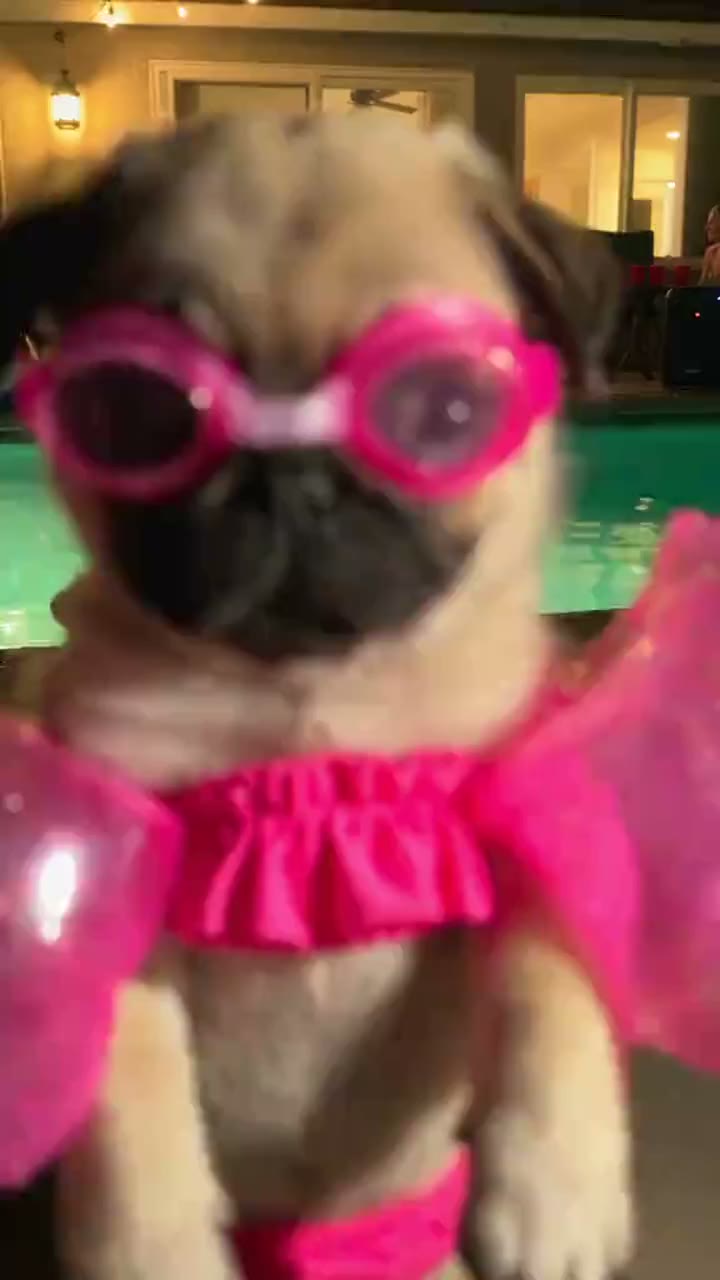
Make a Dog Pool Party AI video from one dog photo. Explore pink goggles, a glowing night pool and playful paw moves, then choose settings and review your credit quote.
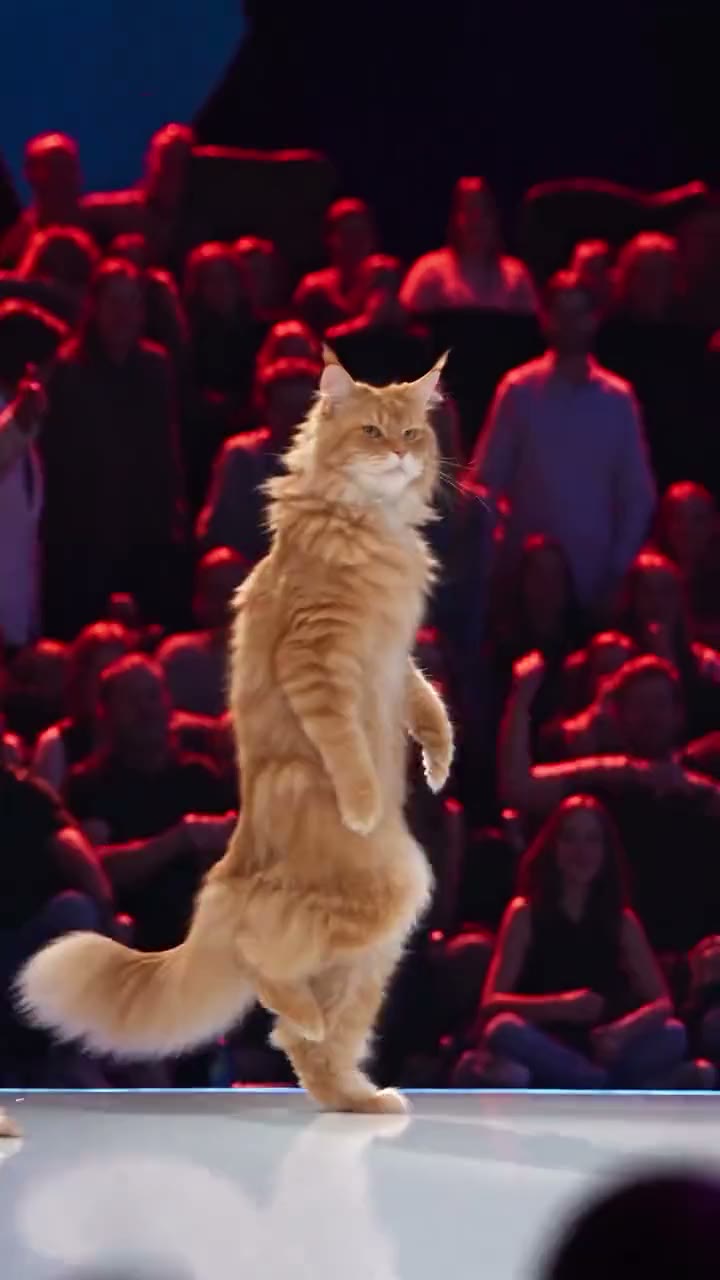
Put your cat on a concert-style stage with Cat Stage Dance AI. Upload one cat photo, preview the solo dance look and choose settings before confirming the credit quote.
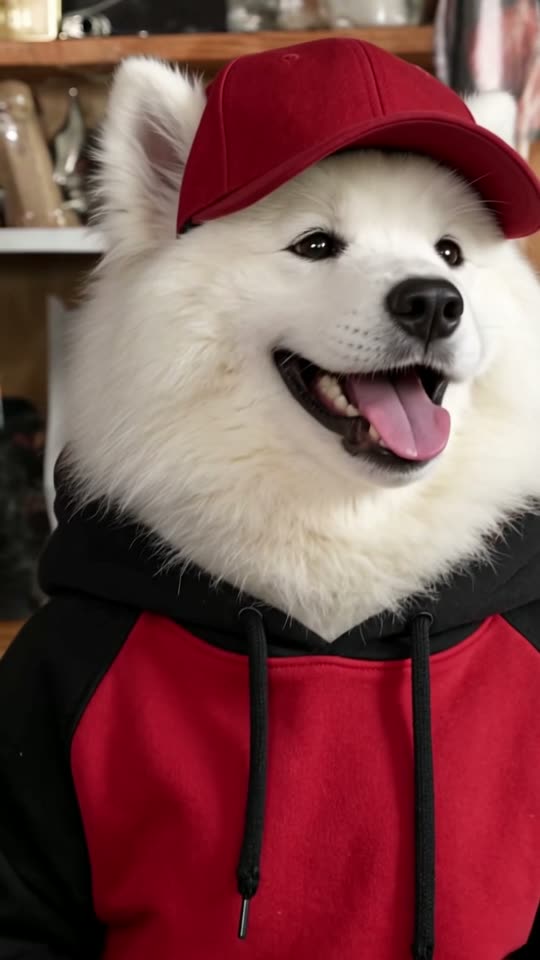
Make a Tiny Desk dog band video from one dog photo. Preview the five-dog concert, choose settings and generate a playful pet performance on PicTV.
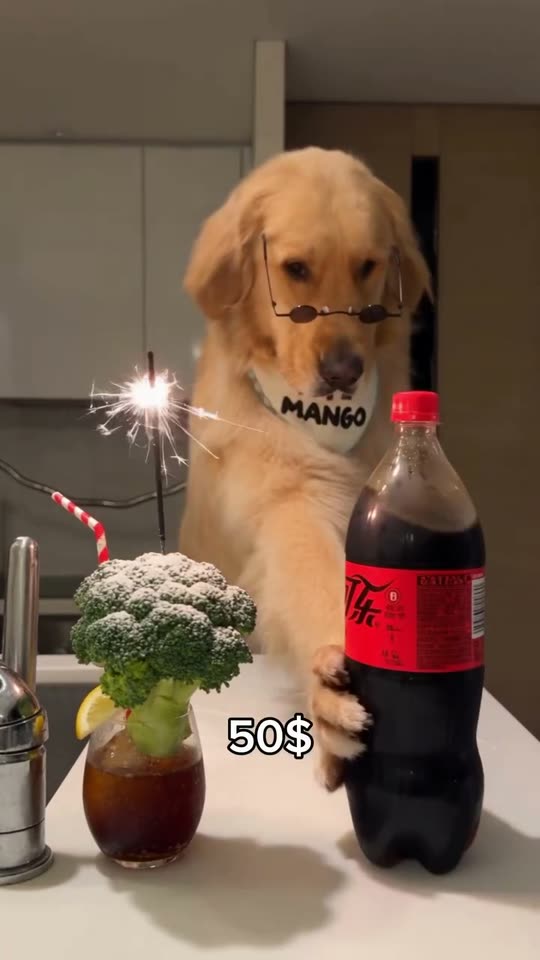
Create a dog bartender AI video from your pet photo. Watch the comedy scene, upload one dog photo, choose quality and length, and see the credits before generating.