Meet the dog at the piano
A comfortably supported pet and a plain black piano establish the fictional concert setting.
Create a Dog Bohemian Rhapsody AI inspired piano video from one dog photo. Watch the concert reference, choose video settings and check the credit cost before generating.
Dog Bohemian Rhapsody AI is a concert-piano style preset for your own dog. The source page credits the Corgi the Queen reference to @ozzyocorgi. PicTV uses a newly written image-to-video direction with your dog’s own face and coat, not a frame-by-frame video swap. The sample is not a PicTV customer result, an official Queen collaboration or a promise to recreate a particular recording. The web example measures 29 seconds at 720×720, with its supplied audio retained. Only the original file’s constant black padding was removed for this web copy; the original reference remains archived.
A comfortably supported pet and a plain black piano establish the fictional concert setting.
A slow camera push follows a gentle musical pose, then a look into the lens.
A slight side angle reveals the piano and microphone while keeping the same dog recognizable.
Follow the photo tips for this scene. Keep the lead subject visible and use only photos you own or have permission to use.
Use the generator on this page. The scene direction is included. Choose model, resolution and duration, review the credit quote, and confirm permission to use the photo.
Review the lead identity, anatomy and scene continuity in your result here. Completed videos also appear in your private works; download within the retention period.
Use the editor on this page to add the required photo. Choose a supported model, resolution and duration, review the server credit quote, then sign in and explicitly confirm generation. Check the task and private result here or in My creations.
Your own dog remains the lead, with its own breed, face and coat. The piano scene is guided by a new written motion preset; it does not reuse the reference dog’s frames or guarantee an identical performance.
The displayed reference retains its supplied audio. New videos request native model audio rather than Bohemian Rhapsody or a Queen recording, copied lyrics or an artist’s voice. Outputs use the selected supported settings, starting at 5 seconds in 9:16 format. The reference duration is not an output promise; exact moves, lip-sync and a usable audio track are not guaranteed.
Check the original task on this page or in My creations. Do not resubmit while submission status is unknown. Generated media is private to your account and follows PicTV’s 30-day retention policy. Contact Support with the task ID if you need help. The source site’s prices and render-time promises do not apply.
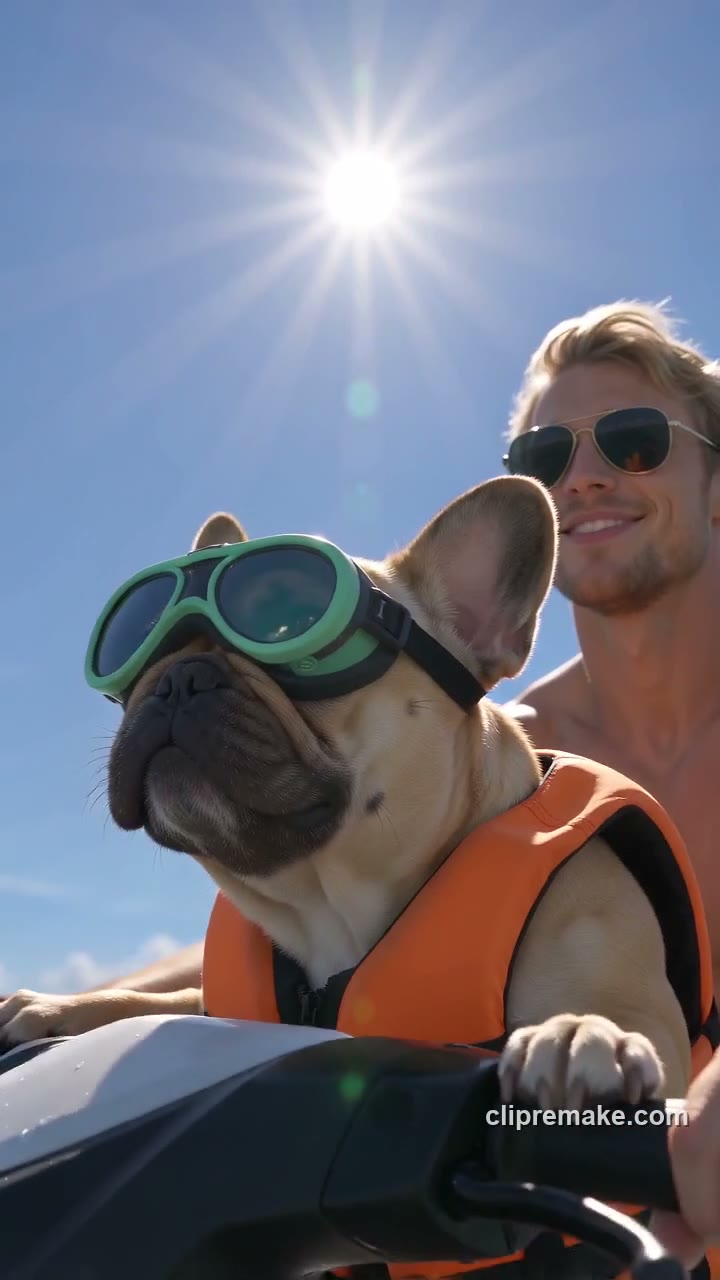
Create a GTA 6 Jet Ski Dog AI style video from one pet photo. Watch the rescue example, choose supported video settings and review the credit quote before generating.
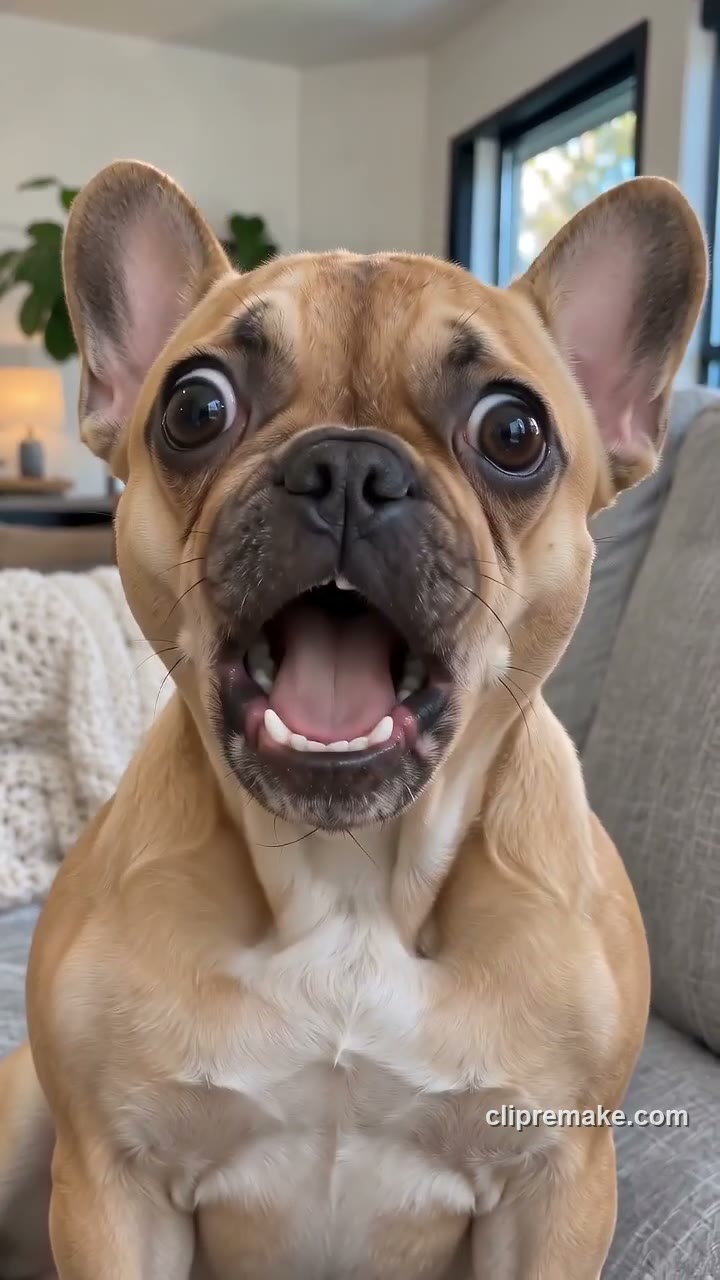
Make an Oh My Carne Asada AI inspired pet video from one photo. Explore the expressive dog example, select video settings and check the credit cost before generating.
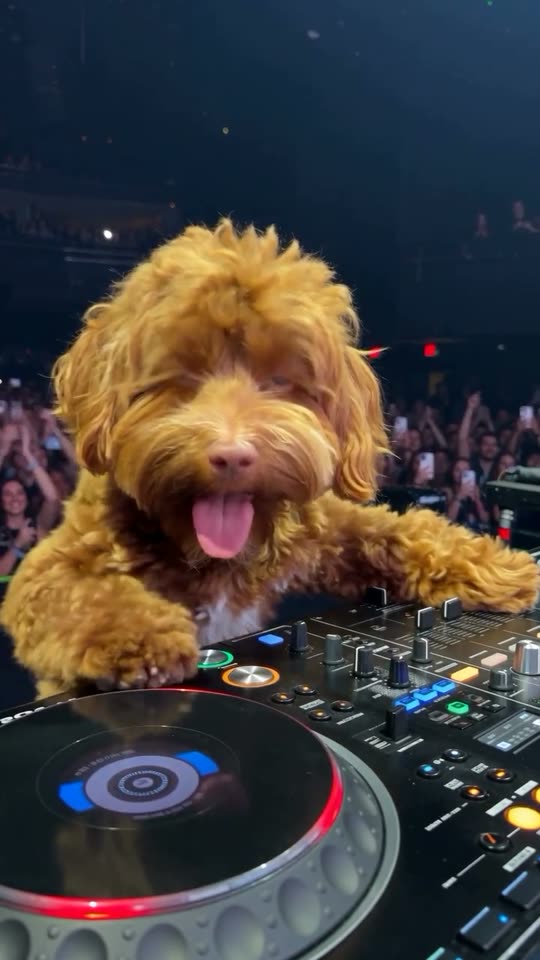
Make a DJ Dog AI video from one dog photo. Explore the arena DJ example, choose video settings and review the credit cost before creating your dog's performance.
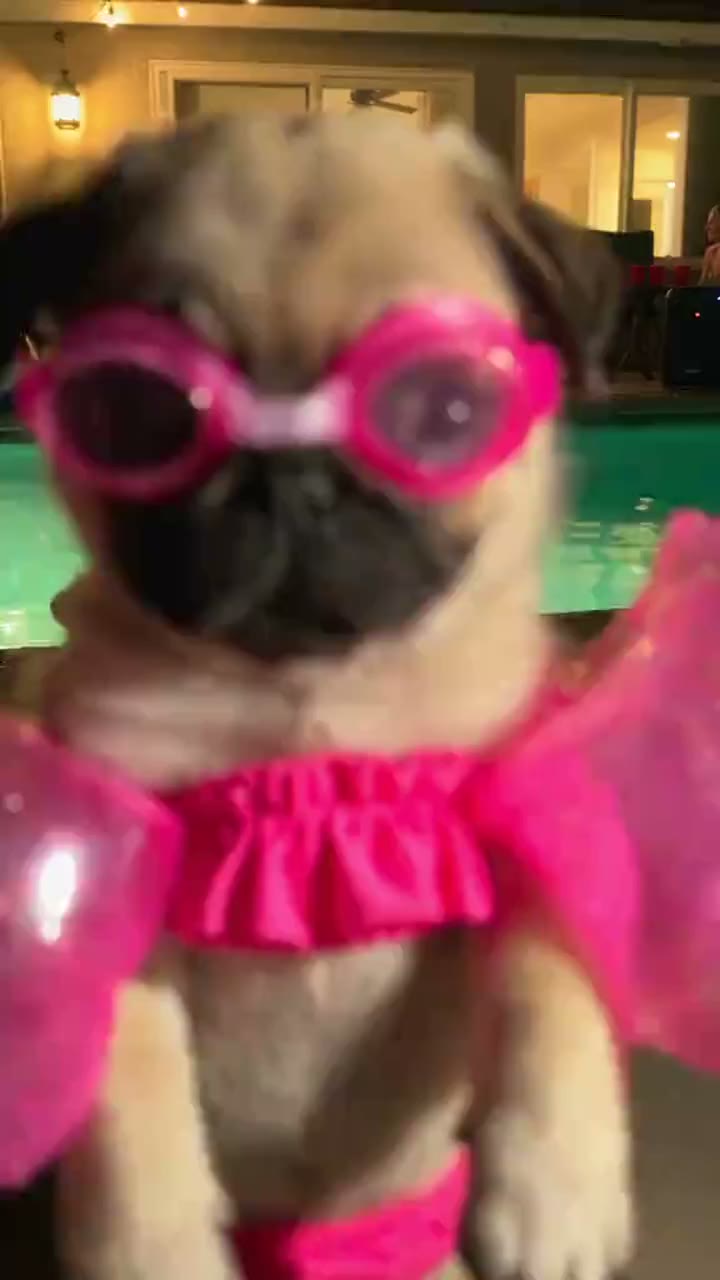
Make a Dog Pool Party AI video from one dog photo. Explore pink goggles, a glowing night pool and playful paw moves, then choose settings and review your credit quote.