Lead the introduction
The left dancer opens with a brief hold-up gesture while the partner waits for the cue.
Make an I Need a Girl Dance-inspired duo video from one photo of two adults. Preview the night-time dance, choose video settings and generate on this page.
The contrast between a short solo introduction and the shared groove makes this duo format work. The example shows two foreground dancers, relaxed hand gestures and small steps in a night-time outdoor setting. PicTV uses one authorized group photo and a written image-to-video preset to suggest that structure. The example is for viewing, not an uploaded motion reference; the model creates a new interpretation rather than transferring the recording frame for frame.
The left dancer opens with a brief hold-up gesture while the partner waits for the cue.
The right dancer gives a clear response, keeping the two roles easy to follow.
Both move into relaxed knee bounces and arm swings, staying side by side.
Follow the photo tips for this scene. Keep the lead subject visible and use only photos you own or have permission to use.
Use the generator on this page. The scene direction is included. Choose model, resolution and duration, review the credit quote, and confirm permission to use the photo.
Review the lead identity, anatomy and scene continuity in your result here. Completed videos also appear in your private works; download within the retention period.
On PicTV, use one group photo containing two consenting adults. Their left-right positions define the two roles. This page does not accept two separate portrait uploads.
The reference clip is about 18 seconds. Your new video uses the duration you select from the available 5–15-second settings. The preset adapts the introduction and shared dance; it does not promise the exact original choreography.
Yes. Use the editor on this page to upload the photo, select an available model, resolution and duration, and review the server quote. Generation starts only after you sign in and explicitly confirm the displayed credits and photo permissions.
New tasks request native model audio, not the original recording or an artist voice. Audio and exact beat matching are not guaranteed. Find your original task in this page’s result panel or My creations; private media is retained for 30 days. Add a licensed track in your posting app if needed.
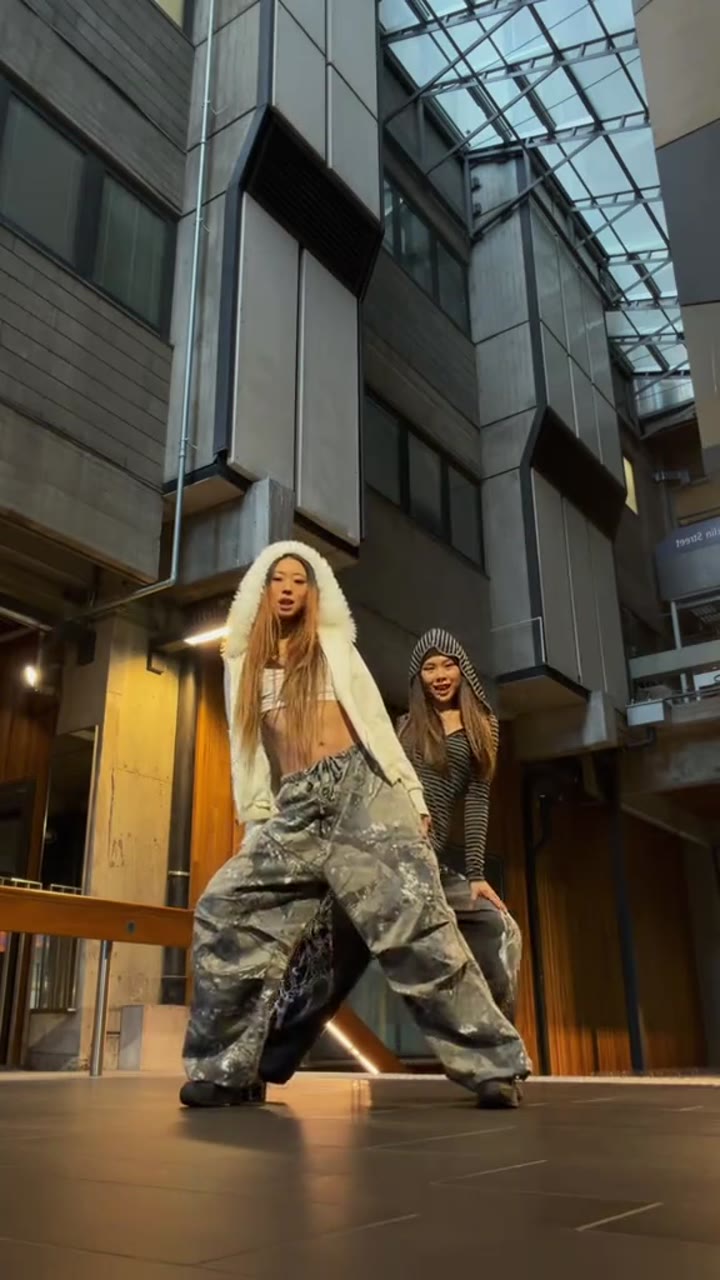
Make an A2O LITE NEON-inspired dance video from one two-adult group photo. Watch the atrium duet, upload your photo and choose model, duration and credits.
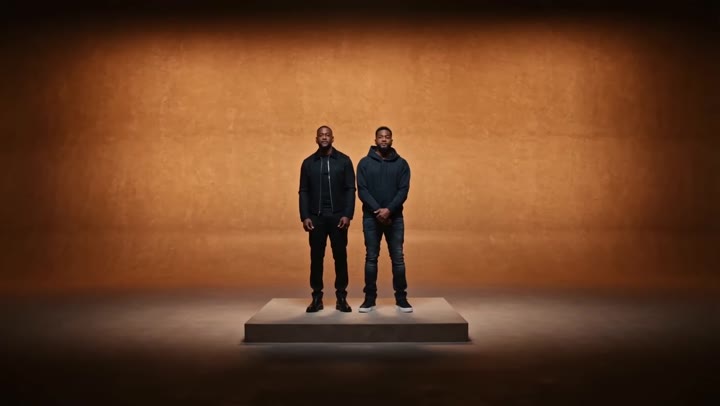
Create a Migos-style AI rap-duo video from one photo of two consenting adults. Watch the warm studio performance and generate your own version on this page.
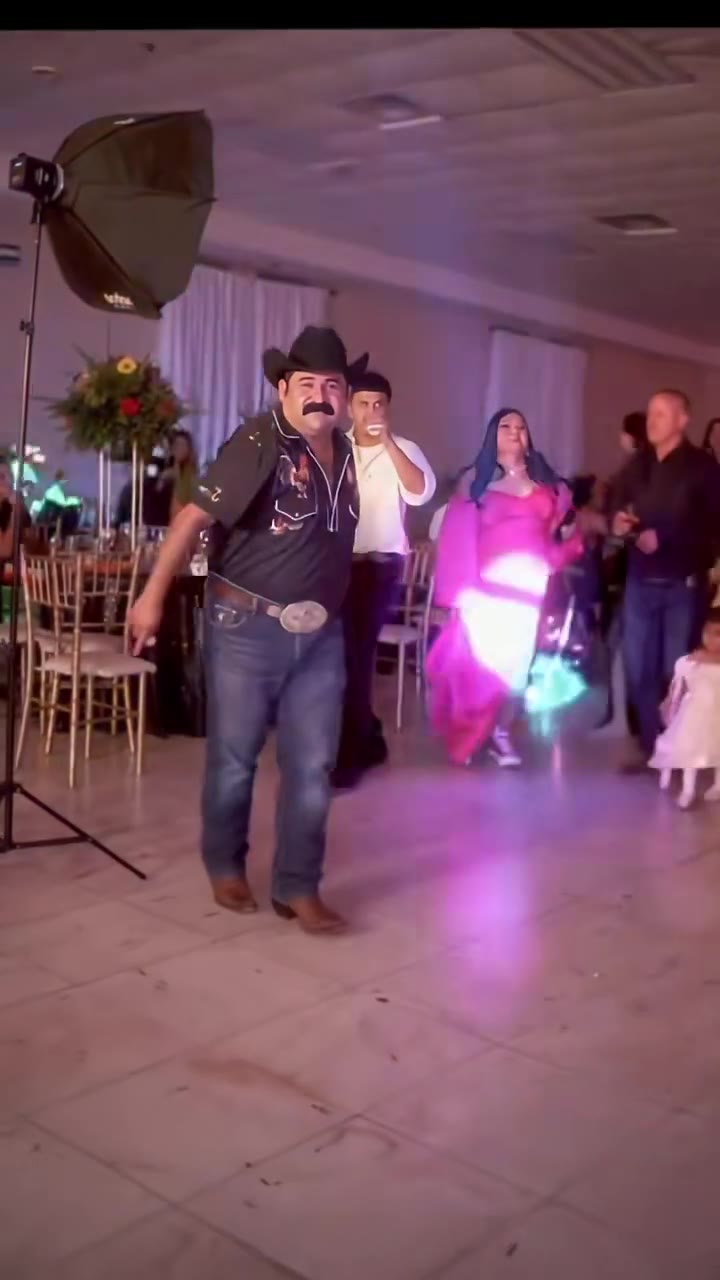
Make a Dime Dime Baby AI party-walk video from one adult photo. Watch the confident entrance and turn, then upload your photo and generate your own version.
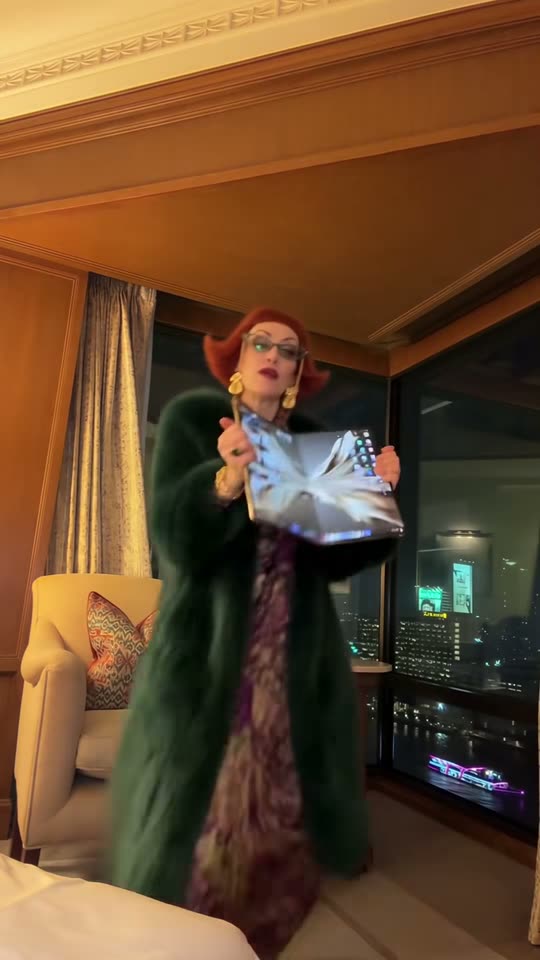
Create an iPhone Kupi Dance AI video from one adult photo. Watch the hotel-room dance, upload your portrait and choose model, length and credits on this page.